
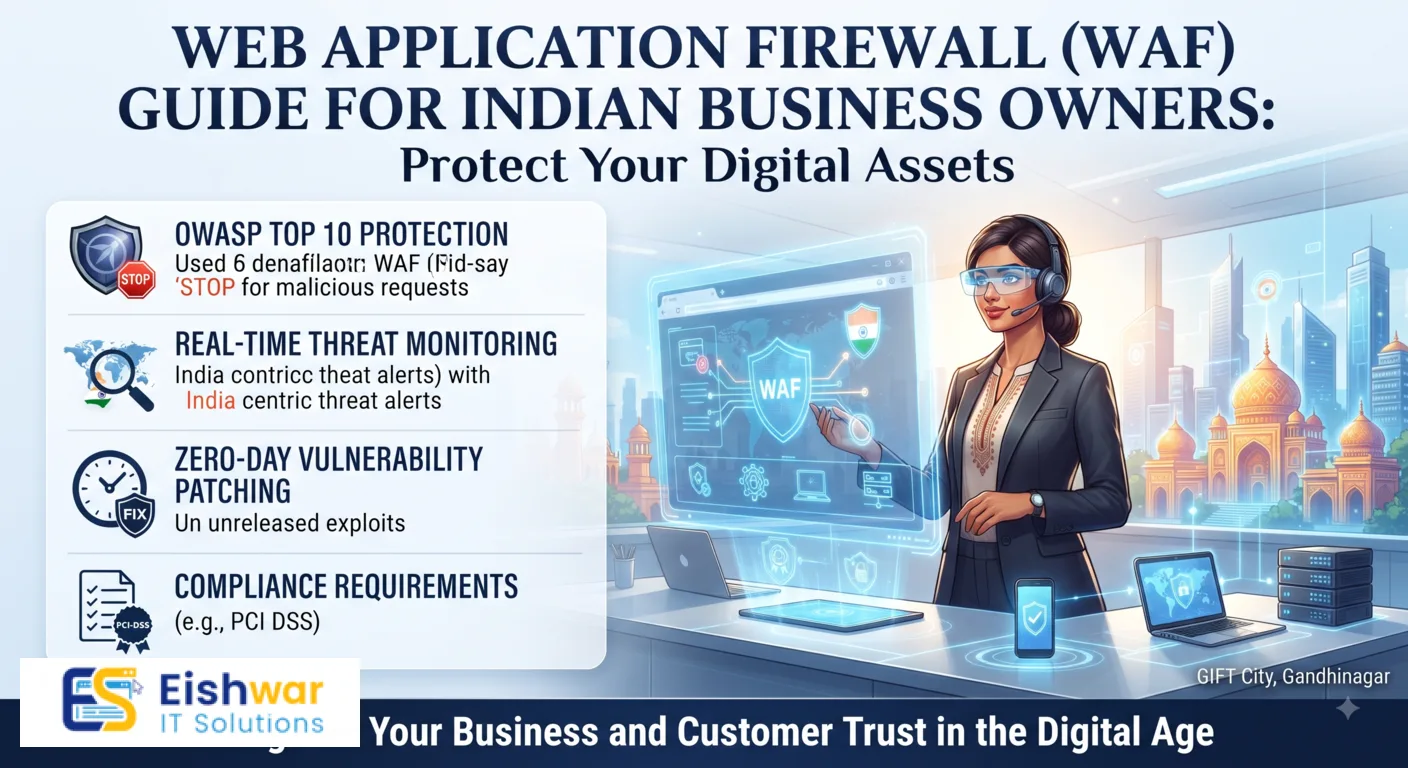
Web Application Firewall (WAF) Guide for Indian Business Owners
Published on: 18 Jul 2026
Web Application Firewall (WAF) Guide for Indian Business Owners
Introduction
Your website is the digital storefront of your business. In today's threat landscape, cyberattacks are not a matter of 'if' but 'when'. For Indian business owners, the risks are real—from data breaches that expose customer information to DDoS attacks that take your site offline. A Web Application Firewall (WAF) is one of the most effective tools to protect your website from these threats. In this guide, we'll break down what a WAF is, why it matters, and how you can implement one for your business.
Learn more about our Website services
Consider this: a small e-commerce store in Mumbai recently suffered a SQL injection attack that leaked over 10,000 customer records, including Aadhaar numbers and payment details. The aftermath included legal notices from CERT-In, a fine under the IT Act, and a permanent loss of customer trust. A WAF could have blocked that attack automatically. This guide is designed to help you avoid such scenarios by providing practical, actionable advice tailored to the Indian business environment.
Main Section 1: What is a Web Application Firewall (WAF)?
A Web Application Firewall sits between your website and the internet, filtering incoming traffic to block malicious requests. Think of it as a bouncer at a club—it checks every visitor's ID (IP address, request patterns) and denies entry to anyone with a bad reputation or suspicious behavior.
WAFs protect against common attacks like SQL injection, cross-site scripting (XSS), and cross-site request forgery (CSRF). They can be deployed as hardware, software, or cloud-based services. For most small and medium businesses, cloud-based WAFs are the most practical choice because they require no maintenance and scale automatically.
Let's break down how a WAF works in practice. When a user visits your website, the WAF intercepts the HTTP/HTTPS request. It analyzes the request headers, parameters, and payload against a set of rules—often based on the OWASP Top 10 vulnerabilities. If the request matches a malicious pattern, it is blocked before reaching your server. For example, a request containing SELECT * FROM users in a URL parameter would be flagged as a SQL injection attempt and dropped. Modern WAFs also use threat intelligence feeds to block known malicious IP addresses, such as those associated with botnets or previous attacks.
Cloud-based WAFs, like those offered by Cloudflare, Sucuri, or AWS WAF, are particularly popular because they require no hardware maintenance. You simply configure your DNS to point to the WAF provider, and traffic is filtered at the edge of their global network. This also provides performance benefits through caching and content delivery network (CDN) features.
Main Section 2: Why Indian Businesses Need a WAF
India has seen a surge in cyberattacks targeting websites. According to a 2023 report by the Indian Computer Emergency Response Team (CERT-In), over 13 lakh cybersecurity incidents were reported, many involving web application vulnerabilities. Indian businesses often handle sensitive data like Aadhaar numbers, bank details, and payment information. A breach can lead to legal penalties, loss of customer trust, and significant financial damage.
Moreover, many Indian businesses use content management systems (CMS) like WordPress, which are frequent targets for automated attacks. A WAF adds an extra layer of security without requiring you to become a cybersecurity expert.
👉 Don't wait for the perfect moment; turn your vision into reality today.
Free ConsultationTo put this in perspective, consider the regulatory landscape. Under the Information Technology Act, 2000, and the upcoming Digital Personal Data Protection Act, businesses are required to implement reasonable security practices to protect personal data. Failure to do so can result in penalties of up to ₹5 crore or more. A WAF is often considered a baseline security measure by regulators. For example, if you process payments online, the Reserve Bank of India's guidelines on payment security recommend using a WAF to protect against web-based attacks.
Additionally, Indian businesses are increasingly targeted by cybercriminals due to the rapid digitization of services. A 2024 study by a leading cybersecurity firm found that Indian websites face an average of 2,000 malicious attacks per month. Common attack vectors include credential stuffing (using stolen usernames and passwords from other breaches), automated bots scraping content, and distributed denial-of-service (DDoS) attacks that can cripple a small business's online operations. A WAF can mitigate these threats by rate-limiting requests, blocking known bot IPs, and absorbing DDoS traffic.
Main Section 3: How to Choose and Implement a WAF
When selecting a WAF, consider these factors:
- Ease of setup: Look for a service that integrates with your existing hosting or CDN provider.
- Custom rules: The ability to create custom rules for your specific application needs.
- Performance impact: A good WAF should not slow down your website.
- Cost: Many affordable options exist for small businesses, such as Cloudflare, Sucuri, or AWS WAF.
Implementation typically involves updating your DNS settings to point to the WAF provider. Most providers offer step-by-step guides. For example, with Cloudflare, you simply change your nameservers, and within 24 hours your traffic is filtered.
Let's walk through a practical example. Suppose you run a WordPress e-commerce site on a shared hosting plan. You choose Cloudflare's free plan, which includes a basic WAF. Here's the step-by-step process:
- Sign up for a Cloudflare account and add your domain.
- Cloudflare scans your existing DNS records and imports them.
- You update your domain's nameservers at your registrar (e.g., GoDaddy, Namecheap) to the ones provided by Cloudflare.
- Within 24 hours, traffic starts flowing through Cloudflare's network. The WAF is enabled by default, blocking common attacks like SQL injection and XSS.
- You can customize security settings in the dashboard, such as setting the security level to 'High' or 'Under Attack' mode during a DDoS event.
For more advanced needs, consider a dedicated WAF like Sucuri, which offers a web application firewall specifically designed for CMS platforms. Sucuri's WAF includes virtual patching for known vulnerabilities, even if you haven't updated your CMS. This is crucial for Indian businesses that may run outdated plugins or themes due to compatibility issues.
Expert Tips
Tip 1: Always enable logging and monitoring. A WAF is only useful if you review its alerts. Set up email notifications for critical events. For example, if your WAF blocks a high volume of requests from a single IP, it could indicate an ongoing attack. Without monitoring, you might miss this.
👉 Free Website Audit
Get Free AuditTip 2: Start with a 'learning mode' if your WAF offers it. This allows the system to understand your normal traffic before blocking anything. For instance, AWS WAF has a 'count' mode that logs matched requests without blocking them. After a week, you can review the logs and create rules to block only the truly malicious traffic.
Tip 3: Combine your WAF with other security measures like regular backups, SSL certificates, and strong passwords. No single tool is a silver bullet. For example, even with a WAF, you should still update your CMS and plugins regularly. A WAF can block known exploits, but a zero-day vulnerability might slip through. Regular backups ensure you can restore your site quickly if it is compromised.
Tip 4: Test your WAF configuration periodically. Use tools like OWASP ZAP or commercial scanners to simulate attacks and verify that your WAF is blocking them. Many WAF providers offer a 'test' mode for this purpose.
Tip 5: Consider geo-blocking if your business only serves Indian customers. Blocking traffic from countries where you don't do business can reduce the attack surface significantly. For example, if you run a local restaurant in Delhi, you can block all traffic from outside India. Most WAFs allow you to create geo-blocking rules easily.
Common Mistakes
Mistake 1: Setting the WAF to 'block all' without testing. This can block legitimate users and harm your business. For example, a strict rule might block a user who accidentally types a special character in a search box. Always test in a staging environment first.
Mistake 2: Ignoring false positives. If a WAF blocks a legitimate customer, you need to whitelist that traffic. For instance, if your payment gateway's callback URL is blocked, customers won't be able to complete purchases. Regularly review WAF logs and add exceptions for known good traffic.
Mistake 3: Not updating rules. As new vulnerabilities emerge, your WAF needs regular updates to stay effective. Cloud-based WAFs usually update automatically, but if you use a self-managed solution, you must manually apply rule updates. For example, the Log4j vulnerability in 2021 required immediate rule updates to block exploitation attempts.
Mistake 4: Relying solely on a WAF for security. A WAF is a critical layer, but it is not a substitute for secure coding practices. For example, if your website has a vulnerability that allows file uploads without validation, a WAF might not block a carefully crafted attack. Always follow secure development practices.
Mistake 5: Overlooking compliance requirements. Some Indian regulations, like those from the Reserve Bank of India for payment systems, require specific WAF configurations. Failing to comply can result in fines. Consult with a security expert to ensure your WAF meets regulatory standards.
Future Trends
The future of WAFs is moving toward AI and machine learning. Next-generation WAFs can automatically learn normal traffic patterns and adapt to new threats without manual rule updates. Additionally, integration with bot management and API security will become standard. For Indian businesses, this means even more robust protection with less effort.
👉 Free Homepage Demo
Book DemoFor example, AI-powered WAFs can detect anomalies like a sudden spike in traffic from a new geographic region or unusual request patterns that don't match known attack signatures. This is particularly useful for protecting APIs, which are increasingly used by Indian businesses for mobile apps and third-party integrations. As more businesses adopt microservices and serverless architectures, WAFs will need to protect not just web pages but also API endpoints.
Another trend is the integration of WAFs with security information and event management (SIEM) systems. This allows businesses to correlate WAF logs with other security data, such as server logs and intrusion detection system alerts, for a holistic view of their security posture. For Indian businesses with dedicated IT teams, this can streamline incident response.
Finally, the rise of edge computing means that WAFs will be deployed closer to users, reducing latency and improving performance. This is especially beneficial for Indian businesses with customers in remote areas where internet connectivity is slower.
FAQs
1. What is the difference between a WAF and a firewall?
A traditional firewall protects your network at the transport layer (IP/port level), while a WAF specifically filters HTTP/HTTPS traffic to web applications, protecting against application-layer attacks. Think of a firewall as a security guard at the building entrance, checking IDs, while a WAF is a security guard inside the building, checking each visitor's behavior.
2. Is a WAF necessary for a small business website?
Yes, especially if you handle customer data or process payments. Even a small blog can be used for malicious activities like phishing if compromised. For example, a compromised WordPress blog could be used to host malware that infects visitors' computers. A WAF adds a critical layer of defense without requiring significant investment.
3. How much does a WAF cost?
Cloud-based WAFs can start as low as $20 per month (e.g., Cloudflare Pro). Some hosting providers include basic WAF features for free. For Indian businesses, costs can be as low as ₹1,500 per month for a basic plan. Enterprise-grade solutions can cost several lakhs per year, but for most small businesses, a $20–$50 per month plan is sufficient.
4. Can a WAF prevent DDoS attacks?
Yes, many WAFs include DDoS mitigation features that absorb and filter out malicious traffic before it reaches your server. For example, Cloudflare's network can absorb attacks of up to several terabits per second. However, for very large DDoS attacks, you may need a dedicated DDoS protection service in addition to your WAF.
5. Do I need technical skills to set up a WAF?
Most cloud-based WAFs are designed for non-technical users. You can set them up by following simple DNS configuration steps provided by the vendor. However, for advanced custom rules or troubleshooting, some technical knowledge is helpful. Many WAF providers offer support and documentation in multiple languages, including Hindi and regional Indian languages.
6. Will a WAF slow down my website?
A properly configured WAF should have minimal impact on performance. Cloud-based WAFs often include caching and CDN features that can actually speed up your site by serving static content from edge servers closer to your users. For example, a user in Chennai accessing a site hosted in Mumbai might experience faster load times because the WAF's CDN caches content on servers in Chennai.
7. Can a WAF protect against zero-day vulnerabilities?
While a WAF cannot prevent all zero-day attacks, it can mitigate them through virtual patching and anomaly detection. For example, when the Log4j vulnerability was disclosed, WAF providers quickly released rules to block exploitation attempts, protecting users who hadn't yet patched their systems. This is a key advantage of using a managed WAF service.
Conclusion
A Web Application Firewall is an essential component of a robust website security strategy. For Indian business owners, it offers a cost-effective way to protect against a wide range of threats without requiring deep technical expertise. By choosing the right WAF and following best practices, you can keep your website safe, maintain customer trust, and focus on growing your business.
CTA
Ready to secure your website? Contact EishwarITSolution today for a free consultation and learn how we can help you implement a WAF tailored to your business needs. Get started now.