
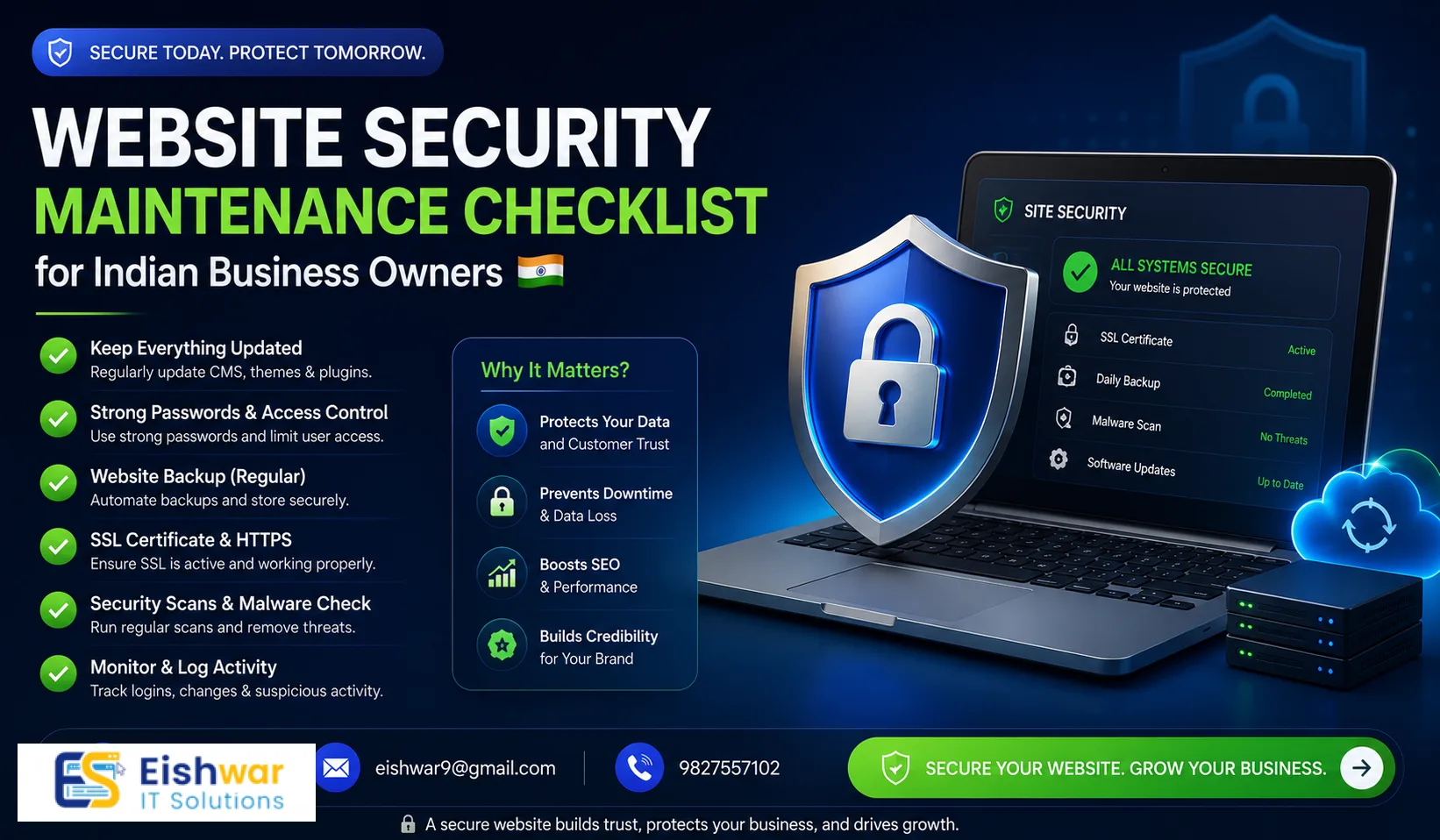
Website Security Maintenance Checklist for Indian Business Owners
Published on: 29 Jun 2026
Website Security Maintenance Checklist for Indian Business Owners
Introduction
Your website is the digital storefront of your business. For Indian business owners, maintaining website security is not just an IT task—it’s a critical business strategy. Cyber threats are on the rise, and a single breach can cost you customers, reputation, and revenue. This checklist provides a practical, actionable guide to keep your website secure and running smoothly. Whether you run a small e-commerce store in Mumbai, a service-based business in Delhi, or a startup in Bengaluru, these steps are tailored to the unique challenges of the Indian digital landscape, including compliance with evolving data protection laws and the need to build trust with a rapidly growing online audience.
Learn more about our Website services
Main Section 1: Why Regular Security Maintenance Matters
Indian businesses often underestimate the importance of ongoing website security. A hacked website can lead to data theft, blacklisting by search engines, and loss of customer trust. Regular maintenance helps you stay ahead of vulnerabilities, patch security holes, and ensure compliance with Indian data protection laws. Think of it as an insurance policy for your digital presence. For example, consider a small business in Pune that ignored software updates for six months. Hackers exploited an outdated plugin, injected malicious code, and the site was flagged by Google as unsafe. The business lost 40% of its traffic and spent weeks recovering. In contrast, a competitor who followed a monthly maintenance routine avoided such issues entirely. Regular maintenance also helps you prepare for the Digital Personal Data Protection Act, which mandates timely breach notifications and robust security measures. By staying proactive, you not only protect your data but also demonstrate responsibility to your customers, which can be a competitive advantage in India’s crowded market.
Main Section 2: Your Monthly Security Maintenance Checklist
Here’s what you should do every month to keep your website secure:
- Update all software: CMS, plugins, themes, and server software must be updated to the latest versions. For instance, if you use WordPress, enable automatic updates for minor releases, but manually review major updates on a staging site first. A practical tip: set a recurring calendar reminder for the first Monday of each month to check for updates. Many Indian hosting providers offer one-click update tools, so use them to save time.
- Run security scans: Use tools like Sucuri or Wordfence to check for malware and vulnerabilities. Schedule scans weekly or at least bi-weekly. For example, a scan might detect a suspicious file upload in your uploads folder—this could be a backdoor left by an attacker. Act immediately by quarantining the file and reviewing access logs.
- Backup your site: Store backups in multiple locations (cloud + local). Test restoration monthly. A common mistake is to assume backups work without verification. Create a test environment and restore a backup to ensure it’s functional. For Indian businesses, consider using a local cloud provider like Netmagic or AWS India regions for faster recovery and compliance with data residency requirements.
- Review user access: Remove unused accounts and change passwords regularly. For example, if you have former employees or freelancers who still have admin access, revoke it immediately. Use a password manager to generate and store strong passwords. Enforce a policy where passwords are changed every 90 days, especially for admin accounts.
- Check for broken links: Broken links can be exploited. Use a tool like Broken Link Checker. Hackers sometimes use broken links to redirect users to malicious sites. Run a monthly scan and fix any 404 errors promptly. This also improves user experience and SEO.
- Monitor uptime: Use a service like UptimeRobot to get alerts if your site goes down. Set up notifications via email or SMS. For instance, if your site is down for more than 10 minutes, investigate immediately—it could be a DDoS attack or server misconfiguration. Many Indian hosting providers offer built-in uptime monitoring, so check your control panel.
Additional monthly tasks: Review your website’s error logs for suspicious activity, such as repeated login attempts from unknown IPs. Block these IPs using your firewall or a security plugin. Also, check your SSL certificate expiry date and renew it if needed—many Indian businesses overlook this, leading to browser warnings that scare away customers.
👉 Don't wait for the perfect moment; turn your vision into reality today.
Free ConsultationMain Section 3: Quarterly and Annual Tasks
Beyond monthly checks, schedule deeper reviews:
- Quarterly: Perform a full vulnerability assessment using tools like Nessus or OpenVAS. Review firewall settings to ensure they block known attack patterns, such as SQL injection and cross-site scripting (XSS). Audit user permissions—for example, ensure that no one has unnecessary access to sensitive areas like the database or file manager. Also, review your hosting provider’s security features. Many Indian providers offer DDoS protection and malware removal as add-ons—enable them if you haven’t.
- Annual: Conduct a penetration test (pen test) either in-house or via a third-party service. This simulates real-world attacks to identify weaknesses. Update your security policy to reflect new threats and business changes. Train staff on phishing awareness—for instance, run a simulated phishing campaign to test their responses. Indian businesses are increasingly targeted by social engineering attacks, so this is crucial. Additionally, review your compliance with the Digital Personal Data Protection Act, especially if you handle customer data.
Practical example: A small e-commerce site in Jaipur conducted an annual pen test and discovered that their payment gateway integration had a vulnerability that could leak credit card details. They patched it immediately, avoiding a potential data breach that could have cost them millions in fines and lost trust.
Expert Tips
Implement a strong password policy, enable two-factor authentication (2FA) for all admin accounts, and use a web application firewall (WAF). Consider using a CDN like Cloudflare for added protection. For Indian businesses, ensure your hosting provider offers local support and data center options. For example, if your target audience is in India, choose a hosting provider with servers in Mumbai or Bengaluru to reduce latency and improve page load times. Additionally, use security headers like Content Security Policy (CSP) and HTTP Strict Transport Security (HSTS) to prevent common attacks. A practical tip: install a security plugin that automatically implements these headers, such as Wordfence or Sucuri. Also, consider using a dedicated security information and event management (SIEM) tool if your budget allows, but for most small businesses, a combination of WAF and regular scans is sufficient.
👉 Free Website Audit
Get Free AuditCommon Mistakes
- Ignoring updates: Outdated software is the top entry point for hackers. For instance, in 2023, a vulnerability in a popular WordPress plugin affected thousands of Indian websites. Those who updated within 24 hours were safe; those who delayed were compromised.
- Weak passwords: Use complex, unique passwords for every account. Avoid common passwords like 'admin123' or 'password'. Use a passphrase like 'MyBusiness@2024!Secure' instead.
- No backups: Without backups, a ransomware attack can be devastating. A dental clinic in Chennai lost all patient records due to ransomware because they had no backup. They had to pay a hefty ransom to recover data.
- Skipping scans: Regular scans catch issues before they become breaches. A real estate agency in Gurgaon ignored scans for three months and found that their site was hosting phishing pages for a banking scam. They were blacklisted by Google and lost 60% of their organic traffic.
- Overlooking employee training: Many breaches start with a phishing email. Train your team to recognize suspicious links and attachments. For example, a logistics company in Mumbai had an employee click on a malicious link, leading to a data breach that exposed customer addresses.
Future Trends
AI-driven security tools are becoming mainstream, offering real-time threat detection. For example, AI can analyze traffic patterns to identify DDoS attacks before they overwhelm your server. Zero-trust architecture is gaining traction, even for small businesses. This means never trusting any user or device by default, even if they are inside your network. Indian regulations like the Digital Personal Data Protection Act will mandate stricter security practices, such as data encryption and breach notification within 72 hours. Stay informed and adapt your checklist accordingly. Also, watch for the rise of quantum computing threats—though still years away, it’s wise to start planning for post-quantum cryptography. For now, focus on basics: regular updates, strong authentication, and employee awareness.
FAQs
- How often should I update my website software? At least once a month, or whenever a security patch is released. For critical vulnerabilities, update within 24 hours. Use a staging environment to test updates before applying them to your live site.
- What is the best backup strategy? Use the 3-2-1 rule: three copies, two different media, one offsite. For example, keep one backup on your server, one on an external hard drive, and one in the cloud. Test restoration monthly to ensure backups are not corrupted.
- Do I need a firewall for my website? Yes, a web application firewall (WAF) blocks malicious traffic before it reaches your site. Many hosting providers offer built-in WAF, or you can use a third-party service like Cloudflare or Sucuri.
- How can I check if my site has been hacked? Look for unexpected changes, slow performance, or use a security scanner like Sucuri SiteCheck. Signs include new admin accounts you didn’t create, strange redirects, or warnings from Google Search Console.
- Is SSL certificate necessary? Absolutely. SSL encrypts data between your site and visitors, boosting trust and SEO. In India, Google Chrome marks HTTP sites as 'Not Secure', which can deter customers. Use a free SSL from Let’s Encrypt or purchase one from your hosting provider.
- What should I do if my site is hacked? Immediately take your site offline, restore from a clean backup, and change all passwords. Run a full security scan to ensure no backdoors remain. Notify your hosting provider and consider reporting the breach to CERT-In if customer data is involved.
- How can I protect against DDoS attacks? Use a CDN with DDoS protection, such as Cloudflare or Akamai. Configure rate limiting on your server to block excessive requests. Many Indian hosting providers offer DDoS mitigation as part of their plans.
Conclusion
Website security is not a one-time task—it’s an ongoing commitment. By following this checklist, Indian business owners can significantly reduce the risk of cyber attacks and ensure their website remains a trusted asset. Start implementing these steps today to protect your business. Remember, the cost of prevention is far lower than the cost of a breach. With the right practices, you can build a resilient digital presence that inspires confidence in your customers and supports your growth.
👉 Free Homepage Demo
Book DemoCTA
Ready to secure your website but need expert help? Contact EishwarITSolution today for a free security audit and tailored maintenance plan. Our team specializes in protecting Indian businesses from cyber threats, offering services like vulnerability assessments, firewall configuration, and 24/7 monitoring. Your business deserves the best protection—let us help you achieve peace of mind.