
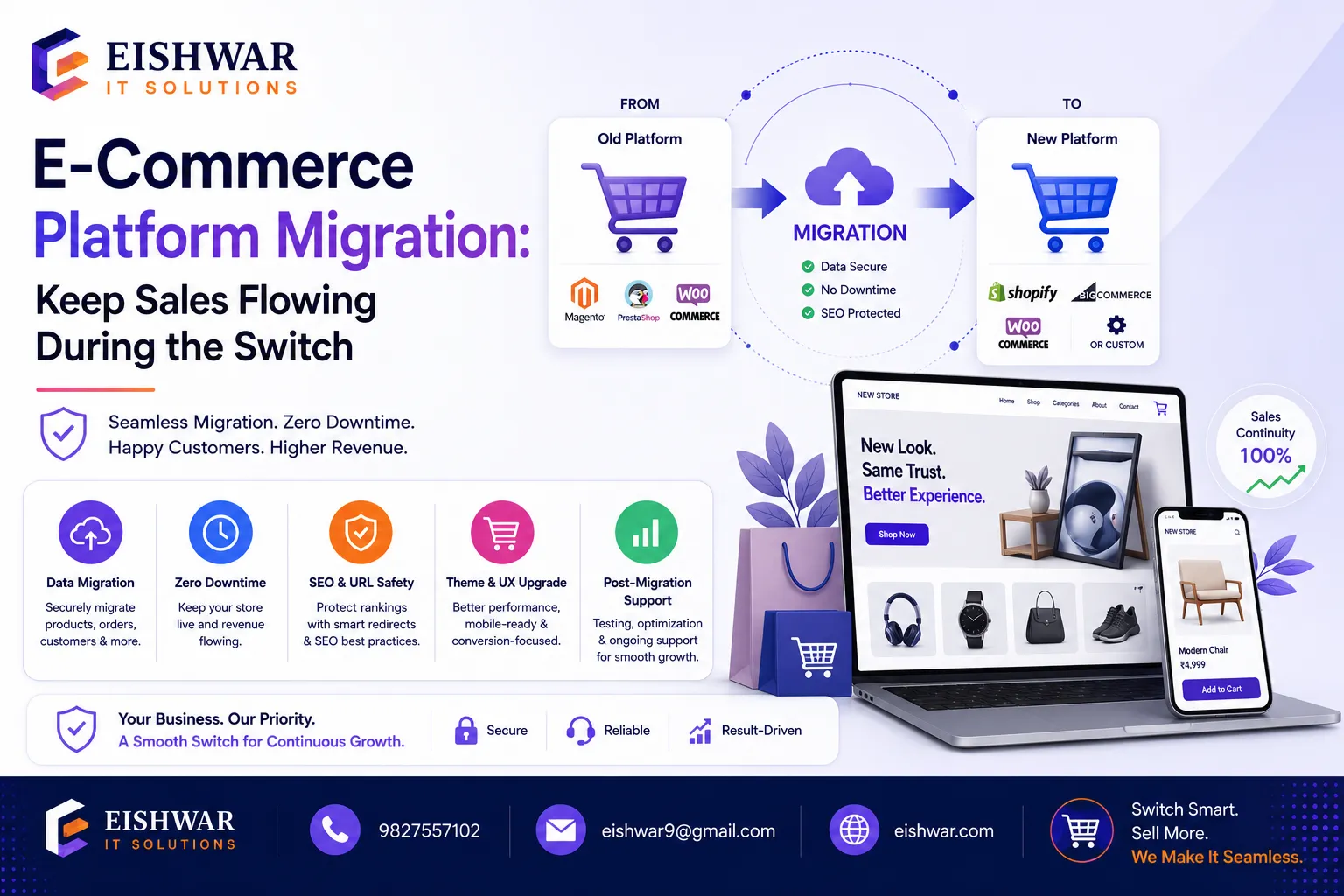
E-Commerce Platform Migration: Keep Sales Flowing During the Switch
Published on: 14 Jun 2026
E-Commerce Platform Migration: Keep Sales Flowing During the Switch
Introduction
Imagine you’re running a thriving online store in India. You’ve got a loyal customer base, a steady stream of orders, and a platform that’s served you well for years. But suddenly, your site starts slowing down, your checkout process feels clunky, or you’re paying too much for features you don’t use. It’s time for a change. Migrating to a new e-commerce platform can be the best decision you make—if you do it right. In this guide, we’ll walk you through how to migrate your store without losing a single sale. Let’s get started.
Learn more about our Website services
E-commerce platform migration is not just a technical upgrade; it’s a strategic move to future-proof your business. For Indian SMEs, the stakes are high—with over 200 million online shoppers and growing, your platform must handle traffic spikes, offer seamless mobile experiences, and integrate local payment methods like UPI, net banking, and wallets. A poorly executed migration can lead to revenue loss, customer frustration, and SEO damage. But with a structured approach, you can turn this challenge into an opportunity to boost sales, improve user experience, and scale your operations.
Main Section 1: Why Migrate? The Real Costs of Staying Put
Before we dive into the how, let’s talk about the why. Many business owners put off migration because they’re afraid of the disruption. But staying on an outdated platform can cost you more in the long run. Slow load times, security vulnerabilities, and poor mobile experiences drive customers away. For Indian SMEs, this is especially critical—your competitors are just a click away. If your site isn’t fast, secure, and easy to use, you’re losing money every day. Migration isn’t just about upgrading tech; it’s about future-proofing your revenue.
Consider this: A one-second delay in page load time can reduce conversions by 7%. For a store earning ₹10 lakh per month, that’s a loss of ₹70,000 monthly. Additionally, outdated platforms often lack compliance with India’s evolving data protection laws, exposing you to legal risks. Common signs it’s time to migrate include: frequent downtime, inability to add new features, high maintenance costs, poor mobile responsiveness, and limited scalability. For example, a Mumbai-based apparel store saw a 25% drop in repeat purchases because their old platform couldn’t handle flash sales during Diwali. After migrating to a cloud-based platform, they recovered lost revenue and grew 40% year-over-year.
Main Section 2: The Step-by-Step Migration Plan That Protects Sales
Here’s a practical roadmap that minimizes risk and keeps your sales flowing.
Step 1: Audit Your Current Store
Start by listing every product, customer, order, and piece of content you have. Note your SEO rankings, backlinks, and any custom features. This gives you a baseline to compare after migration. Use tools like Screaming Frog to crawl your site and export URLs, meta tags, and redirects. Document all integrations—payment gateways, shipping providers, email marketing tools, and analytics. For instance, a Delhi-based electronics store discovered they had 500 orphaned product pages with no redirects, which they fixed before migration to avoid 404 errors.
👉 Don't wait for the perfect moment; turn your vision into reality today.
Free ConsultationStep 2: Choose the Right New Platform
Don’t just go with the most popular option. Consider your budget, technical skills, and future needs. For Indian businesses, platforms like Shopify, WooCommerce, or Magento can work well—but each has pros and cons. Shopify offers ease of use and built-in features for Indian payments, but monthly fees can add up. WooCommerce is cost-effective and customizable but requires more technical know-how. Magento is powerful for large catalogs but demands hosting and maintenance resources. Talk to a migration expert if you’re unsure. For example, a Jaipur-based handicraft store chose WooCommerce over Shopify because they needed custom shipping rules for international orders, saving 30% on transaction fees.
Step 3: Set Up a Staging Environment
Never migrate directly on your live site. Use a staging environment to test everything—product imports, payment gateways, shipping integrations, and user experience. This is where you catch bugs without affecting real customers. Most hosting providers offer staging sites; if not, use tools like WP Staging for WordPress. Simulate real traffic using load testing tools like Loader.io to ensure your new platform can handle peak loads, such as during Big Billion Days or festive sales.
Step 4: Map Your URLs and Redirects
One of the biggest reasons sales drop during migration is broken links. Create a 301 redirect map from old URLs to new ones. This preserves your SEO juice and ensures customers land on the right pages. Use a tool like Redirection plugin (for WordPress) or a spreadsheet to map every old URL to its new counterpart. For example, if your old product URL was /product/123, redirect it to /product/red-dress. Don’t forget to update internal links and submit a new sitemap to Google Search Console. A Chennai-based bookstore lost 60% of organic traffic after migration because they skipped redirects—a mistake that took months to recover from.
Step 5: Migrate in Phases
Instead of flipping a switch, move sections one at a time. Start with products, then categories, then customer data. Monitor each phase for errors. Keep your old site live until the new one is fully tested. For instance, migrate product data first, verify pricing and images, then move customer accounts. This phased approach allows you to roll back if issues arise. A Bangalore-based furniture store used this method and identified a data mapping error in their inventory system before it affected orders.
Step 6: Test, Test, Test
Before going live, run through every customer journey: browse, add to cart, checkout, payment, and order confirmation. Test on mobile, tablet, and desktop. Use tools like Google Analytics to track any anomalies. Check all integrations: payment gateways (Razorpay, Paytm, Instamojo), shipping APIs (Delhivery, Shiprocket), and email automation (Mailchimp, Sendinblue). Test with real transactions using test mode or small amounts. For example, a Pune-based cosmetics store discovered that their UPI payment option failed on iOS devices during testing, which they fixed before launch.
Step 7: Go Live with a Soft Launch
Announce the new platform to a small segment of your audience first. Monitor performance and fix any issues. Then, fully launch with a marketing push. Send an email to your top 10% of customers with a special discount to encourage testing. Use a maintenance page with a countdown timer during the final switch. After launch, monitor analytics for 48 hours to catch any issues. A Hyderabad-based electronics store saw a 15% increase in conversions after their soft launch, thanks to early feedback on checkout flow.
👉 Free Website Audit
Get Free AuditMain Section 3: Common Pitfalls and How to Avoid Them
Even with a solid plan, things can go wrong. Here are the top mistakes to watch out for.
- Ignoring SEO: Failing to set up redirects leads to traffic loss. Always maintain your backlinks and update your sitemap. Example: A Kolkata-based fashion store lost 80% of organic traffic because they forgot to redirect old category pages.
- Data Loss: Back up everything—customer data, order history, product images. Use a reliable migration tool or hire a professional. A Mumbai-based grocery store lost 2 years of customer data due to a failed import, which damaged customer trust.
- Poor User Experience: Don’t change your design drastically. Familiarity helps customers feel comfortable. If you must redesign, keep navigation intuitive. A Delhi-based electronics store redesigned their site during migration, confusing customers and causing a 30% drop in repeat visits.
- Underestimating Downtime: Plan for a few hours of downtime during the final switch. Schedule it during low-traffic periods (e.g., late night or early morning). A Chennai-based bookstore experienced 12 hours of downtime because they didn’t test DNS propagation, losing ₹50,000 in sales.
- Not Communicating with Customers: Let your audience know about the upgrade. Send an email explaining the benefits and assuring them of a smooth transition. A Bangalore-based home decor store sent a pre-migration email with a FAQ, reducing support tickets by 40%.
Expert Tips
We asked migration specialists at EishwarITSolution for their insider advice. Here’s what they shared:
- Tip 1: Use a dedicated migration plugin or service. For example, if moving from WooCommerce to Shopify, use Cart2Cart or a similar tool to automate data transfer. This reduces manual errors and saves time.
- Tip 2: Keep your old platform running for at least 30 days after migration. This gives you a fallback option and ensures you don’t lose any orders. Set up a redirect from the old site to the new one, but keep the old backend accessible.
- Tip 3: Monitor your site’s speed post-migration. Use tools like GTmetrix or Google PageSpeed Insights. A slow site kills sales. For instance, after migration, optimize images, enable caching, and use a CDN to improve load times.
- Tip 4: Test payment gateways thoroughly. Indian customers prefer UPI, net banking, and credit/debit cards. Make sure all options work flawlessly. Test with different banks and devices to ensure compatibility.
- Tip 5: Document every step. This helps you learn for future migrations and creates a reference for your team. Use a project management tool like Trello or Asana to track tasks and deadlines.
Common Mistakes
- Mistake 1: Migrating without a backup. Always back up your entire store before starting. Use automated backup tools like UpdraftPlus for WordPress or Shopify’s export feature.
- Mistake 2: Changing your URL structure without redirects. This kills your SEO and frustrates customers. Always implement 301 redirects before going live.
- Mistake 3: Forgetting to update your sitemap and submit it to Google Search Console. This delays indexing of new pages.
- Mistake 4: Not testing on different devices and browsers. Use tools like BrowserStack to simulate various environments.
- Mistake 5: Overlooking email and marketing automation integrations. Test email triggers (welcome series, abandoned cart) to ensure they work post-migration.
Future Trends
E-commerce platform migration is evolving. Here’s what to watch for in the next few years:
👉 Free Homepage Demo
Book Demo- AI-Powered Migrations: Tools that use artificial intelligence to predict data mapping and automate error correction. For example, AI can analyze your product data and suggest the best field mappings, reducing manual effort.
- Headless Commerce: More businesses will move to headless platforms, separating the frontend from the backend for greater flexibility. This allows you to use different technologies for different channels (web, mobile, IoT).
- Cloud-Native Platforms: Expect faster, more scalable solutions built entirely in the cloud. Platforms like BigCommerce and Shopify Plus offer auto-scaling for traffic spikes.
- Zero-Downtime Migrations: New techniques and tools that make migration seamless, with no interruption to sales. For instance, using blue-green deployment strategies where both old and new systems run simultaneously.
- Enhanced Security: As cyber threats grow, platforms will offer built-in compliance with Indian regulations like the IT Act and upcoming data protection laws. Look for platforms with PCI DSS compliance and SSL certificates.
FAQs
1. How long does an e-commerce platform migration take?
It varies based on store size. A small store might take 2-4 weeks, while larger stores can take 2-3 months. Plan for at least 4-6 weeks to be safe. For example, a store with 500 products and 10,000 customers might take 3-4 weeks, while an enterprise with 50,000 products and custom integrations could take 3 months.
2. Will I lose my SEO rankings after migration?
Not if you set up proper 301 redirects, maintain your content, and update your sitemap. Many stores actually see a boost in rankings after moving to a faster platform. For instance, a Jaipur-based store saw a 20% increase in organic traffic within 3 months of migration due to improved site speed.
3. Can I migrate my store myself, or should I hire a professional?
If you’re tech-savvy and have a small store, you can try DIY with migration plugins. For larger stores or if you’re unsure, hire a professional like EishwarITSolution to avoid costly mistakes. DIY might save money upfront, but errors can cost more in lost sales and SEO damage.
4. What’s the best time to migrate?
Choose a low-traffic period, such as after a major sale or during a slow season. Avoid holidays and peak shopping periods like Diwali, Christmas, or Big Billion Days. For Indian stores, consider migrating between February and April or August and September, when sales are typically lower.
5. How do I ensure my payment gateways work after migration?
Test every payment method in your staging environment. For Indian gateways like Razorpay or Paytm, check UPI, net banking, and card options. Also, test refunds and chargebacks. Use test credentials provided by the gateway to simulate transactions.
6. What happens to my customer data?
All customer data (names, emails, order history) should be transferred securely. Use encrypted connections and comply with data protection laws. Inform customers about the migration and assure them their data is safe. For example, send an email explaining that you’ve upgraded security measures.
7. How can I minimize downtime?
Schedule the final switch during off-peak hours. Use a maintenance page with a countdown timer. Keep your old site active until the new one is fully functional. Consider using a load balancer to gradually route traffic to the new site.
8. What should I do if I encounter data loss during migration?
Immediately restore from your backup. Keep multiple backups (local and cloud) to ensure redundancy. If data loss occurs, pause the migration, restore the old site, and investigate the cause before retrying.
9. How do I handle custom features or plugins?
Document all custom features and find equivalent solutions on the new platform. For example, if you have a custom loyalty program on Magento, look for a similar plugin on Shopify or WooCommerce. Test these features in staging before going live.
Conclusion
Migrating your e-commerce store to a new platform doesn’t have to be a nightmare. With careful planning, thorough testing, and a focus on user experience, you can make the switch without losing a single sale. Remember, the goal is not just to move your store but to improve it. Embrace the opportunity to enhance speed, security, and functionality. Your customers will thank you with their loyalty.
By following the steps outlined in this guide, you can minimize risks, avoid common pitfalls, and ensure a smooth transition. Whether you’re a small business in Pune or a growing enterprise in Bangalore, the key is to stay organized, communicate with your customers, and leverage expert help when needed. The Indian e-commerce market is booming—don’t let a outdated platform hold you back. Upgrade with confidence and watch your sales soar.
CTA
Ready to migrate your e-commerce store without losing sales? Contact EishwarITSolution today for a free consultation. Our experts will create a custom migration plan tailored to your business. Don’t let fear hold you back—upgrade and grow!