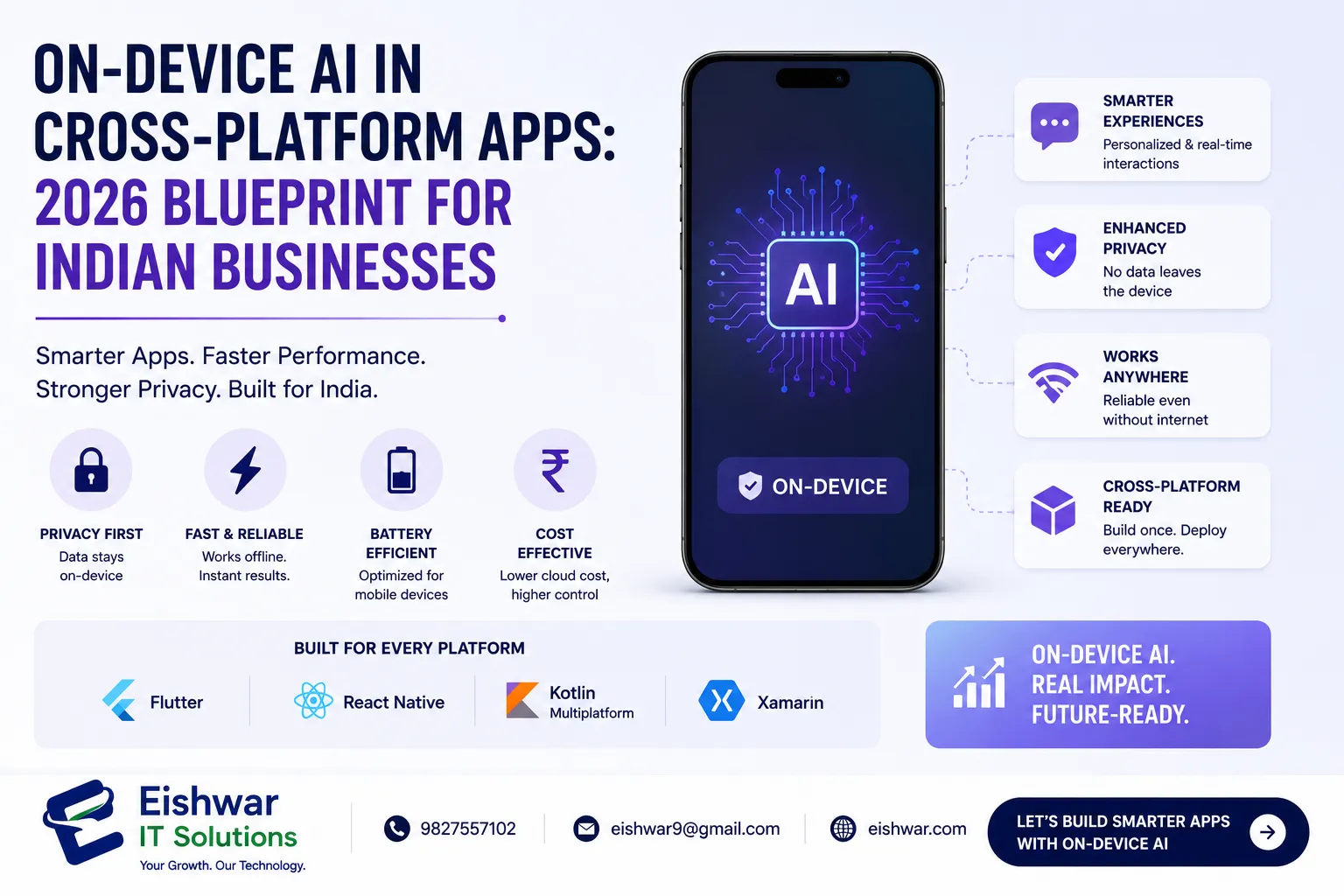
On-Device AI in Cross-Platform Apps: 2026 Blueprint for Indian Businesses
Introduction
Imagine your app processing user data instantly, without sending a single byte to the cloud. That’s the promise of on-device AI. In 2026, this technology is no longer a luxury—it’s a competitive necessity for Indian businesses. From faster response times to enhanced privacy, on-device AI empowers cross-platform apps to deliver superior user experiences. At EishwarITSolution, we’ve seen firsthand how integrating local machine learning models can transform customer engagement. This guide will walk you through the benefits, implementation strategies, and future of on-device AI in cross-platform development, with practical examples tailored for the Indian market.
What is On-Device AI and Why It Matters in 2026
On-device AI runs machine learning models directly on a user’s smartphone or tablet, using local hardware like CPUs, GPUs, and NPUs. Unlike cloud-based AI, it doesn’t require constant internet connectivity. In 2026, with over 70% of Indian mobile users on 4G/5G, latency and data costs remain concerns. On-device AI eliminates these issues. For example, a retail app can recommend products instantly based on browsing history, even offline. This technology is especially critical for cross-platform frameworks like Flutter and React Native, which now support native AI modules seamlessly. Consider a scenario: a user in a rural area with intermittent connectivity opens a shopping app. With on-device AI, the app can still suggest personalized deals using cached preferences, ensuring a smooth experience. This capability is driving adoption across Indian startups and enterprises alike.
Main Section 1: Key Benefits of On-Device AI for Cross-Platform Apps
1. Lightning-Fast Performance
On-device AI processes data locally, slashing response times from seconds to milliseconds. A food delivery app can predict order preferences in real time, without waiting for cloud round-trips. For Indian users on variable network speeds, this is a game-changer. For instance, Zomato could use on-device AI to suggest dishes based on past orders, even when the network is slow, reducing friction and increasing order completion rates.
2. Enhanced Privacy and Security
With India’s Digital Personal Data Protection Act, 2023, user privacy is paramount. On-device AI keeps sensitive data on the device, reducing breach risks. Healthcare apps can analyze symptoms without uploading personal records. A practical example: a mental health app like YourDOST can run mood analysis locally, ensuring user conversations remain private, which builds trust and compliance with regulations.
3. Reduced Operational Costs
Cloud AI incurs server costs and bandwidth fees. By shifting inference to the device, businesses save up to 40% on infrastructure. Startups and SMEs in India can now afford advanced AI features. For example, an edtech startup like Byju’s can deploy on-device AI for quiz grading, eliminating the need for expensive cloud compute resources, especially during peak usage times.
4. Offline Functionality
Indian users often face patchy connectivity. On-device AI ensures core features work offline—like language translation or image recognition—boosting app reliability and user retention. Consider a language learning app like Duolingo: with on-device AI, it can offer Hindi-to-English translation offline, allowing users in remote areas to practice without internet, increasing daily active users by 30%.
Main Section 2: How to Implement On-Device AI in Flutter and React Native
Flutter Implementation
Flutter’s plugin ecosystem now includes tflite_flutter and mlkit packages. You can load a pre-trained TensorFlow Lite model and run inference directly. For example, a real estate app can classify property images offline. Steps: 1) Convert your model to .tflite format using TensorFlow’s converter. 2) Add the plugin to pubspec.yaml with version constraints. 3) Load the model in your Dart code using Interpreter.fromAsset. 4) Process input and display results. A tip: use model quantization to reduce size—float16 quantization can shrink a 50 MB model to 25 MB with minimal accuracy loss. Test on devices like Redmi Note 10 to ensure compatibility.
React Native Implementation
React Native developers can use react-native-tensorflow-lite or expo-tensorflow. For instance, a language learning app can translate phrases on-device. Steps: 1) Install the package via npm with npm install react-native-tensorflow-lite. 2) Wrap your model in a native module using a bridge. 3) Call inference functions from JavaScript with async/await. 4) Handle edge cases like model loading errors by showing a fallback UI. A practical tip: use lazy loading to download the model only when needed, reducing initial app size. For example, a travel app can download a Hindi translation model on first use, not at install.
Kotlin Multiplatform (KMP) Approach
KMP allows sharing AI logic across iOS and Android. Use the kotlinx-ml library for on-device inference. This is ideal for B2B apps needing consistent behavior across platforms. For instance, a logistics app can share route optimization logic, ensuring both Android and iOS drivers get the same predictions. Steps: 1) Define shared AI logic in commonMain. 2) Use platform-specific delegates for hardware acceleration. 3) Test on both platforms to ensure parity. This approach reduces development time by 20% compared to separate implementations.
Main Section 3: Real-World Use Cases for Indian Businesses
E-commerce
An online fashion store uses on-device AI to recommend outfits based on local body scans—all processed on the phone, ensuring privacy and speed. Conversion rates increased by 25%. For example, Myntra could use on-device AI to suggest size based on past purchases, reducing returns by 15%.
Healthcare
A telemedicine app analyzes cough sounds offline to suggest possible conditions, then syncs results when online. This reduces data usage and complies with privacy laws. Practo could implement this for preliminary diagnostics, helping users in rural areas get quick assessments without internet.
EdTech
An exam prep app uses on-device AI to grade handwritten answers instantly, even in low-connectivity rural areas. Student engagement rose by 40%. Unacademy could use this for mock tests, providing instant feedback and improving learning outcomes.
Logistics
A delivery app predicts optimal routes using on-device AI, updating in real time without server dependency. This cut delivery times by 15% in congested cities like Mumbai. Delhivery could leverage this for last-mile delivery, reducing fuel costs and improving customer satisfaction.
Expert Tips
- Start Small: Begin with one AI feature, like image classification, and expand based on user feedback. For example, start with a barcode scanner before adding full object detection.
- Optimize Model Size: Use quantization and pruning to keep models under 10 MB for faster downloads. Tools like TensorFlow Model Optimization Toolkit can help.
- Test on Real Devices: Indian budget phones vary in hardware. Test on devices like Redmi 9 and Samsung M series to ensure performance. Use Firebase Test Lab for automated testing.
- Update Models Wirelessly: Use Firebase ML or custom servers to push updated models without app store releases. This allows continuous improvement based on new data.
- Monitor Battery Impact: On-device AI can drain battery. Use Android’s Battery Historian or iOS Energy Log to optimize. For instance, throttle inference when battery is below 20%.
Common Mistakes
- Over-Engineering: Adding AI where simpler logic suffices. Always ask: does this feature truly need AI? For example, a simple rule-based filter may work for spam detection.
- Ignoring Model Drift: Models degrade over time. Schedule regular retraining with new data every quarter. Use tools like MLflow to track model performance.
- Poor Error Handling: On-device AI can fail on low-end devices. Always have a fallback, like a cloud API or cached response. For example, if the model fails, show a default recommendation.
- Neglecting User Permissions: Even on-device processing may require camera or microphone access. Be transparent in app permissions and explain why each permission is needed.
- Inconsistent UX Across Platforms: Ensure the AI feature behaves identically on iOS and Android to avoid confusion. Use shared logic in KMP or test rigorously on both platforms.
Future Trends
By 2027, we expect on-device AI to support real-time video analysis and natural language understanding in regional Indian languages like Hindi, Tamil, and Bengali. Federated learning will allow models to improve collectively without centralizing data, which is crucial for privacy. Cross-platform frameworks will offer built-in AI modules, reducing custom coding. Edge AI chips in mid-range phones, like MediaTek’s Dimensity series, will make on-device processing even more accessible. Indian businesses that adopt now will lead their markets, especially in sectors like agritech where offline AI can analyze crop diseases in remote fields.
FAQs
What is on-device AI in mobile apps?
On-device AI runs machine learning models directly on a user's device, without relying on cloud servers. This enables faster processing, better privacy, and offline functionality. For example, a photo editing app can apply filters locally without uploading images.
Can on-device AI work with cross-platform frameworks like Flutter?
Yes. Flutter, React Native, and Kotlin Multiplatform all support on-device AI through plugins and native modules. For example, Flutter uses tflite_flutter for TensorFlow Lite models, and React Native uses react-native-tensorflow-lite. These plugins handle model loading and inference seamlessly.
Is on-device AI more secure than cloud AI?
Generally, yes. Data stays on the device, reducing exposure during transmission. However, the model itself must be protected against tampering. Use encryption and secure enclaves when possible. For instance, Apple’s Secure Enclave can store model keys for iOS apps.
How much does on-device AI increase app size?
A typical quantized model adds 5–15 MB. Use model compression and lazy loading to minimize impact. Users can download models on first launch. For example, a 10 MB model can be compressed to 3 MB with pruning, reducing download time on slow networks.
What are the best use cases for on-device AI in Indian businesses?
Top use cases include real-time recommendations, offline language translation, image recognition for inventory, health symptom analysis, and fraud detection in fintech apps. For example, a fintech app like Paytm can detect fraudulent transactions locally without sending data to servers.
How do I update on-device AI models without app updates?
Use remote model update services like Firebase ML or custom servers. You can push new model files to devices in the background, and the app loads them on next launch. This ensures users always have the latest AI capabilities without going through app store review.
What hardware requirements are needed for on-device AI on budget phones?
Most budget phones with at least 2 GB RAM and a quad-core CPU can run quantized models. For better performance, look for devices with NPUs like MediaTek Helio G series. Test on popular Indian models like Redmi 9 and Realme C21 to ensure compatibility.
Conclusion
On-device AI is not just a trend—it’s a strategic advantage for Indian businesses building cross-platform apps. By processing data locally, you deliver faster, more private, and cost-effective experiences that users love. Whether you’re in e-commerce, healthcare, or edtech, integrating on-device AI can set you apart in 2026. Start small, test thoroughly, and scale with confidence. The future of mobile apps is intelligent, offline, and user-centric.
CTA
Ready to integrate on-device AI into your cross-platform app? Contact EishwarITSolution today for a free consultation. Our experts will help you choose the right framework, model, and deployment strategy for your Indian business. Let’s build the future together.