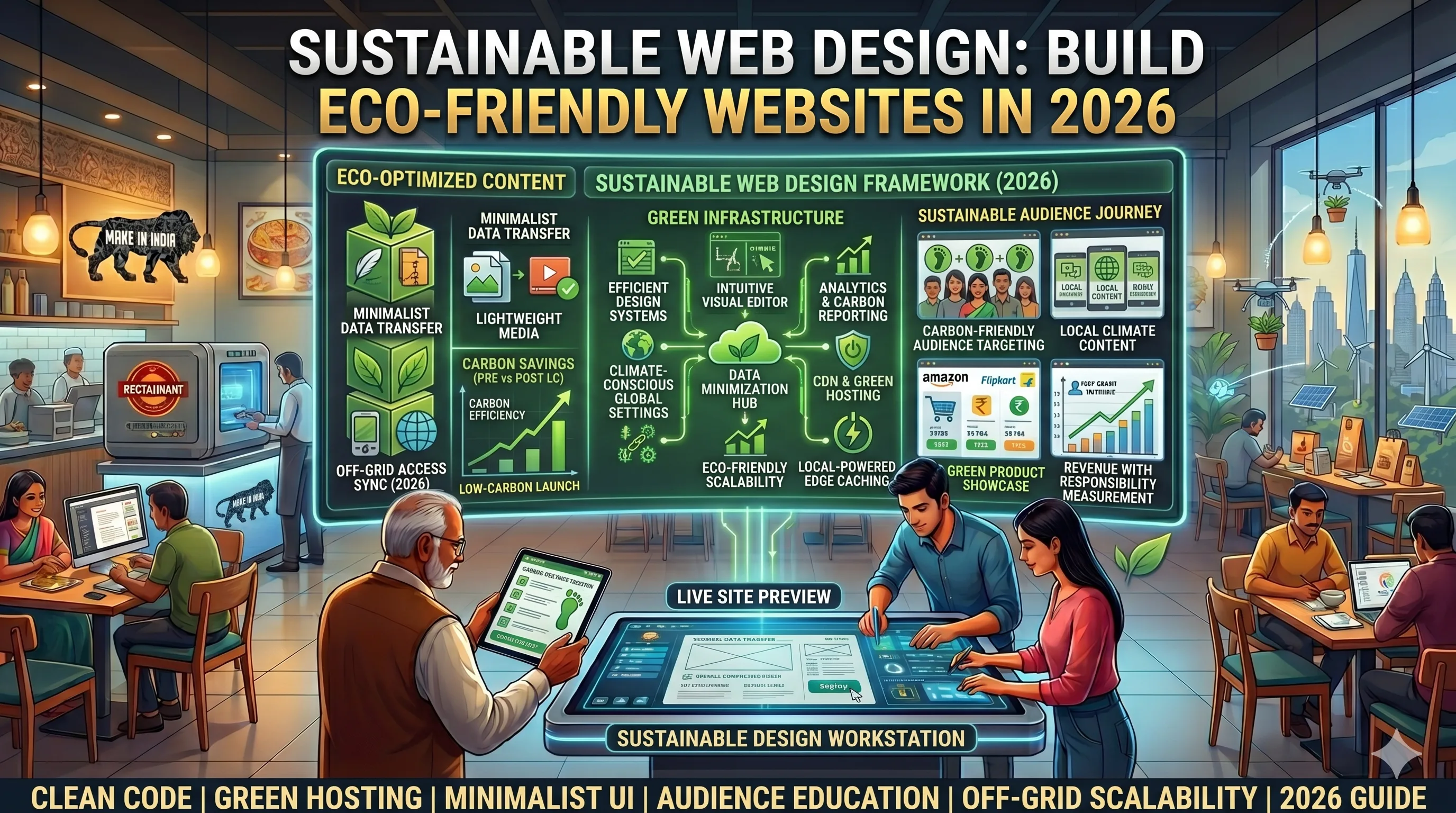
Sustainable Web Design: Build Eco-Friendly Websites in 2026
Introduction
Did you know that the internet produces as much carbon emissions as the aviation industry? Every website visit, every image loaded, and every video streamed consumes energy. As business owners and marketers, we have a responsibility—and an opportunity—to reduce our digital carbon footprint. Sustainable web design isn't just a trend; it's a necessity in 2026. For Indian businesses, adopting eco-friendly web practices can also improve site speed, reduce hosting costs, and attract environmentally conscious customers. In this guide, we'll show you how to build a website that's both beautiful and kind to the planet.
Main Section 1: Why Sustainable Web Design Matters
The internet consumes about 10% of global electricity, and data centers alone account for 1% of global greenhouse gas emissions. Every byte of data transmitted requires energy. By optimizing your website, you directly reduce energy consumption. Moreover, Google and other search engines now factor page speed and efficiency into rankings. A lighter, faster website ranks better and uses less power. For Indian businesses, where internet connectivity can be variable, a lightweight site ensures a better user experience for all. For example, a study by the University of Cambridge found that optimizing a single web page can save up to 3.5 grams of CO2 per visit—multiply that by thousands of visitors, and the impact is significant. In 2026, with increasing regulatory pressure on carbon emissions, sustainable design is also a compliance advantage.
Main Section 2: Key Principles of Eco-Friendly Web Design
1. Optimize Images and Media
Images are often the heaviest elements on a page, accounting for over 50% of a typical page's weight. Use modern formats like WebP or AVIF, which offer 25–35% better compression than JPEG or PNG without sacrificing quality. Compress images using tools like TinyPNG or Squoosh, and always lazy-load below-the-fold images so they only load when needed. For videos, consider using a lightweight video player like Plyr or embedding from a service like YouTube with optimized delivery settings. A practical tip: for a product page, use a single high-quality hero image and thumbnails for variants, rather than loading full-size images for each option.
2. Choose Green Hosting
Select a hosting provider powered by renewable energy or one that offsets carbon emissions. Companies like GreenGeeks (which purchases wind energy credits to offset 300% of their energy use), A2 Hosting (with green options), and Indian providers like Hostinger (which uses renewable energy credits) are good choices. Check if your current host has a sustainability policy—many major providers now offer carbon-neutral plans. For example, switching from a traditional shared host to a green host can reduce your site's carbon footprint by up to 50%, and often costs the same or less.
3. Minimize Code Bloat
Clean, efficient code reduces file sizes and processing power. Use CSS sprites to combine multiple images into one, minify JavaScript and CSS with tools like UglifyJS or CSSNano, and remove unused code. Frameworks like Bootstrap are convenient but often include unnecessary bloat—a typical Bootstrap file can be 150KB+ even if you only use a few components. Consider using a custom lightweight framework or a utility-first CSS approach like Tailwind, which allows you to purge unused styles. For a simple blog, a static site generator like Hugo can serve pages in under 100ms, compared to WordPress which may take 1–2 seconds.
4. Reduce HTTP Requests
Each file request consumes energy, so combine files where possible. Use icon fonts (like Font Awesome) instead of multiple image icons, and leverage browser caching to store static resources locally. A content delivery network (CDN) like Cloudflare or Fastly can reduce load on your server and deliver content faster by caching it on edge servers. For example, a typical e-commerce site with 50 product images might make 60+ HTTP requests—combining CSS and JS files can cut that to under 20, reducing energy use by 30%.
5. Design for Dark Mode
Dark mode reduces power consumption on OLED and AMOLED screens, which are common in modern smartphones and laptops. Offering a dark mode option can save up to 30% battery life on such devices. It's also a popular user preference—surveys show that over 80% of users prefer dark mode for night browsing. Implement it using CSS custom properties and a simple toggle, ensuring good contrast for accessibility. For example, a news site can reduce its energy footprint by 15% just by offering dark mode as default for mobile users.
Main Section 3: Practical Steps to Implement Sustainable Design
Step 1: Audit Your Current Site
Use tools like Google PageSpeed Insights, GTmetrix, or the Website Carbon Calculator to measure your site's carbon footprint. Identify heavy pages and elements. For example, an e-commerce site might have product images that are too large—compress them and see immediate improvements. A typical audit might reveal that 70% of your page weight comes from images, and optimizing them can reduce CO2 per visit by 40%.
Step 2: Simplify Navigation
A clean, simple navigation reduces the number of pages users need to load. Use clear categories and a search bar. Fewer pages mean less data transfer. For instance, a local restaurant website can combine menu, about, and contact into a single scrollable page, reducing page loads by 50% and improving user engagement.
Step 3: Use System Fonts
Custom fonts require additional HTTP requests and can be heavy—a single Google Fonts request can add 100KB+ to your page. System fonts like Arial, Helvetica, or Georgia load instantly because they're already on the user's device. They also look professional and are accessible. For a corporate site, using system fonts can cut page weight by 10–15% without any visual compromise.
Step 4: Implement Lazy Loading
Lazy loading delays loading of images and videos until they are visible in the viewport. This reduces initial page weight and speeds up perceived performance. Most modern CMS platforms have plugins for this—for example, WordPress has Lazy Load by WP Rocket. A practical tip: set a threshold of 200px below the fold to ensure smooth scrolling without jank.
Step 5: Optimize for Mobile
Mobile devices often have slower connections and smaller screens. A mobile-first design that prioritizes content and uses responsive images (via srcset and sizes attributes) can significantly reduce data usage. Test your site on 3G or 4G networks to ensure it loads quickly—aim for under 3 seconds. For example, a travel blog that uses responsive images can save 30% data on mobile compared to serving desktop-sized images.
Expert Tips
- Use a lightweight CMS: WordPress is powerful but can be bloated. Consider static site generators like Jekyll or Hugo for simple sites. They serve pre-built HTML files, reducing server processing and energy use by up to 90% compared to dynamic CMS.
- Leverage browser caching: Set expiration dates for static resources (like images, CSS, and JS) so returning visitors don't re-download everything. This reduces server load and improves speed—a typical blog can see a 20% reduction in bandwidth.
- Consider AMP or PWA: Accelerated Mobile Pages (AMP) and Progressive Web Apps (PWA) are designed for speed and efficiency. PWAs can work offline, reducing data usage by up to 50% for repeat visits. For example, a news site using PWA can load articles in under 1 second even on slow networks.
- Educate your team: Share sustainability goals with your design and development teams. Encourage them to think green from the start—for instance, by choosing lightweight libraries and avoiding unnecessary animations.
- Monitor with real user monitoring (RUM): Use tools like SpeedCurve or Lighthouse CI to track real-world performance and carbon impact over time.
Common Mistakes
- Over-optimizing at the cost of user experience: Compressing images too much can make them blurry. Find a balance between file size and quality—aim for a JPEG quality of 80–85% for photos, and use WebP for better compression.
- Ignoring third-party scripts: Analytics, chat widgets, and social media buttons often add significant weight—a single Facebook Pixel can add 200KB+. Use only essential scripts and consider asynchronous loading. For example, load analytics after the page is fully rendered.
- Not testing on real devices: Simulators can't replicate real-world conditions. Test on actual mobile devices with different connection speeds (e.g., 3G, 4G) to ensure your optimizations work.
- Forgetting about content: Text is lightweight but poorly written content can increase bounce rates, leading to more page loads. Write clear, concise copy that keeps users engaged.
- Neglecting accessibility: Sustainable design should also be inclusive. Ensure high contrast, proper alt text, and keyboard navigation to avoid alienating users.
Future Trends
In 2026 and beyond, we'll see more websites adopting carbon-neutral pledges, using AI to optimize energy usage (e.g., by dynamically adjusting image quality based on network conditions), and integrating with carbon offset programs. Browsers may start displaying carbon footprint badges, similar to energy efficiency labels on appliances. Voice search and AI-generated content will also evolve, potentially reducing the need for heavy media. Indian businesses can stay ahead by adopting sustainable practices now, positioning themselves as eco-friendly leaders. For example, a growing number of Indian e-commerce sites are already using green hosting and offering carbon-neutral shipping—web design is the next frontier.
FAQs
1. What is sustainable web design?
Sustainable web design involves creating websites that minimize energy consumption and carbon emissions. This includes optimizing images, using green hosting, writing efficient code, and designing for performance. It's about reducing the digital carbon footprint without compromising user experience.
2. How does sustainable web design benefit my business?
It improves site speed, reduces hosting costs, enhances SEO rankings, and appeals to environmentally conscious customers. It also future-proofs your site against stricter environmental regulations. For example, a faster site can increase conversion rates by up to 7% and reduce bounce rates by 32%.
3. Is green hosting expensive?
Not necessarily. Many green hosts offer competitive pricing—GreenGeeks starts at $2.95/month, similar to traditional hosts. Some even use renewable energy certificates to offset carbon, often at no extra cost. In the long run, you save money on energy bills due to optimized performance.
4. Can I make my existing website eco-friendly?
Yes. Start by auditing your site with a carbon calculator, then optimize images, remove unused plugins, and switch to a green host. Even small changes can reduce your footprint by 30% or more. For example, compressing images and enabling lazy loading can cut page weight by 50%.
5. What tools can I use to measure my website's carbon footprint?
Popular tools include Website Carbon Calculator (by Wholegrain Digital), Ecograder, and Google PageSpeed Insights. They provide actionable insights to reduce energy consumption. For example, the Website Carbon Calculator estimates CO2 per page load and suggests improvements.
6. Does dark mode really save energy?
Yes, on OLED and AMOLED screens, dark mode can reduce power usage by up to 30%. It also reduces eye strain for users. However, on LCD screens, the savings are minimal, but the user experience benefit remains significant.
7. How long does it take to implement sustainable design changes?
Basic changes like image optimization and enabling lazy loading can be done in a few hours. Switching hosts may take a day. Full redesigns can take weeks, but you can see immediate improvements from small steps.
Conclusion
Sustainable web design is no longer optional—it's a business imperative. By implementing the strategies outlined in this guide, you can reduce your website's carbon footprint, improve user experience, and stand out as a responsible brand. Start with small changes like image optimization and green hosting, and gradually adopt more advanced practices. The planet—and your customers—will thank you. Remember, every byte saved is a step toward a greener future.
CTA
Ready to make your website eco-friendly? Contact EishwarITSolution today for a free sustainability audit. Let's build a greener web together.