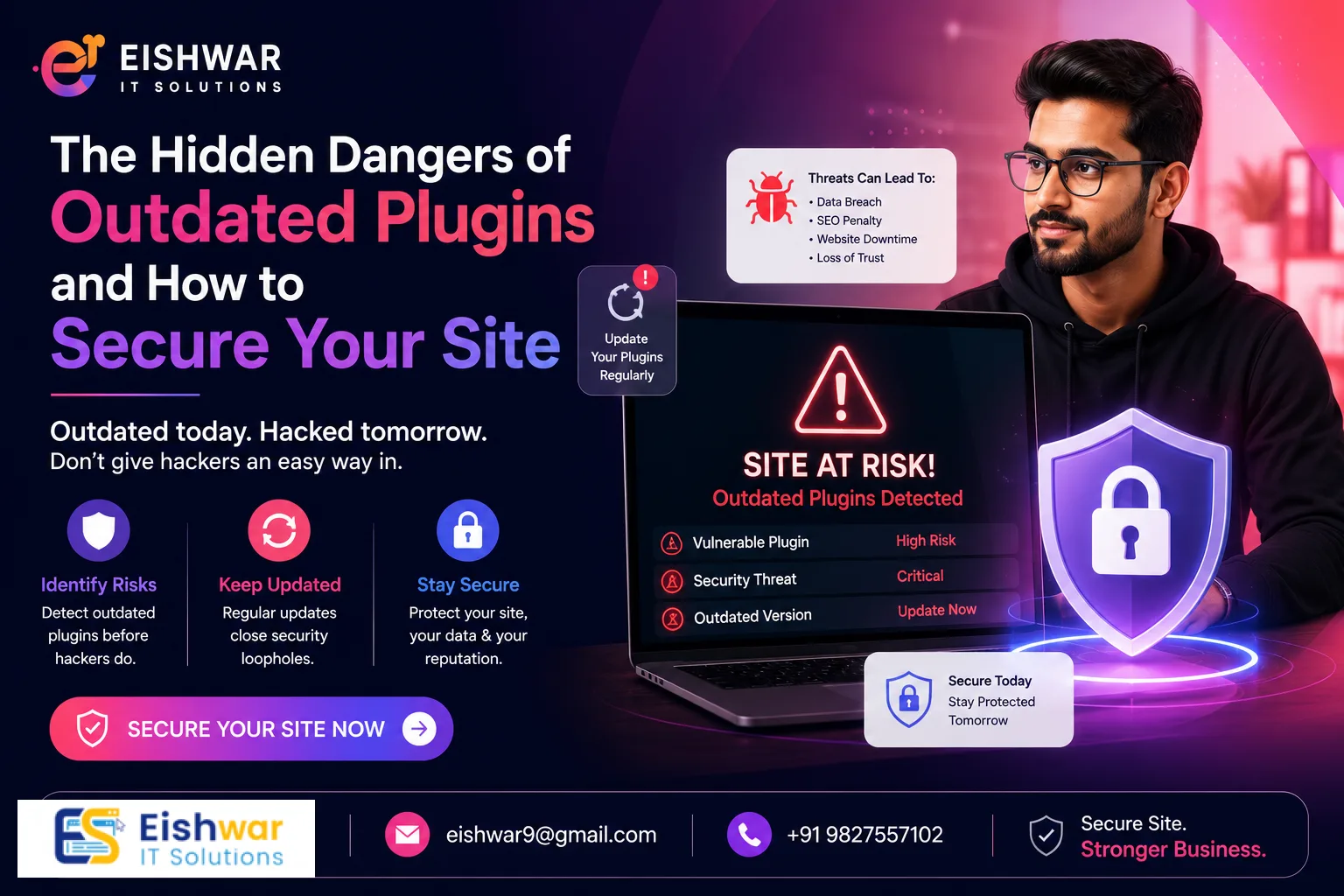
The Hidden Dangers of Outdated Plugins and How to Secure Your Site
Introduction
Imagine waking up to find your business website defaced, customer data stolen, or your site completely offline. For many business owners, this nightmare starts with something as simple as an outdated plugin. Plugins add functionality—from contact forms to e-commerce carts—but when left unpatched, they become open doors for attackers. In this guide, we'll uncover the real risks, share practical steps to lock down your site, and help you avoid costly mistakes. Whether you run a small shop or a growing enterprise, securing your plugins is non-negotiable.
Consider this: a single unpatched plugin can expose your entire database, including sensitive customer information like credit card numbers and addresses. In 2023, a vulnerability in a popular WooCommerce plugin allowed attackers to steal payment data from over 200,000 online stores. The average cost of a data breach for small businesses in India is estimated at ₹15 lakh, according to a recent IBM report. Don't let your business become another cautionary tale. By the end of this article, you'll have a clear roadmap to protect your site and your reputation.
Main Section 1: Why Outdated Plugins Are a Goldmine for Hackers
Hackers constantly scan the web for known vulnerabilities. When a plugin developer releases an update, they often patch security holes. If you don't update, your site remains exposed. According to a 2023 report by Sucuri, over 50% of website infections come from outdated software, including plugins. Think of it like leaving your front door unlocked in a busy city. The longer you wait, the higher the risk.
For example, a popular contact form plugin had a vulnerability that allowed attackers to upload malicious files. Thousands of sites were compromised because owners ignored update notifications. In India, where digital adoption is booming, small businesses are prime targets. Don't let your site become a statistic.
Here's how attackers exploit outdated plugins: they use automated bots that scan the internet for sites running vulnerable versions. Once they find a target, they deploy scripts to inject malware, steal data, or redirect traffic to phishing pages. For instance, the 'Revslider' plugin vulnerability in 2014 affected over 100,000 WordPress sites, allowing attackers to gain full admin access. The key takeaway: every day you delay an update, you're giving hackers a wider window to exploit your site.
Practical Tip: Set up a notification system for plugin updates. Most CMS platforms like WordPress send email alerts, but you can also use tools like ManageWP to monitor multiple sites from one dashboard.
Main Section 2: Real-World Consequences of Neglect
The fallout from a plugin exploit can be devastating. Here are three common outcomes:
- Data Breaches: Customer names, emails, and payment details can be stolen. This erodes trust and may lead to legal penalties under India's IT Act. For example, a Mumbai-based travel agency lost 50,000 customer records due to an outdated booking plugin, resulting in a ₹10 lakh fine from the IT department.
- SEO Penalties: Google blacklists compromised sites. Your traffic drops, and recovering can take months. A small business in Bangalore saw a 90% drop in organic traffic after being flagged for malware, and it took six months to regain rankings.
- Ransomware: Attackers lock you out of your own site and demand payment. A Delhi-based e-commerce store lost ₹2 lakh before regaining control. In some cases, ransomware attacks can cost businesses up to ₹50 lakh in lost revenue and recovery costs.
Actionable Tip: Set up automatic weekly backups. If you're hacked, you can restore a clean version quickly. Use a plugin like UpdraftPlus or BackupBuddy, and store backups offsite (e.g., Google Drive or Dropbox). Test your backups monthly to ensure they work.
Main Section 3: Your Step-by-Step Plugin Security Plan
Follow these steps to harden your website against plugin threats:
- Audit Your Plugins: Remove any plugin you don't use. Each extra plugin increases risk. For example, if you have a plugin for a gallery but haven't uploaded images in two years, delete it. Use a tool like Plugin Detective to identify unused plugins.
- Enable Auto-Updates: For critical plugins, turn on automatic updates. Most CMS platforms like WordPress support this. Go to Dashboard > Updates > Enable auto-updates for essential plugins like security, caching, and e-commerce.
- Use Trusted Sources: Only download plugins from official repositories or reputable developers. Avoid nulled (pirated) plugins—they often contain malware. A study by WPWhiteSecurity found that 80% of nulled plugins contain malicious code.
- Test Updates on Staging: Before updating live, test on a staging site to avoid compatibility issues. Use a staging plugin like WP Staging or a hosting provider that offers staging environments (e.g., SiteGround, Kinsta).
- Monitor with Security Tools: Use a plugin like Wordfence or Sucuri to scan for vulnerabilities. Set up daily scans and enable real-time threat detection.
Pro Tip: Schedule a monthly plugin review. Mark it on your calendar to stay consistent. During the review, check for plugins that haven't been updated in six months—these are red flags. Consider replacing them with more actively maintained alternatives.
Expert Tips
We spoke with Rajesh Kumar, a cybersecurity consultant based in Mumbai. His advice: "Most business owners think 'it won't happen to me.' But attackers use automated bots that target every site. Update plugins within 48 hours of a patch release. That window is critical." Another tip: Use a web application firewall (WAF) to block malicious traffic before it reaches your plugins.
For small businesses on a budget, start with free tools like Cloudflare's basic WAF and a good backup plugin. You don't need to spend thousands to stay safe. Rajesh also recommends implementing a Content Security Policy (CSP) to prevent XSS attacks. "A CSP can block malicious scripts even if a plugin is compromised," he explains. Additionally, consider using a plugin like iThemes Security Pro, which offers features like two-factor authentication and brute force protection.
Case Study: A small bakery in Pune used a free slider plugin that hadn't been updated in two years. An attacker exploited a known vulnerability and injected crypto-mining scripts into the site. The bakery's hosting provider suspended the account, and the site was down for three days. After switching to a reputable slider plugin and enabling auto-updates, they haven't had any issues. The cost of the new plugin? Just ₹2,000 per year—a small price for peace of mind.
Common Mistakes
Avoid these pitfalls that even experienced site owners make:
- Ignoring Update Notifications: That red badge isn't decoration. Click it. A study by Jetpack found that 30% of WordPress sites have at least one outdated plugin.
- Using Outdated Themes: Themes also have vulnerabilities. Keep everything updated. For example, a popular theme like 'Avada' had a vulnerability in 2022 that allowed attackers to upload malicious files.
- Not Testing After Updates: An update might break your site. Always check key pages post-update. Use a tool like Broken Link Checker to identify issues.
- Sharing Login Credentials: If multiple people manage plugins, use separate accounts with limited permissions. Implement role-based access control (RBAC) to restrict what each user can do.
- Neglecting to Remove Unused Plugins: Even deactivated plugins can be exploited if they have vulnerabilities. Delete them entirely.
Future Trends
As AI and automation grow, so do attack methods. Expect more sophisticated exploits targeting plugin ecosystems. The rise of headless CMS and custom APIs introduces new vectors. However, proactive maintenance—like automated patching and AI-driven threat detection—will become standard. Businesses that invest in security now will have a competitive edge. In India, the government's push for digital security (e.g., CERT-In guidelines) means compliance will tighten. Stay ahead by adopting a security-first mindset.
For example, AI-powered security tools like Sucuri's SiteCheck can now detect zero-day exploits using machine learning. Similarly, automated patching services like Patchstack can apply security fixes within hours of a vulnerability disclosure. As IoT devices become more common, plugins that integrate with smart home systems will need extra scrutiny. The key is to stay informed and adapt quickly.
FAQs
What are the most dangerous types of plugins?
Plugins with file uploads, database access, or admin-level permissions are riskiest. Examples include contact forms, sliders, and e-commerce plugins. Always vet them carefully. Look for plugins that have a large user base, regular updates, and positive reviews. Avoid plugins that haven't been updated in over a year.
How often should I update plugins?
Ideally, within 48 hours of a security patch. For non-critical updates, you can wait a week. Enable auto-updates for essential plugins like security and e-commerce. For other plugins, set a weekly reminder to check for updates. Use a tool like Easy Updates Manager to control update settings.
Can a plugin hack my site even if it's updated?
Yes, if the vulnerability is a zero-day (not yet patched). That's why layered security—like a firewall and regular scans—is important. Use a web application firewall (WAF) to block malicious traffic, and implement a Content Security Policy (CSP) to prevent XSS attacks. Also, consider using a security plugin that offers virtual patching for known vulnerabilities.
What should I do if my site is hacked via a plugin?
Immediately take your site offline, restore from a clean backup, change all passwords, and scan for remaining malware. Consult a professional if needed. Use a tool like Sucuri SiteCheck to scan your site for malware. After restoring, update all plugins and themes, and change all user passwords. Consider implementing a security plugin to prevent future attacks.
Are free plugins safe?
Many free plugins from official repositories are safe, but they may have fewer updates. Check ratings, last update date, and number of active installations. Avoid plugins with low ratings or few installations. For critical functions like e-commerce or security, consider premium plugins from reputable developers. Always read the changelog to see if security fixes are being applied.
How can I tell if a plugin is abandoned?
Check the plugin's last update date on the official repository. If it hasn't been updated in over a year, it's likely abandoned. Also, look at the support forum—if the developer isn't responding to queries, it's a red flag. Consider replacing abandoned plugins with actively maintained alternatives. Use a tool like WP Plugin Check to identify outdated plugins.
What is a zero-day vulnerability?
A zero-day vulnerability is a security flaw that is unknown to the developer and has no patch available. Attackers can exploit it before the developer releases a fix. To protect against zero-days, use a web application firewall (WAF) that can detect and block exploit attempts. Also, keep your plugins updated to minimize the attack surface.
Conclusion
Outdated plugins are a silent threat that can bring your business to its knees. But with regular updates, smart monitoring, and a proactive approach, you can protect your website and your customers. Don't wait for a breach to take action. Start today by auditing your plugins and setting up a maintenance routine. Your site's security is your reputation—guard it well. Remember, the cost of prevention is far less than the cost of recovery. By following the steps outlined in this guide, you'll not only secure your site but also build trust with your customers and avoid costly downtime.
CTA
Ready to secure your website but short on time? Contact EishwarITSolution for a free plugin security audit. Our experts will identify vulnerabilities and set up automated protections so you can focus on growing your business. Limited slots available—book yours today! Don't let an outdated plugin become your biggest regret. Take action now and sleep better knowing your site is protected.