
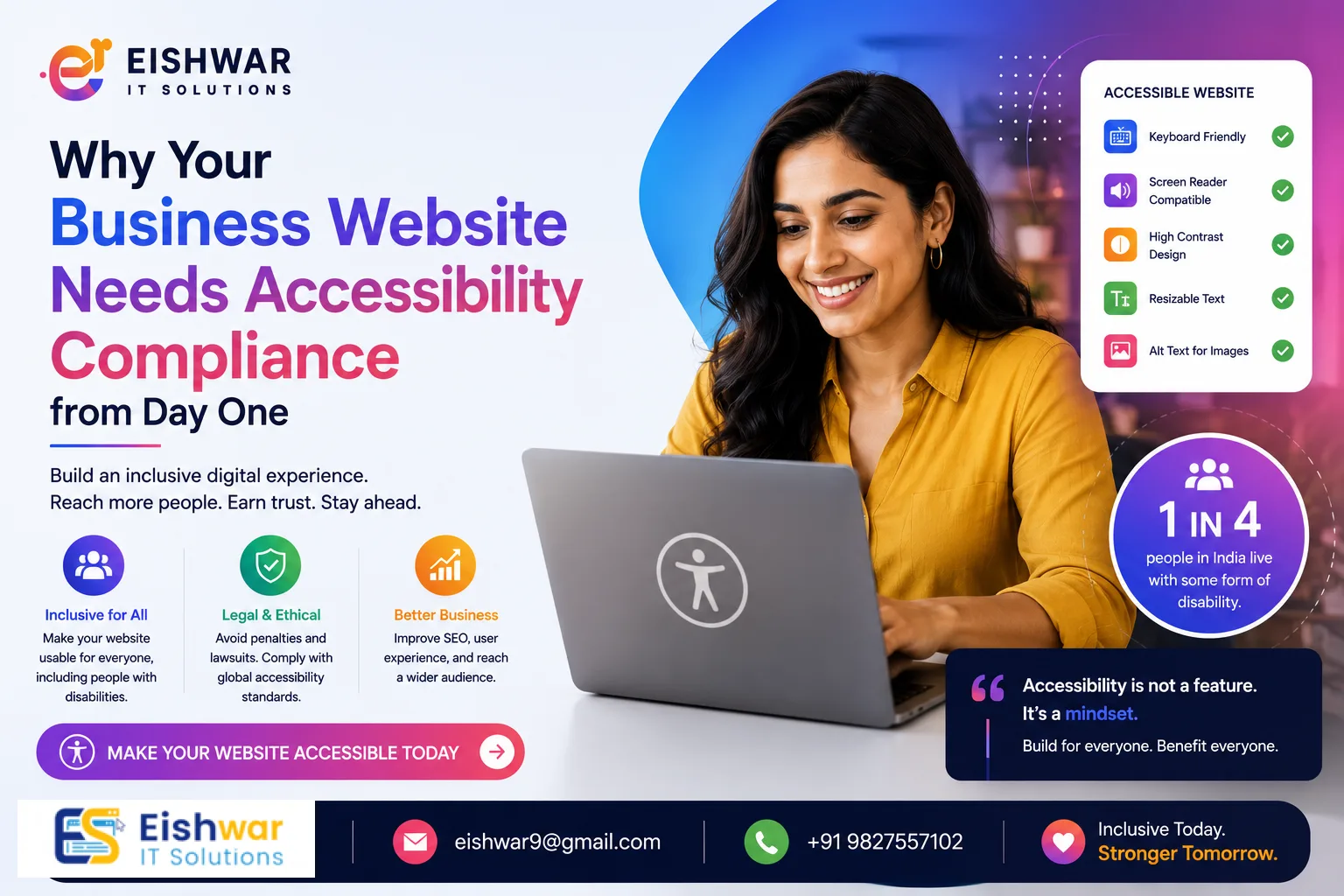
Why Your Business Website Needs Accessibility Compliance from Day One
Published on: 10 Jun 2026
Why Your Business Website Needs Accessibility Compliance from Day One
Introduction
Imagine trying to navigate a website using only your keyboard—or relying on a screen reader to interpret every image and button. For millions of people with disabilities, this is their daily reality. Yet, many Indian businesses overlook accessibility when building their first website. At EishwarITSolution, we believe accessibility isn't just a legal checkbox; it's a business opportunity. In this guide, we'll walk you through why accessibility compliance matters from day one, how it benefits your brand, and actionable steps to implement it—even if you're a complete beginner.
Learn more about our Website services
Consider this: a visually impaired user in Mumbai tries to book a service on your site but can't because the images lack alt text and the form fields are unlabeled. They leave frustrated, never to return. This scenario plays out thousands of times daily across India. By prioritizing accessibility from the start, you not only prevent such losses but also build a reputation for inclusivity that resonates with modern consumers. Let's dive into what accessibility means and how you can achieve it without overwhelming your budget or timeline.
Main Section 1: What is Website Accessibility Compliance?
Website accessibility means designing and coding your site so that people with disabilities can perceive, understand, navigate, and interact with it effectively. This includes visual, auditory, physical, speech, cognitive, and neurological disabilities. The global standard is the Web Content Accessibility Guidelines (WCAG), currently at version 2.2. In India, the Rights of Persons with Disabilities Act (RPwD) 2016 mandates accessibility for all public websites, and private businesses are increasingly expected to follow suit.
Key aspects include:
- Perceivable: Provide text alternatives for non-text content, captions for videos, and adaptable layouts. For example, every image on your product page should have a descriptive alt attribute like 'Red cotton saree with gold border' rather than just 'image001.jpg'.
- Operable: Ensure all functionality is available via keyboard, give users enough time to read content, and avoid seizure-inducing flashes. This means a user should be able to navigate your entire site using only the Tab, Enter, and Arrow keys.
- Understandable: Make text readable, web pages appear and operate in predictable ways, and help users avoid and correct mistakes. For instance, form validation errors should clearly state what went wrong, such as 'Please enter a valid 10-digit mobile number' instead of a vague 'Error'.
- Robust: Maximize compatibility with current and future user tools, including assistive technologies. Use standard HTML elements and ARIA roles where necessary to ensure screen readers can interpret your content.
For Indian businesses, compliance is no longer optional. The government's push for digital inclusion means your website could be audited, and non-compliance might affect your credibility or even lead to legal action. A practical tip: start by auditing your homepage with a free tool like WAVE to identify low-hanging issues.
Main Section 2: Why Accessibility Matters for Indian Businesses
Legal and Regulatory Landscape
The RPwD Act 2016 requires all information and communication technology to be accessible. While enforcement is still evolving, the Department of Empowerment of Persons with Disabilities has issued clear guidelines. Moreover, global companies like Amazon and Flipkart have faced accessibility lawsuits in India. Starting with compliance protects you from future legal headaches. For example, a small e-commerce store in Delhi that ignored accessibility faced a legal notice from a disability rights group, costing them time and reputation. Don't let that be you.
👉 Don't wait for the perfect moment; turn your vision into reality today.
Free ConsultationMarket Opportunity
India has over 2.68 crore persons with disabilities (Census 2011). Their collective spending power is significant, yet many websites remain inaccessible. By catering to this underserved audience, you tap into a loyal customer base that values inclusive brands. For example, a travel agency with an accessible booking form can attract customers who might otherwise struggle with complex navigation. Imagine a wheelchair user looking for accessible hotel rooms—if your site provides clear filters and keyboard-friendly forms, they're more likely to book with you.
SEO and User Experience
Accessibility features like alt text, proper heading structure, and descriptive link text also improve your search engine rankings. Google rewards sites that are easy to navigate and understand. Additionally, accessible design benefits all users—including those on slow connections, mobile devices, or in noisy environments. For instance, captions on videos help not only deaf users but also someone watching in a quiet office without headphones. This dual benefit makes accessibility a win-win.
Main Section 3: Practical Steps to Implement Accessibility (Even as a Beginner)
1. Start with a Checklist
Use the WCAG 2.2 quick reference. Begin with Level A (minimum) and aim for Level AA. For example:
- Add alt text to all images. For decorative images, use empty alt attributes (alt="") to avoid clutter.
- Ensure color contrast ratio of at least 4.5:1 for normal text. Use WebAIM's Contrast Checker to verify your brand colors.
- Provide captions for videos. Even simple YouTube auto-captions can be edited for accuracy.
- Make all forms keyboard-navigable. Test by tabbing through each field without a mouse.
2. Use Automated Tools
Tools like WAVE, axe DevTools, and Lighthouse can scan your site for common issues. But remember—automated tools catch only about 30% of problems. Manual testing with real users is essential. For example, WAVE might flag missing alt text, but it won't tell you if your navigation is confusing for someone with cognitive disabilities. Combine automated scans with user testing for best results.
3. Train Your Team
If you're working with a developer, share basic accessibility principles. For instance, ensure they use semantic HTML5 elements like <nav>, <main>, and <button> instead of generic <div> tags. EishwarITSolution offers training modules for beginners. A simple rule: if a developer uses a <div> for a clickable element, ask them to replace it with a <button> for better keyboard support.
4. Test with Assistive Technologies
Try using your website with a screen reader (like NVDA or VoiceOver), or navigate using only the keyboard. You'll quickly spot barriers. For example, if you can't reach the 'Add to Cart' button with the Tab key, that's a critical issue. Record your testing sessions to share with your team.
👉 Free Website Audit
Get Free AuditExpert Tips
- Involve people with disabilities in testing. Nothing beats real-world feedback. Partner with local disability organizations in your city—Mumbai, Delhi, Bengaluru—to conduct usability sessions. Offer a small incentive like a gift card to encourage participation.
- Don't forget mobile. Over 70% of Indian web traffic comes from mobile. Ensure touch targets are at least 44x44 pixels, and avoid relying on hover interactions. For example, dropdown menus that appear on hover should also work on tap.
- Write clear error messages. When a user fills out a form incorrectly, explain what went wrong and how to fix it. Avoid generic messages like 'Error.' Instead, say 'Please enter a valid email address (e.g., name@example.com).'
- Use plain language. Avoid jargon. For example, instead of 'initiate the process,' use 'start.' This helps users with cognitive disabilities and non-native speakers.
- Keep accessibility in mind from the design phase. It's cheaper and easier than retrofitting later. For instance, choose a color palette with sufficient contrast early on, rather than trying to fix it after the site is built.
Common Mistakes
- Overlooking keyboard navigation: Many developers assume all users use a mouse. But some users rely on keyboard shortcuts. Test every interactive element with Tab and Enter keys. A common oversight is a modal dialog that traps keyboard focus—ensure users can close it with the Escape key.
- Poor color contrast: Light gray text on a white background is hard to read. Use tools like Contrast Checker to verify. For example, avoid using #C0C0C0 (silver) on white; instead, use #595959 (dark gray) for readability.
- Missing form labels: Every input field needs a visible label. Placeholder text alone is not sufficient—it disappears when typing. Use the
<label>element with a 'for' attribute linked to the input's 'id'. - Using only color to convey information: Error states, links, and charts should also use symbols or text labels. For instance, a red asterisk alone might not be visible to color-blind users. Add text like 'Required' next to it.
- Neglecting PDFs and documents: If you offer downloadable content, ensure it's also accessible. Use tagged PDFs with proper headings and alt text. Tools like Adobe Acrobat Pro can help, but consider HTML versions as an alternative.
Future Trends
Accessibility is rapidly evolving. Here's what to watch:
- AI-Powered Accessibility: Tools like accessiBe and UserWay use AI to automatically fix some issues, but human oversight remains crucial. For example, AI might add alt text to images, but it may misinterpret context—always review.
- Voice Navigation: As voice assistants become mainstream, designing for voice input will become a key accessibility feature. Start by ensuring your site works with basic voice commands like 'click search'.
- Personalized Accessibility: Websites may soon adapt to individual user preferences—like larger text or simplified layouts—based on user profiles or cookies. This could be achieved through CSS custom properties and JavaScript.
- Stricter Legal Enforcement: India's accessibility law is likely to be enforced more rigorously in the coming years, similar to the ADA in the US. Stay ahead by complying now.
- Inclusive Design as a Brand Differentiator: Brands that prioritize accessibility will stand out as socially responsible and customer-centric. For instance, a bank with an accessible app can attract elderly customers who value ease of use.
FAQs
Is website accessibility mandatory for small businesses in India?
How much does it cost to make an existing website accessible?
What are the top accessibility tools for beginners?
Can accessibility improve my SEO ranking?
What is the difference between WCAG Level A, AA, and AAA?
How often should I test my website for accessibility?
Can I use overlays or widgets to make my site accessible?
Conclusion
Accessibility compliance is not a burden—it's a smart business move. By building an inclusive website from day one, you protect your business from legal risks, expand your audience, and improve user experience for everyone. At EishwarITSolution, we help Indian businesses create websites that are not only beautiful but also accessible. Start your journey today, and make the web a better place for all.
👉 Free Homepage Demo
Book DemoRemember, accessibility is an ongoing process, not a one-time fix. As your site grows, continue to test and refine. The effort you invest now will pay dividends in customer loyalty, SEO performance, and legal peace of mind. Don't wait for a complaint or a lawsuit—take action today.
CTA
Ready to build an accessible website? Contact EishwarITSolution for a free accessibility audit and consultation. Let's make your digital presence inclusive and impactful. Our team will review your site, provide a detailed report, and guide you through the fixes—no technical expertise required. Get started now and join the growing number of Indian businesses that prioritize inclusivity.