
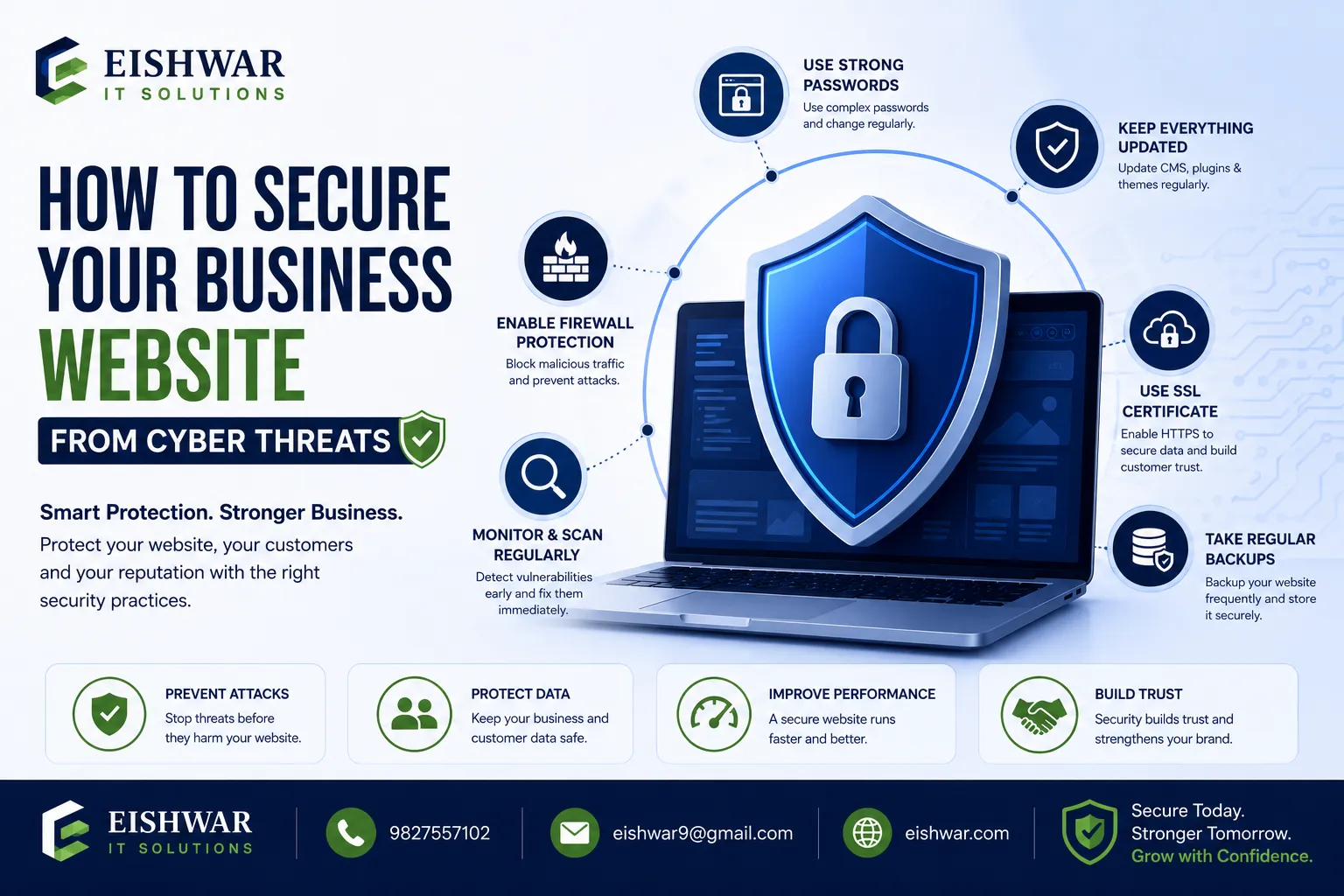
How to Secure Your Business Website from Cyber Threats: A Beginner’s S
Published on: 15 Jun 2026
How to Secure Your Business Website from Cyber Threats: A Beginner’s Security Checklist
Introduction
In today’s digital landscape, your business website is often the first point of contact for potential customers. But with great visibility comes great responsibility—especially when it comes to security. Cyber threats are real, and they target businesses of all sizes, including small and medium enterprises in India. Whether you’re running an e-commerce store or a simple portfolio site, a security breach can damage your reputation, cost you money, and even lead to legal trouble. This guide is designed for business owners, marketers, and professionals who are new to website development and want to protect their online presence from day one. We’ll walk you through a practical, beginner-friendly security checklist that you can implement right away. Let’s make your website a fortress, not a sitting duck.
Learn more about our Website services
Main Section 1: Understanding the Basics of Website Security
Before diving into the checklist, it’s important to understand why website security matters and what you’re up against. Cyber threats range from simple malware injections to sophisticated phishing attacks. For a business website, common risks include:
- Malware: Malicious software that can steal data or deface your site. For example, a hidden script might redirect visitors to a scam page without your knowledge.
- Phishing: Fake pages that trick users into revealing sensitive information, such as login credentials or credit card numbers.
- DDoS attacks: Overwhelming your server with traffic to bring it down, causing downtime and lost revenue.
- SQL injection: Exploiting database vulnerabilities to access or manipulate data, like stealing customer records.
- Brute force attacks: Guessing login credentials repeatedly using automated tools.
As a beginner, you don’t need to become a cybersecurity expert overnight. But you do need to take proactive steps to minimize risks. The good news? Many security measures are simple, affordable, and can be implemented with basic technical knowledge. Think of this checklist as your security starter kit. For instance, a small business owner in Mumbai recently avoided a ransomware attack by simply enabling automatic updates—a step we’ll cover below.
Main Section 2: The Beginner’s Security Checklist
Here’s a step-by-step checklist to secure your business website. Each item is explained with practical examples and actionable tips.
1. Install an SSL Certificate
SSL (Secure Sockets Layer) encrypts data between your website and its visitors. It’s essential for any site that handles login details, payment information, or personal data. Most hosting providers offer free SSL via Let’s Encrypt. Example: If you run a contact form, SSL ensures that the messages are encrypted. Without it, passwords and emails can be intercepted. Action: Check if your site has HTTPS (look for the padlock icon in the browser). If not, ask your host to enable SSL. Tip: Use a tool like SSL Labs to verify your certificate’s strength.
2. Keep Software Updated
Outdated software is a common entry point for hackers. This includes your content management system (CMS), plugins, themes, and server software. For example, if you’re using WordPress, update the core, plugins, and themes regularly. Enable automatic updates where possible. Action: Set a monthly reminder to check for updates, or turn on auto-updates for security patches. Practical tip: Test updates on a staging site first to avoid breaking your live site.
👉 Don't wait for the perfect moment; turn your vision into reality today.
Free Consultation3. Use Strong Passwords and Two-Factor Authentication (2FA)
Weak passwords are like leaving your front door unlocked. Use a mix of uppercase, lowercase, numbers, and special characters. Avoid common words like “password123”. For admin accounts, enforce 2FA, which adds a second layer of security (e.g., a code sent to your phone). Example: Google Authenticator is a free app that generates time-based codes. Action: Update all admin passwords and enable 2FA through your CMS or hosting dashboard. Tip: Use a password manager like LastPass to generate and store complex passwords.
4. Regular Backups
Backups are your safety net. If your site gets hacked or crashes, you can restore it quickly. Aim for daily backups if your site updates frequently, or weekly for static sites. Store backups offsite (cloud or external drive). Example: Use a plugin like UpdraftPlus for WordPress or your host’s backup service. Action: Set up automated backups and test a restore once a month. Practical tip: Keep at least three copies of your backup—one on-site, one off-site, and one in the cloud.
5. Implement a Web Application Firewall (WAF)
A WAF filters out malicious traffic before it reaches your site. It blocks common attacks like SQL injection and cross-site scripting. Many hosting providers offer WAF as part of their security suite. Alternatively, use a cloud-based service like Cloudflare or Sucuri. Action: Enable a WAF through your host or a third-party service. For budget-friendly options, start with Cloudflare’s free plan. Example: A small e-commerce site using Cloudflare’s WAF blocked over 500 malicious requests in a single month.
6. Limit Login Attempts
Brute force attacks try thousands of password combinations. Limiting login attempts blocks an IP after a few failed tries. This simple step can prevent automated attacks. Example: For WordPress, install a plugin like Limit Login Attempts Reloaded. Action: Set a limit of 3-5 attempts per IP address. Tip: Combine this with a CAPTCHA on your login page for extra protection.
7. Scan for Malware Regularly
Malware can hide in your files without obvious symptoms. Use a security plugin or online scanner to check for infections. Many hosts offer free scanning tools. Example: Sucuri SiteCheck scans your site for malware, blacklisting, and other issues. Action: Run a weekly malware scan and investigate any alerts. Practical tip: Set up automated scans and receive email notifications for immediate action.
8. Secure Your Admin Area
Change the default admin URL (e.g., from /wp-admin to something custom) to make it harder for attackers to find. Also, restrict admin access to specific IP addresses if possible. Example: For WordPress, use a plugin like WPS Hide Login. Action: Rename your login page and enable IP whitelisting for admin accounts. Tip: Use a VPN to access your admin area for an added layer of security.
👉 Free Website Audit
Get Free Audit9. Use HTTPS Everywhere
Once SSL is installed, force all traffic to use HTTPS. This ensures that no pages are served over unencrypted HTTP. Most CMS platforms have a setting for this. Example: In WordPress, you can set the site URL to start with https://. Action: Update your site URL and use a plugin like Really Simple SSL to handle redirects. Tip: Check for mixed content warnings using browser developer tools.
10. Educate Your Team
Human error is a major cause of breaches. Train your employees on basic security practices, like recognizing phishing emails and not sharing passwords. Example: Run a simple workshop on spotting fake login pages. Action: Create a one-page security policy and review it quarterly. Practical tip: Simulate a phishing attack to test your team’s awareness.
Main Section 3: Building a Security-First Culture
Security isn’t a one-time setup; it’s an ongoing process. Once you’ve implemented the checklist, make security a part of your routine. Here’s how:
- Monitor logs: Check your server logs for suspicious activity (e.g., repeated failed logins). Use tools like AWStats or your hosting dashboard.
- Stay informed: Follow security blogs like Sucuri or OWASP for new threats. Subscribe to newsletters for timely updates.
- Review permissions: Ensure that only necessary personnel have admin access. Remove accounts for former employees immediately.
- Test regularly: Use free tools like Mozilla Observatory to assess your site’s security posture. Aim for a grade of A or higher.
For Indian businesses, consider local regulations like the IT Act, 2000 and upcoming data protection laws. Compliance isn’t just about avoiding fines—it builds trust with your customers. For example, a Delhi-based startup recently gained customer confidence by displaying their SSL certificate and privacy policy prominently.
Expert Tips
- Start small, but start now: Don’t wait until you have a perfect security system. Even implementing SSL and backups significantly reduces risk. A small step today can prevent a major breach tomorrow.
- Use a security plugin: For CMS users, plugins like Wordfence or iThemes Security provide all-in-one protection. They offer features like firewall, malware scanning, and login security in one package.
- Partner with a reliable host: Choose a hosting provider that offers built-in security features, such as SiteGround or Bluehost. Look for features like automatic backups, DDoS protection, and 24/7 support.
- Conduct a security audit: Hire a professional once a year to identify vulnerabilities you might miss. This is especially important for e-commerce sites handling sensitive data.
- Keep a response plan: Know what to do if a breach occurs—steps like isolating the site, restoring from backup, and notifying users. Document the plan and share it with your team.
Common Mistakes
- Ignoring updates: “If it ain’t broke, don’t fix it” is dangerous. Hackers exploit known vulnerabilities in outdated software. For instance, the 2017 Equifax breach was due to an unpatched vulnerability.
- Using default settings: Default admin usernames (like “admin”) and passwords are easy targets. Change them immediately after setup.
- Skipping backups: Many business owners only realize the importance of backups after a disaster. A local restaurant in Bangalore lost months of customer data due to a ransomware attack.
- Overlooking mobile security: Mobile traffic is huge in India. Ensure your mobile version is also secure by using responsive design and testing for vulnerabilities.
- Not testing backups: A backup that fails to restore is useless. Test your backups regularly, ideally monthly.
Future Trends
Website security is evolving. Here’s what to watch for:
👉 Free Homepage Demo
Book Demo- AI-powered threats: Hackers are using AI to create more sophisticated attacks. Defenders are also using AI for real-time threat detection. For example, AI can analyze traffic patterns to identify anomalies.
- Zero Trust architecture: This model assumes no user or device is trustworthy by default, requiring continuous verification. It’s becoming popular for enterprise websites.
- Biometric authentication: Fingerprints and facial recognition may replace passwords for admin access. This reduces the risk of credential theft.
- Privacy regulations: India’s Digital Personal Data Protection Act will enforce stricter data handling rules. Prepare now by reviewing your data collection practices.
FAQs
What is the most important security measure for a beginner?
How often should I backup my website?
Do I need a security plugin if my host provides security?
Can a small business website be hacked?
What should I do if my website is hacked?
Is free SSL from Let’s Encrypt secure?
How can I protect my website from DDoS attacks?
What is the cost of implementing these security measures?
Conclusion
Securing your business website doesn’t have to be overwhelming. By following this beginner-friendly checklist—SSL, updates, strong passwords, backups, and more—you can significantly reduce the risk of cyber threats. Remember, security is an ongoing journey, not a destination. Start with the basics, build good habits, and stay informed. Your website is your digital storefront; protect it like you would your physical shop. For professional assistance, EishwarITSolution offers comprehensive website development and security services tailored for Indian businesses. Reach out to us today to ensure your online presence is safe and sound.
CTA
Ready to secure your business website? Contact EishwarITSolution for a free security consultation. Our experts will help you implement this checklist and more. Call us at +91-XXXXXXXXXX or visit http://eishwar.com to get started.