
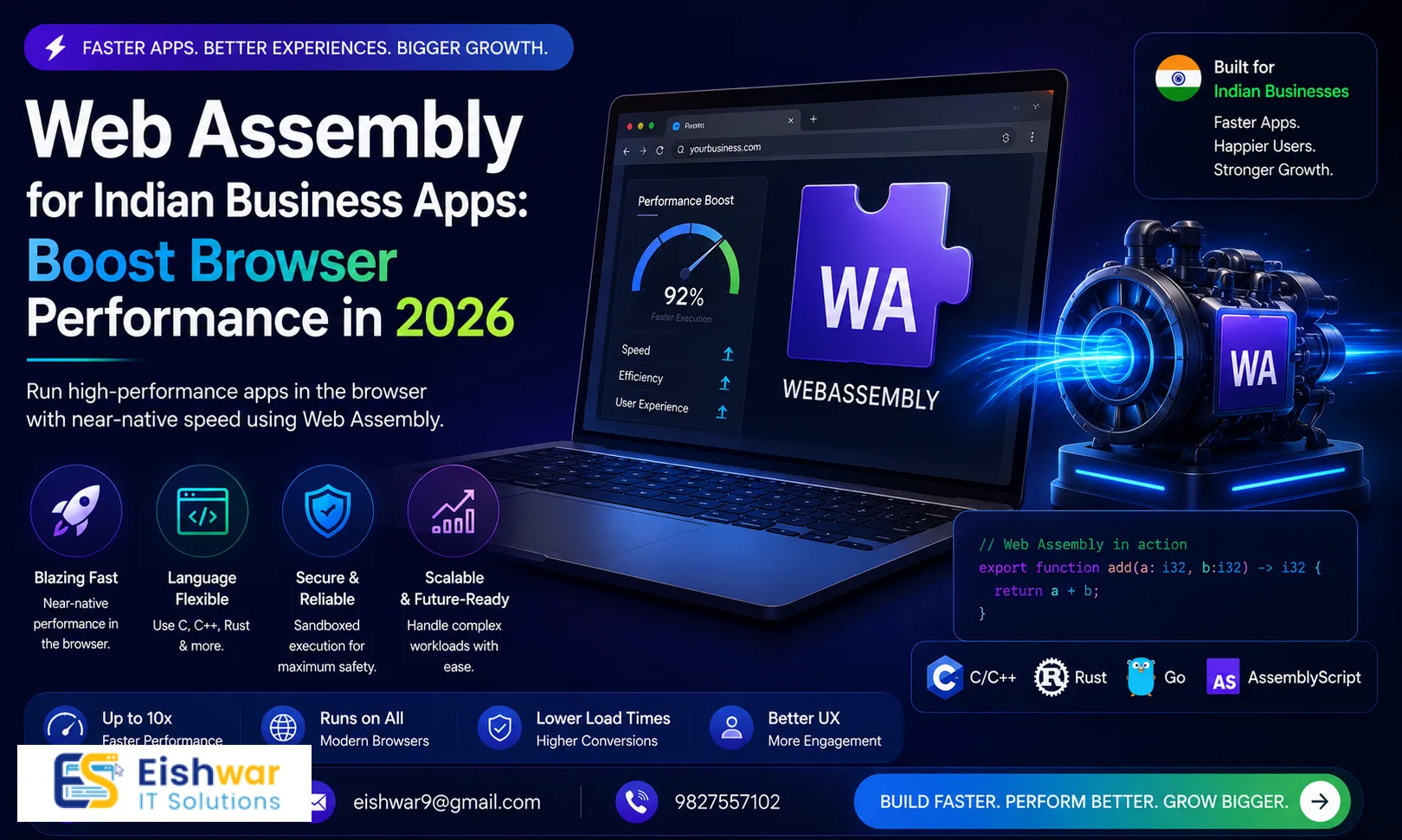
WebAssembly for Indian Business Apps: Boost Browser Performance in 202
Published on: 29 Jun 2026
WebAssembly for Indian Business Applications: Unlocking Near-Native Performance in the Browser
Introduction
Imagine your business web app loading and running as fast as a desktop software—no lag, no stutter, just pure speed. That's the promise of WebAssembly (Wasm), a binary instruction format that runs in modern browsers at near-native speed. For Indian businesses, where internet connectivity can be variable but smartphone usage is exploding, Wasm offers a game-changing opportunity to deliver high-performance applications without forcing users to download bulky native apps.
Learn more about our Website services
In 2026, as Indian enterprises continue their digital transformation journey, WebAssembly is becoming a secret weapon for web developers. Whether you're running an e-commerce platform, a SaaS tool, or a data-heavy dashboard, Wasm can drastically improve load times and responsiveness. Let's dive into what WebAssembly is, why it matters for Indian businesses, and how you can start using it today.
Main Section 1: What is WebAssembly and Why Should Indian Businesses Care?
WebAssembly is a low-level binary format that runs in web browsers alongside JavaScript. Think of it as a high-performance engine that can execute code written in languages like C, C++, Rust, or Go directly in the browser. Unlike JavaScript, which is interpreted and optimized at runtime, Wasm is compiled ahead of time, resulting in faster execution. In practical terms, this means that tasks like image processing, data compression, or complex mathematical calculations can run up to 10–20 times faster than pure JavaScript, depending on the workload.
For Indian businesses, this translates to a significant competitive advantage. Consider a typical scenario: a user in a tier-2 city accesses your e-commerce site on a mid-range Android phone over a 4G connection. Without Wasm, heavy JavaScript can cause janky interactions and long load times. With Wasm, you can offload CPU-intensive tasks to the binary module, freeing the main thread for smooth UI updates. This directly impacts user retention—studies show that a 1-second delay in page load can reduce conversions by 7%.
Key benefits for Indian businesses include:
- Faster load times for heavy web apps: Wasm modules are compact and parse quickly, often in under 100ms.
- Reduced server load: More processing happens on the client side, lowering your cloud costs.
- Better user experience on mid-range smartphones: Wasm's deterministic performance avoids the variability of JavaScript JIT compilation.
- Ability to reuse existing codebases: If you have legacy C++ or Rust code from desktop applications, you can port it to the web without rewriting everything.
Main Section 2: Practical Use Cases for WebAssembly in Indian Business Contexts
Let's explore specific scenarios where WebAssembly can make a tangible difference for Indian businesses, with real-world examples and implementation details.
1. E-Commerce Product Configurators: Imagine a furniture store that lets customers customize sofas in 3D. With Wasm, you can render high-quality 3D models directly in the browser, allowing real-time rotation, color changes, and fabric previews. This immersive experience can boost conversion rates by up to 40%. For example, a startup like Pepperfry could use Wasm to let users see how a sofa looks in their living room via AR, all without a native app. The Wasm module handles the physics and rendering, while JavaScript manages the UI.
👉 Don't wait for the perfect moment; turn your vision into reality today.
Free Consultation2. Financial Dashboards and Data Visualization: Indian fintech startups like Zerodha or Groww can use Wasm to process large datasets client-side. Imagine a dashboard that shows real-time stock market data with thousands of data points. With Wasm, you can run complex statistical calculations (e.g., moving averages, volatility indices) directly in the browser, enabling instant chart updates. No more waiting for server responses—your users get real-time insights. A practical tip: use a Rust library like `plotters` compiled to Wasm for high-performance charting.
3. Video and Image Processing: A wedding photography platform like WedMeGood can offer in-browser image editing (cropping, filters, compression) using Wasm. This reduces server costs and speeds up the editing process for users. For instance, you can compile the popular C library `libjpeg-turbo` to Wasm to compress images at near-native speed. A 10MB image can be compressed to 2MB in under 500ms on a mid-range phone.
4. Gaming and Interactive Content: Indian game developers can port existing C++ games to the web using Wasm, reaching a wider audience without requiring app store downloads. For example, a game like Ludo King could be recompiled to Wasm and played directly in the browser, with performance comparable to the native Android version. The key is to use Emscripten to compile the game's C++ code and integrate it with the browser's canvas API.
5. Real-Time Collaboration Tools: An architecture firm in Mumbai could use Wasm to render 3D building models on the client side, ensuring smooth performance even on older devices. The Wasm module handles the 3D rendering engine (e.g., using the `three.js` Wasm backend), while JavaScript manages collaboration features like real-time editing and chat.
Main Section 3: How to Integrate WebAssembly into Your Existing Web Stack
You might be wondering, 'Do I need to rewrite my entire website?' The answer is no. WebAssembly works alongside your existing JavaScript code. You can start small by migrating only the performance-critical parts of your application. Here's a step-by-step approach tailored for Indian businesses:
- Identify performance bottlenecks: Use Chrome DevTools' Performance tab to profile your web app. Look for functions that take more than 100ms to execute, such as image processing, data parsing, or complex calculations. For example, if you have a JavaScript function that sorts a 100,000-row customer dataset, that's a candidate for Wasm.
- Choose a language: Rust is popular for its safety and performance, but C/C++ and Go are also great options. For Indian teams with existing C++ expertise (common in embedded systems), Emscripten is the easiest path. For new projects, Rust with `wasm-pack` is recommended due to its excellent tooling.
- Compile your code to Wasm: Use tools like Emscripten (for C/C++) or wasm-pack (for Rust). For example, to compile a Rust function that calculates Fibonacci numbers, you'd write a simple function, annotate it with `#[wasm_bindgen]`, and run `wasm-pack build --target web`. The output will be a `.wasm` file and a JavaScript glue file.
- Load the Wasm module: In your JavaScript code, use the WebAssembly JavaScript API. For example:
const wasmModule = await WebAssembly.instantiateStreaming(fetch('module.wasm')); const result = wasmModule.instance.exports.fibonacci(40);. This loads the module asynchronously, avoiding blocking the main thread. - Test thoroughly: Test on different devices and browsers (Chrome, Firefox, Edge, Safari all support Wasm). Pay special attention to mobile devices—use Chrome's device emulation to simulate low-end phones.
For example, if you have a JavaScript function that sorts large arrays of customer data, you could rewrite that function in Rust and compile it to Wasm. The performance gain can be 10x or more. Here's a concrete example: a JavaScript `Array.sort()` on 1 million integers takes about 300ms, while a Rust quicksort compiled to Wasm takes under 30ms.
👉 Free Website Audit
Get Free AuditEishwarITSolution can help you identify the right components for Wasm migration. Our team specializes in performance optimization for Indian businesses, ensuring your web apps are fast, reliable, and scalable. We offer a free initial consultation to audit your current web stack.
Expert Tips
- Start with a single module: Don't try to convert everything at once. Pick one CPU-intensive task and see the improvement. For example, start with a data compression module for your file upload feature.
- Use streaming compilation: Load your Wasm module asynchronously using `WebAssembly.instantiateStreaming()` to avoid blocking the main thread. This improves perceived performance by up to 30%.
- Optimize for mobile: Indian users often access the web via mobile data. Keep your Wasm modules small (under 1MB ideally) to reduce download time. Use tools like `wasm-opt` to shrink the binary size.
- Monitor memory usage: Wasm has its own memory space (a linear memory buffer). Use tools like Chrome DevTools' Memory tab to profile memory and avoid leaks. Set a maximum memory size using the `--initial-memory` flag during compilation.
- Combine with Service Workers: Cache your Wasm modules using Service Workers for offline access and faster repeat loads. This is especially useful for apps used in areas with poor connectivity.
- Use Web Workers for parallelism: For heavy computations, run Wasm modules inside Web Workers to avoid blocking the UI. This is ideal for tasks like video encoding or large-scale data processing.
Common Mistakes
- Over-engineering: Using Wasm for simple tasks like DOM manipulation is overkill. Stick to computationally heavy operations like image processing, data parsing, or physics simulations.
- Ignoring browser compatibility: While modern browsers support Wasm, always test on older versions if your audience uses them. For example, some users in India may still use older Chrome versions on budget phones.
- Not measuring performance: Always benchmark before and after Wasm integration to quantify the gains. Use tools like `performance.now()` or the User Timing API to measure function execution time.
- Neglecting security: Wasm runs in a sandbox, but ensure your code doesn't expose sensitive data through memory leaks. Validate all inputs to Wasm functions to prevent buffer overflows.
- Forgetting about loading time: Even though Wasm modules are small, they still need to be downloaded. Use lazy loading to load Wasm modules only when needed, and consider using CDNs for faster delivery.
Future Trends
WebAssembly is evolving rapidly. The upcoming WebAssembly System Interface (WASI) will allow Wasm to run outside the browser, on servers and edge devices. For Indian businesses, this means you could run the same code on the client and server, simplifying development and reducing costs. For example, you could use Wasm for serverless functions on edge networks, providing low-latency processing for users in remote areas.
👉 Free Homepage Demo
Book DemoAnother trend is the rise of Wasm-based frameworks like Blazor (C#) and Yew (Rust), which allow full-stack development using Wasm. In 2026, expect more Indian startups to adopt these frameworks for building high-performance web apps. Additionally, the introduction of the GC (garbage collection) proposal will make it easier to use languages like Java and C# with Wasm, opening up even more possibilities.
Finally, the integration of Wasm with AI/ML libraries (e.g., TensorFlow.js with Wasm backend) will enable on-device machine learning inference, which is crucial for privacy-sensitive applications in sectors like healthcare and finance.
FAQs
1. Is WebAssembly a replacement for JavaScript?
No, WebAssembly complements JavaScript. Use Wasm for performance-critical tasks and JavaScript for everything else (DOM manipulation, event handling). In fact, most Wasm modules are loaded and managed by JavaScript.
2. Will WebAssembly work on all devices used in India?
Yes, all modern browsers (Chrome, Firefox, Safari, Edge) support WebAssembly. It works on Android and iOS devices as well. However, older browsers (e.g., Internet Explorer) do not support Wasm, so ensure your audience uses modern browsers.
3. Do I need to learn a new language to use WebAssembly?
You can write Wasm modules in languages like Rust, C, C++, or Go. If you don't know these, you can hire developers or use tools that compile from TypeScript (like AssemblyScript). AssemblyScript is a TypeScript-like language that compiles directly to Wasm, making it accessible for JavaScript developers.
4. How does WebAssembly affect SEO?
Wasm itself doesn't affect SEO directly. Ensure your web app still renders meaningful content for search engines (use server-side rendering or pre-rendering if needed). For example, if your app uses Wasm for rendering, provide static HTML fallbacks for crawlers.
5. Is WebAssembly secure?
Yes, Wasm runs in a sandboxed environment with strict memory safety. However, always audit your code for vulnerabilities, especially if you're porting existing C/C++ code that may have memory safety issues. Use tools like `wasm2wat` to inspect the binary.
6. Can I use WebAssembly with my existing CMS like WordPress?
Yes, you can embed Wasm modules in any HTML page, including WordPress sites. Use plugins or custom code to load the module. For example, you can create a WordPress plugin that enqueues a Wasm module for a specific page template.
7. What is the learning curve for implementing WebAssembly?
It's moderate. If you have experience with JavaScript and a compiled language, you can get started in a few days. For beginners, consider hiring an expert or using AssemblyScript to ease the transition. The key is to start with a small, well-defined task.
8. How do I debug WebAssembly modules?
You can use browser DevTools to debug Wasm modules. Chrome DevTools supports source maps for Wasm, allowing you to step through the original source code (e.g., Rust or C++). Use the `--debug` flag during compilation to include debug symbols.
9. What are the costs associated with using WebAssembly?
There are no direct costs for using Wasm—it's a web standard. However, you may incur costs for development (hiring Rust/C++ developers) and for optimizing the module size. The savings from reduced server load often offset these costs.
10. Can WebAssembly be used for server-side applications?
Yes, with WASI (WebAssembly System Interface), Wasm can run on servers and edge devices. This is useful for running the same code on client and server, reducing development time. For example, you can use Wasm for serverless functions on platforms like Cloudflare Workers.
Conclusion
WebAssembly is not just a buzzword—it's a practical tool for Indian businesses to deliver faster, more powerful web applications. By offloading heavy computations to the client side, you can reduce server costs, improve user experience, and stay ahead of competitors. Start small, measure the impact, and scale gradually. The future of web performance is here, and it's called WebAssembly. In 2026, the businesses that adopt Wasm early will have a significant advantage in the Indian digital landscape.
CTA
Ready to supercharge your web app with WebAssembly? Contact EishwarITSolution today for a free performance audit. Our experts will identify the best opportunities for Wasm integration in your business. Let's build faster together. Visit our website or call us at +91-XXXXXXXXXX to schedule your consultation.