
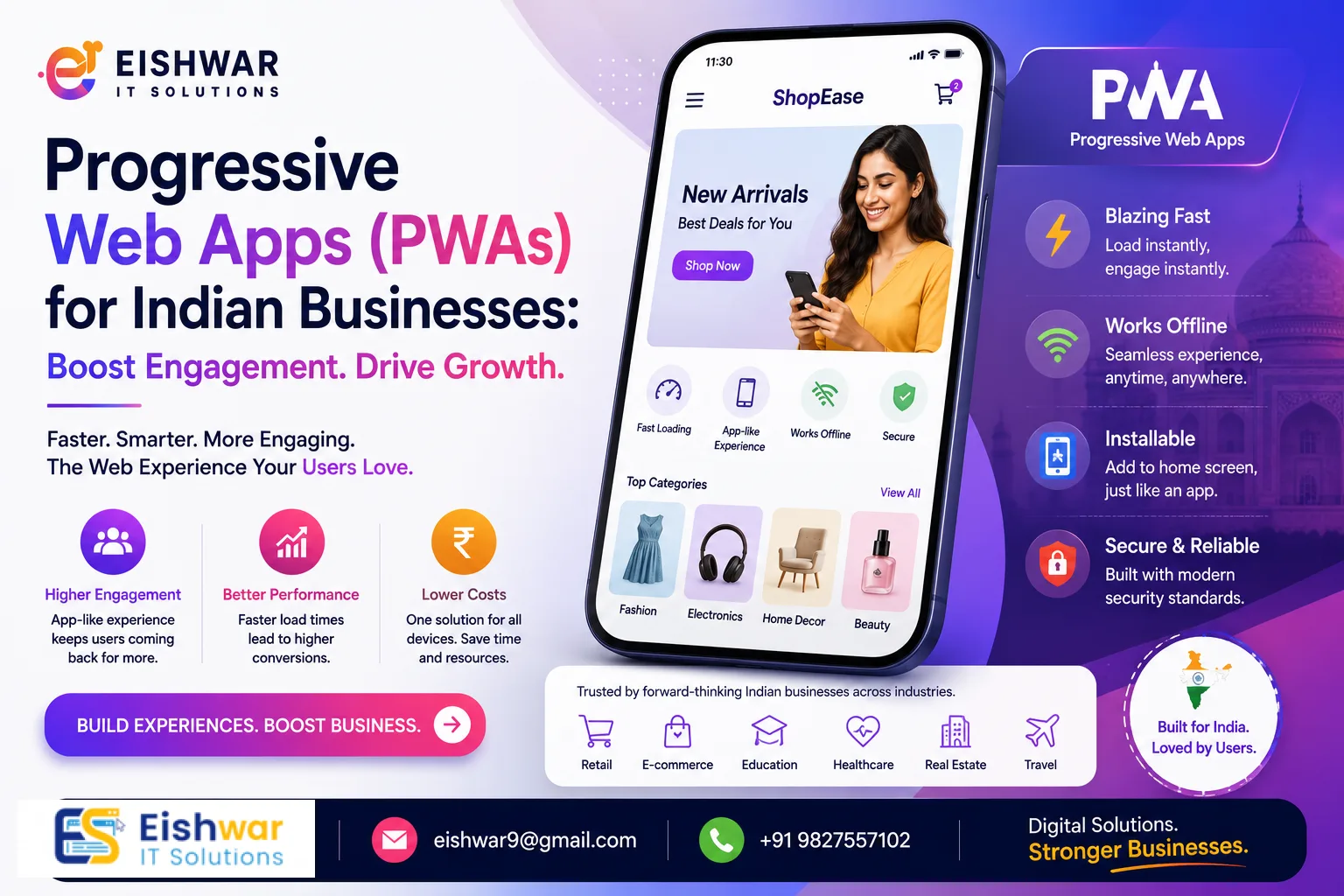
Progressive Web Apps (PWAs) for Indian Businesses: Boost Engagement in
Published on: 10 Jun 2026
Progressive Web Apps (PWAs) for Indian Businesses: A Cost-Effective Way to Boost Engagement in 2026
Introduction
In today's mobile-first world, Indian businesses face a critical choice: build a native app or stick with a mobile website. Both options have trade-offs—native apps offer rich experiences but cost a fortune, while mobile websites are cheaper but often fail to engage users. Enter Progressive Web Apps (PWAs). Imagine a solution that combines the best of both worlds: the reach of a website with the functionality of an app. PWAs are not just a trend; they are a strategic asset for businesses aiming to maximize ROI without breaking the bank.
Learn more about our Website services
At EishwarITSolution, we've seen firsthand how PWAs transform businesses across India—from e-commerce stores in Mumbai to service providers in Bangalore. In this guide, we'll explore why PWAs are the smart choice for 2026, how they boost engagement, and actionable steps to implement one today. With over 800 million mobile internet users in India, the potential for reaching customers through a fast, reliable, and engaging platform is immense. PWAs address common pain points like slow load times, high data costs, and limited storage, making them ideal for the Indian market.
Main Section 1: What Are Progressive Web Apps (PWAs) and Why Do They Matter?
Progressive Web Apps are web applications that use modern web capabilities to deliver an app-like experience to users. They are reliable, fast, and engaging—even on flaky networks. Unlike traditional mobile websites, PWAs can be installed on a user's home screen, send push notifications, and work offline. They are built using standard web technologies like HTML, CSS, and JavaScript, but leverage advanced features such as service workers and web app manifests to mimic native app behavior.
For Indian businesses, PWAs are a game-changer. With over 800 million mobile internet users, India is a mobile-first market. Yet, many users face slow connections and limited storage. PWAs solve these pain points by loading instantly and consuming minimal device resources. For example, a PWA typically uses less than 1 MB of storage, compared to native apps that can exceed 100 MB. This is crucial in a country where budget smartphones with 16-32 GB storage are common.
Example: Flipkart Lite, a PWA, reduced data usage by 80% and saw a 70% increase in conversions. Similarly, MakeMyTrip's PWA improved engagement by 60%. These are not just numbers—they represent real business growth. Another notable example is Ola, which used a PWA to offer a lightweight booking experience, resulting in a 30% increase in repeat bookings. For small businesses, these statistics translate into tangible benefits like lower bounce rates and higher customer retention.
Practical Tip: Start by auditing your current mobile site. Use Google's Lighthouse tool to check if it meets PWA criteria. Even partial implementation—like adding a service worker for offline caching—can yield immediate improvements in user experience.
Main Section 2: Key Benefits of PWAs for Indian Businesses
1. Cost-Effective Development
Building a single PWA costs 3-5 times less than developing separate iOS and Android apps. For a small business in India, this means saving lakhs of rupees while reaching all users. A native app for a basic e-commerce store might cost ₹2-3 lakh per platform, whereas a PWA can be built for ₹50,000-1 lakh. Plus, maintenance costs are lower because you only manage one codebase.
👉 Don't wait for the perfect moment; turn your vision into reality today.
Free Consultation2. Improved User Engagement
PWAs can send push notifications, re-engaging users who haven't visited in a while. This is crucial for e-commerce, news, and service platforms. For instance, a local grocery delivery service in Pune used push notifications to alert customers about weekly discounts, resulting in a 40% increase in repeat orders. Notifications can be personalized based on user behavior, such as abandoned cart reminders or flash sale alerts.
3. Offline Capabilities
In India, internet connectivity is inconsistent. PWAs can cache content, allowing users to browse products or read articles without an internet connection. For example, a travel booking site can cache destination guides and itineraries, so users can access them during flights or in areas with poor network coverage. This builds trust and reduces frustration.
4. Higher Conversion Rates
PWAs load faster than standard mobile sites. A one-second delay in page load can reduce conversions by 20%. PWAs eliminate that delay by using techniques like lazy loading and pre-caching. A case study from a Mumbai-based fashion retailer showed that after switching to a PWA, their mobile conversion rate jumped from 2.5% to 4.8%—a 92% increase.
5. SEO Friendly
Unlike native apps, PWAs are indexed by search engines, driving organic traffic. This is a huge advantage for local businesses in India. For example, a restaurant in Delhi with a PWA can appear in Google search results for "best biryani near me," while a native app would require separate ASO (App Store Optimization) efforts. Properly implemented PWAs also support structured data, enhancing rich snippets in search results.
Additional Benefit: PWAs are shareable via URLs, making them ideal for social media marketing. A user can share a product link on WhatsApp, and the recipient can open it instantly without downloading an app.
Main Section 3: How to Implement a PWA for Your Business (Step-by-Step)
Step 1: Audit Your Current Website
Check if your site is mobile-friendly and secure (HTTPS). PWAs require HTTPS. Use Google's Mobile-Friendly Test and check for mixed content issues. Also, evaluate your site's performance using Core Web Vitals metrics.
Step 2: Choose a Framework
Popular options include React, Angular, or Vue.js. For simpler sites, you can use a library like Workbox to simplify service worker creation. If you're using a CMS like WordPress, plugins like PWA for WP can accelerate development. For custom solutions, consider frameworks like Next.js or Nuxt.js, which offer built-in PWA support.
Step 3: Create a Service Worker
This script runs in the background and handles caching, offline functionality, and push notifications. Start with a basic cache-first strategy for static assets (images, CSS, JS) and a network-first strategy for dynamic content (API calls). Test with Chrome DevTools to ensure it works as expected.
Step 4: Add a Web App Manifest
This JSON file tells the browser how your app should appear when installed on the home screen. Include properties like name, short_name, icons (192x192 and 512x512), start_url, display (standalone or fullscreen), and theme_color. Ensure icons are optimized for different device densities.
👉 Free Website Audit
Get Free AuditStep 5: Test and Deploy
Use tools like Lighthouse to test your PWA's performance. Aim for a score of 90+ on all metrics. Test on real devices with varying network conditions (e.g., 3G, slow 4G). Deploy on a secure server with HTTPS enabled. Consider using a CDN for faster global delivery.
Pro Tip: Partner with experts like EishwarITSolution to ensure a smooth transition. We can handle everything from initial audit to deployment and post-launch optimization. For a DIY approach, start with a small pilot project—like converting a landing page into a PWA—to learn the ropes.
Expert Tips
1. Focus on Core Web Vitals: Google's Core Web Vitals (LCP, FID, CLS) are critical for PWA success. Optimize images (use WebP format), minimize JavaScript (defer non-critical scripts), and ensure stable layout shifts. Tools like PageSpeed Insights can highlight specific issues.
2. Leverage Push Notifications Wisely: Don't spam users. Use personalized, timely notifications to add value. For example, a news site can send breaking news alerts, while an e-commerce store can notify about price drops. Always provide an opt-out option and respect user preferences.
3. Test on Real Devices: Emulators are good, but real devices in Indian market conditions (low RAM, 3G networks) reveal true performance. Use services like BrowserStack or maintain a device lab with popular models like Redmi, Samsung, and Vivo.
4. Integrate with Analytics: Track user behavior to refine your PWA over time. Use Google Analytics 4 or Firebase to monitor engagement, offline usage, and notification click-through rates. A/B test different caching strategies to find what works best.
5. Optimize for Data Savings: Many Indian users are data-conscious. Implement data-saving features like lazy loading images, compressing assets with Brotli, and offering a "lite" mode that reduces image quality. This can improve user satisfaction and reduce bounce rates.
Common Mistakes
1. Ignoring Offline Experience: Users expect at least partial functionality offline. Provide cached content for key pages like product listings or blog posts. Avoid showing a generic "No internet" message—instead, display cached content with a subtle banner indicating offline mode.
2. Overcomplicating the Manifest: Keep your app name, icons, and theme colors simple and consistent with your brand. Avoid using long names that get truncated on the home screen. Test on both Android and iOS (iOS supports PWAs since iOS 11.3).
3. Neglecting SEO: Even though PWAs are indexed, improper implementation can hurt rankings. Ensure proper meta tags, structured data (e.g., schema.org for products), and server-side rendering (SSR) for critical content. Use tools like Google Search Console to monitor indexing.
4. Not Updating Regularly: PWAs need updates just like native apps. Plan for versioning by updating the service worker and cache. Use a versioning strategy like cache-busting with file hashes. Notify users about updates via a prompt or automatic refresh.
5. Overlooking Security: PWAs require HTTPS, but also ensure your service worker doesn't expose sensitive data. Avoid caching user credentials or payment information. Implement Content Security Policy (CSP) headers to prevent XSS attacks.
👉 Free Homepage Demo
Book DemoFuture Trends
In 2026, PWAs will become even more powerful. Expect features like:
- Bluetooth and NFC Integration: For payments and device interactions. For example, a PWA could enable contactless payments at retail stores using Web NFC API, reducing dependency on native payment apps.
- Advanced Offline Sync: Seamless data synchronization when connectivity returns. This is crucial for apps like inventory management or field service tools, where users need to update data offline and sync later.
- AI-Powered Personalization: PWAs will use machine learning to tailor content and notifications. For instance, a news PWA could recommend articles based on reading history, while an e-commerce PWA could suggest products using collaborative filtering.
- WebAssembly (Wasm): Enables high-performance applications like video editing or 3D modeling inside a PWA. This opens up new possibilities for creative tools and gaming.
- Enhanced App Store Integration: Google Play and Microsoft Store already support PWAs. In 2026, expect better discoverability and monetization options, such as in-app purchases via the Web Monetization API.
Indian businesses that adopt PWAs early will have a competitive edge. For example, a small travel agency in Jaipur could use a PWA with offline maps and AI recommendations to compete with larger players like MakeMyTrip.
FAQs
Q1: What is the difference between a PWA and a native app?
A PWA is a website that behaves like an app, while a native app is built specifically for iOS or Android. PWAs are cheaper, easier to maintain, and don't require app store approval. They also update automatically, unlike native apps that need manual updates. However, native apps have deeper access to device hardware (e.g., camera, GPS) and may offer smoother animations.
Q2: Can PWAs work offline?
Yes, PWAs can cache content and function offline, making them ideal for users with intermittent connectivity. For example, a recipe PWA can cache ingredient lists and cooking steps, so users can access them even in areas with no signal. The offline experience depends on how you implement caching—static assets are easier to cache than dynamic data.
Q3: Are PWAs SEO-friendly?
Absolutely. Since PWAs are websites, they can be indexed by search engines, driving organic traffic. This is a key advantage over native apps, which require separate ASO efforts. To maximize SEO, ensure your PWA uses server-side rendering (SSR) or dynamic rendering for critical content, and implement proper meta tags and structured data.
Q4: How much does it cost to build a PWA in India?
Costs vary, but a basic PWA can start from ₹50,000, while complex ones may go up to ₹5 lakh. Compare this to native apps that start from ₹2 lakh per platform. Factors affecting cost include the number of features, design complexity, and integration with third-party services. For a small business, a simple PWA with offline support and push notifications can be built for under ₹1 lakh.
Q5: Can I convert my existing website into a PWA?
Yes, with a few changes—adding a service worker, manifest file, and ensuring HTTPS. Many agencies like EishwarITSolution offer conversion services. The process typically takes 2-4 weeks, depending on the site's complexity. Start by auditing your site with Lighthouse to identify gaps, then prioritize adding a service worker for offline caching.
Q6: Do PWAs work on iOS?
Yes, since iOS 11.3, Safari supports PWAs. However, some features like push notifications and background sync are limited compared to Android. For example, iOS PWAs cannot send push notifications as of 2025, but this may change in future updates. Test your PWA on both platforms to ensure a consistent experience.
Q7: How do I measure the success of my PWA?
Track key metrics like install rate, engagement time, conversion rate, and offline usage. Use Google Analytics 4 to monitor user behavior, and set up custom events for PWA-specific actions like "add to home screen" or "offline access." Compare these metrics with your previous mobile site or native app to quantify ROI.
Conclusion
Progressive Web Apps are no longer optional—they are essential for Indian businesses that want to engage users effectively without overspending. By combining the reach of the web with the power of apps, PWAs deliver faster load times, offline access, and higher conversions. Whether you're a startup or an established enterprise, now is the time to invest in a PWA. At EishwarITSolution, we specialize in building high-performance PWAs tailored to Indian businesses. Ready to transform your digital presence? Let's talk. With the right strategy, your PWA can become a cornerstone of your digital growth in 2026 and beyond.
CTA
Ready to build a PWA that drives results? Contact EishwarITSolution today for a free consultation. Our team will help you create a cost-effective, engaging PWA that your users will love. Don't wait—2026 is the year of PWAs! Whether you need a simple conversion or a feature-rich custom PWA, we have the expertise to deliver. Schedule your free consultation now and take the first step toward higher engagement and ROI.