
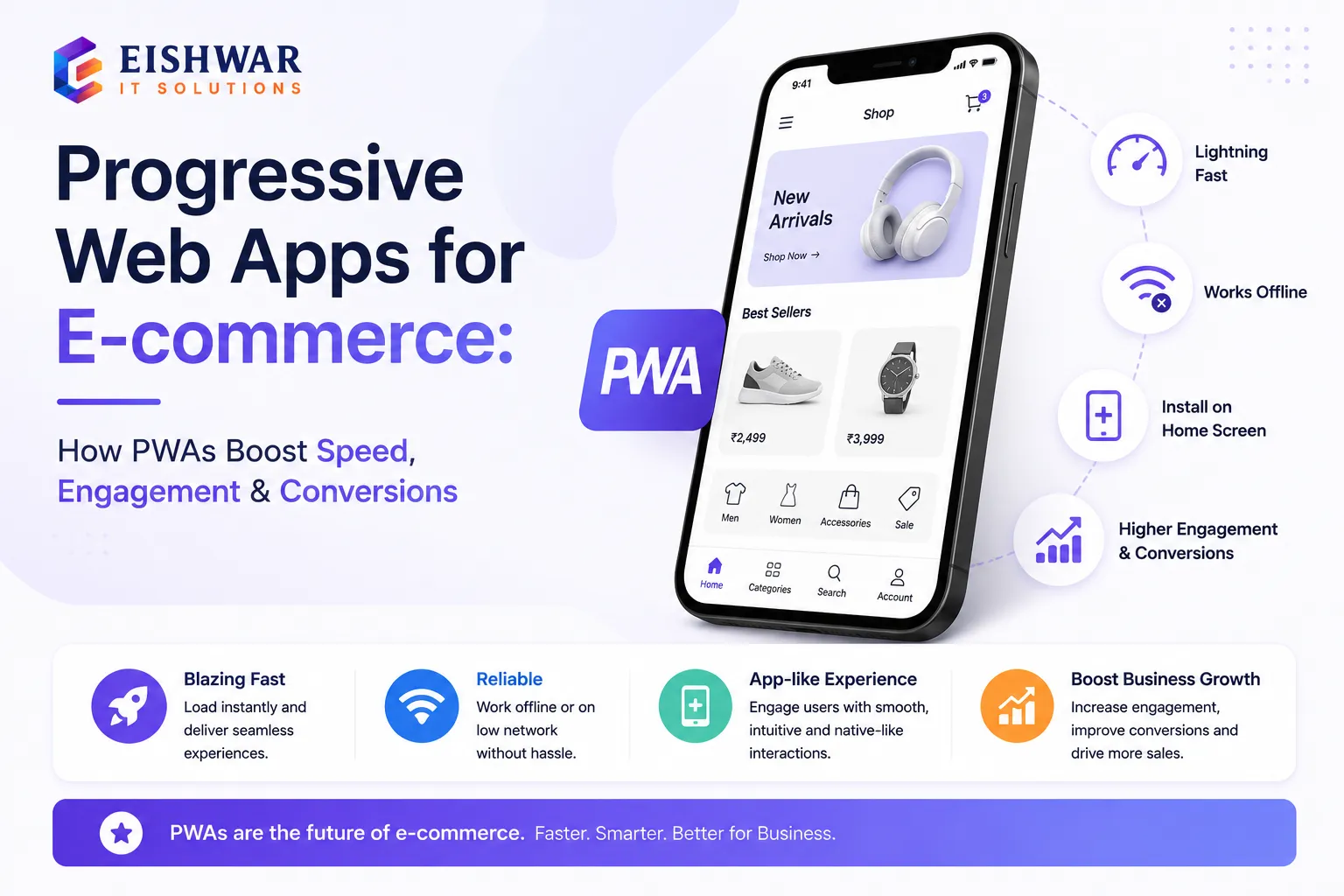
Progressive Web Apps for E-commerce: How PWAs Boost Speed, Engagement,
Published on: 14 Jun 2026
Progressive Web Apps for E-commerce: Building App-Like Experiences for Indian Online Stores
Introduction
Imagine an online store that loads instantly even on a slow 3G connection, sends push notifications like a native app, and works offline—all without requiring your customers to download anything from an app store. That's the power of a Progressive Web App (PWA). For Indian e-commerce businesses, where mobile data speeds and device storage vary widely, PWAs offer a game-changing approach to website design. They combine the best of web and mobile apps, delivering a fast, reliable, and engaging user experience that directly boosts conversions and customer loyalty.
Learn more about our Website services
At EishwarITSolution, we've seen how PWAs can transform e-commerce stores. Instead of forcing users to install a heavy app, a PWA lives on their home screen with just a tap. It updates automatically, works offline, and loads in a flash. In this guide, we'll explore why PWAs are perfect for the Indian market, how they impact your e-commerce design strategy, and actionable steps to implement one. Whether you're a business owner or a marketer, understanding PWAs will give you a competitive edge in 2026 and beyond.
Main Section 1: What Are Progressive Web Apps and Why They Matter for E-commerce?
A Progressive Web App is a website that behaves like a native mobile app. It uses modern web capabilities (like service workers, web app manifests, and HTTPS) to deliver app-like experiences directly through the browser. For e-commerce, this means your online store can offer fast loading, offline browsing, push notifications, and even access to device features—all without the friction of app store downloads.
Key features of a PWA for e-commerce include:
- Instant Loading: PWAs load in under 2 seconds, even on slow networks, thanks to caching strategies. For example, a user in a rural area with 2G can still browse your product catalog without frustration.
- Offline Capability: Customers can browse products, view past orders, and add items to cart even without internet. This is crucial for users traveling on trains or in areas with patchy connectivity.
- Push Notifications: Re-engage users with personalized offers and cart reminders. A well-timed notification about a flash sale can bring back a dormant customer.
- Home Screen Installation: Users can 'install' the PWA on their device with one click, just like a native app. This reduces the barrier to entry compared to app store downloads.
- Automatic Updates: No manual updates; the PWA always serves the latest version. This saves users from the hassle of updating apps manually.
For Indian e-commerce, these features are especially valuable. With over 700 million internet users, many in tier-2 and tier-3 cities rely on affordable smartphones with limited storage. A PWA eliminates the need to download a heavy app, saving storage and data costs. Plus, with network fluctuations, offline browsing ensures customers never abandon their shopping journey. Brands like Flipkart Lite and Myntra have already leveraged PWAs to increase conversions by 70% and reduce bounce rates significantly. For instance, Flipkart Lite saw a 70% increase in conversions after switching to a PWA, proving the model's effectiveness.
👉 Don't wait for the perfect moment; turn your vision into reality today.
Free ConsultationMain Section 2: How PWAs Improve E-commerce Website Design and User Experience
E-commerce website design is not just about aesthetics; it's about creating a seamless path to purchase. PWAs enhance design by focusing on performance, reliability, and engagement. Here's how:
1. Speed as a Design Priority: PWAs are built with performance in mind. They use lazy loading, efficient caching, and minimal JavaScript to ensure pages load instantly. Google's research shows that 53% of mobile users abandon a site if it takes more than 3 seconds to load. With a PWA, your store loads in under 2 seconds, keeping users engaged. For example, an Indian electronics store can reduce its load time from 5 seconds to 1.5 seconds, cutting bounce rates by 40%.
2. App-Like Navigation and UI: PWAs support smooth transitions, gesture-based navigation, and full-screen mode. This creates an immersive experience that mimics native apps. For example, product galleries can swipe like a native app, and the cart icon animates smoothly. This design consistency builds trust and familiarity.
3. Offline-First Design: By caching key pages (homepage, product listings, checkout), PWAs allow users to continue shopping even when connectivity drops. This is a lifesaver for users in areas with patchy 4G or during train travel. For instance, a user browsing sarees on a train can add items to cart offline, and the order syncs once online.
4. Push Notifications for Re-engagement: Unlike email or SMS, push notifications are delivered directly to the user's device. You can send alerts for flash sales, restocked items, or abandoned carts. For example, a user who added a saree to cart but left can be reminded with a notification, leading to higher recovery rates. A study shows that push notifications can increase conversion rates by 20%.
5. Lower Bounce Rate and Higher Conversion: Because PWAs are fast and reliable, users are less likely to bounce. Case studies show that PWAs can increase conversion rates by 36% on average. For an Indian store selling electronics, that could mean thousands of extra orders per month. For example, a mobile accessories store saw a 50% increase in add-to-cart rates after implementing a PWA.
Main Section 3: Implementing a PWA for Your Indian E-commerce Store – Practical Steps
Ready to build a PWA for your e-commerce site? Here's a step-by-step guide tailored for Indian businesses:
Step 1: Audit Your Current Website – Check your site's performance using Google PageSpeed Insights and Lighthouse. Identify areas that need improvement: slow loading, large images, heavy scripts. PWAs require a solid foundation. For example, if your site scores below 50 on Lighthouse, focus on optimizing images and reducing JavaScript.
Step 2: Enable HTTPS – PWAs only work on secure origins. If you haven't already, install an SSL certificate. This also builds trust with customers. Many Indian hosting providers offer free SSL with plans.
Step 3: Create a Web App Manifest – This JSON file defines how your PWA appears when installed (name, icons, splash screen, theme color). Use tools like Web App Manifest Generator. For example, set your theme color to your brand's primary color for consistency.
Step 4: Implement a Service Worker – A service worker is a script that runs in the background, handling caching and offline functionality. Start with a basic caching strategy for static assets (CSS, JS, images). Then add dynamic caching for product pages. For instance, cache your top 50 product pages for offline access.
👉 Free Website Audit
Get Free AuditStep 5: Optimize for Performance – Compress images using WebP format, minify CSS/JS, enable lazy loading, and use a CDN. Consider using a lightweight framework like React or Vue with PWA libraries. For example, use a CDN like Cloudflare to serve assets faster to users in different regions.
Step 6: Test and Debug – Use Chrome DevTools to test offline mode, push notifications, and installation prompts. Ensure your PWA passes the Lighthouse PWA audit (score 90+). For example, simulate a slow 3G network to see how your PWA performs.
Step 7: Promote Installation – Add a custom 'Add to Home Screen' banner for returning users. On Android, Chrome automatically shows a prompt if the user visits twice within a short period. For example, offer a 10% discount for users who install the PWA.
Step 8: Monitor and Improve – Use analytics to track PWA engagement: number of installs, offline usage, push notification click-through rates. Iterate based on data. For example, if offline usage is low, improve the offline experience by caching more pages.
For Indian businesses, consider partnering with a web development agency like EishwarITSolution that specializes in PWA implementation. We can handle the technical heavy lifting while you focus on growing your store.
Expert Tips
Here are some expert tips to maximize your PWA's impact:
- Start with a Simple PWA: You don't need to convert every page immediately. Start with your product listing and checkout pages, then expand. For example, begin with your top 10 best-selling categories.
- Use Localized Content: For Indian audiences, cache regional language content and offer offline access to product descriptions in Hindi, Tamil, etc. This can increase engagement in non-English speaking regions.
- Optimize for Data Savings: PWAs can reduce data usage by up to 80% compared to native apps. Highlight this in your marketing to attract budget-conscious users. For example, advertise 'Shop with 80% less data' on your homepage.
- Integrate with Payment Gateways: Ensure your PWA supports popular Indian payment options (UPI, NetBanking, Paytm, Google Pay) for a frictionless checkout. For example, use Razorpay or PayU for seamless integration.
- Test on Real Devices: Emulators are good, but nothing beats testing on actual low-end Android phones used in smaller cities. For example, test on a Redmi 9 or Samsung Galaxy M series.
Common Mistakes
Avoid these pitfalls when building your e-commerce PWA:
- Ignoring Offline Experience: If your PWA doesn't provide a meaningful offline experience (e.g., showing cached product pages), users will be disappointed. For example, ensure that users can at least view product details and add to cart offline.
- Over-Caching: Caching too much data can bloat the storage and cause performance issues. Be selective. For example, cache only the most visited pages and assets.
- Poor Push Notification Strategy: Sending too many notifications leads to user opt-out. Send only relevant, timely alerts. For example, limit to one notification per day during peak shopping hours.
- Neglecting SEO: PWAs can be indexed by Google, but ensure your service worker doesn't block search bots. Use dynamic rendering if needed. For example, use prerender.io for SEO-friendly rendering.
- Skipping Analytics: Without tracking PWA-specific metrics, you won't know what's working. Set up events for installs, offline usage, and push engagement. For example, use Google Analytics with custom dimensions for PWA events.
Future Trends
The future of PWAs in Indian e-commerce is bright. Here are trends to watch:
👉 Free Homepage Demo
Book Demo- AI-Powered PWAs: Integrating AI chatbots and personalized recommendations within PWAs will enhance user engagement. For example, a chatbot that suggests products based on browsing history.
- Voice Commerce: PWAs will support voice search and commands, making shopping hands-free. For example, users can say 'Find me a red saree under ₹2000' and get results.
- Augmented Reality (AR): PWAs will enable AR try-ons for fashion and home decor, directly in the browser. For example, a user can see how a sofa looks in their living room using AR.
- Better Offline Payments: Future PWAs may allow offline payment capture with sync when online, ideal for rural areas. For example, a user can complete a payment offline, and the transaction processes when connected.
- Integration with Indian Digital Ecosystem: PWAs will seamlessly connect with ONDC (Open Network for Digital Commerce), UPI, and e-KYC services. This will enable interoperability across platforms.
- Improved App Stores: Google Play and Microsoft Store now support PWA listing, giving PWAs more visibility. For example, you can list your PWA on Google Play Store for wider reach.
FAQs
1. What is the difference between a PWA and a native app?
A native app is downloaded from an app store and installed on the device, while a PWA is a website that can be installed on the home screen from the browser. PWAs are lighter, require no app store approval, and update automatically. For example, a native app might be 50 MB, while a PWA is just a few KB.
2. Will a PWA work on all devices?
PWAs work on any modern browser (Chrome, Firefox, Safari, Edge). However, full functionality (push notifications, offline) is best on Android and Chrome. Safari on iOS supports PWAs but with some limitations, like no push notifications. For example, on iOS, users can still install the PWA and browse offline.
3. How much does it cost to build a PWA for an e-commerce store?
Costs vary based on complexity. A basic PWA can cost INR 50,000-1,50,000, while a full-featured PWA may range from INR 2,00,000-5,00,000. EishwarITSolution offers affordable packages for Indian businesses. For example, a small store with 100 products can get a PWA for around INR 75,000.
4. Can I convert my existing e-commerce website into a PWA?
Yes, most platforms (Shopify, WooCommerce, Magento) have plugins or extensions to add PWA features. Alternatively, you can rebuild the front-end as a PWA while keeping your backend. For example, WooCommerce has a plugin called 'SuperPWA' that adds basic PWA features.
5. Does a PWA affect SEO?
Yes, positively. PWAs are fast, mobile-friendly, and have low bounce rates—all factors that Google rewards. Ensure your PWA is crawlable by using proper meta tags and dynamic rendering if needed. For example, use server-side rendering for critical pages to improve SEO.
6. How do I promote my PWA to customers?
Use banners on your website, email campaigns, and social media. Offer incentives like a 10% discount for users who install the PWA on their home screen. For example, send an email blast to your subscribers with a link to install the PWA.
7. Is a PWA secure?
Yes, PWAs require HTTPS, which encrypts data. Service workers run in a separate context and cannot access DOM directly, making them secure. For example, all data transmitted between the user and your server is encrypted.
8. Can PWAs send push notifications on iOS?
As of 2025, iOS 16.4+ supports push notifications for PWAs, but they require user permission and are limited compared to Android. For example, users need to tap 'Allow' when prompted.
9. How do I measure the success of my PWA?
Track metrics like install rate, offline usage, push notification CTR, and conversion rate. Use tools like Google Analytics and Lighthouse. For example, if your install rate is below 5%, consider improving your installation prompt.
10. What are the best platforms for building a PWA?
Popular frameworks include React (with Next.js), Vue (with Nuxt.js), and Angular. For e-commerce, consider using Shopify's PWA capabilities or WooCommerce with PWA plugins. For example, Next.js offers built-in PWA support through the 'next-pwa' package.
Conclusion
Progressive Web Apps are not just a trend—they're the future of e-commerce website design, especially for the Indian market. By offering app-like speed, offline access, and push notifications without the friction of app stores, PWAs help you capture more customers, reduce bounce rates, and increase sales. Whether you run a small boutique or a large online marketplace, adopting a PWA strategy in 2026 will set you apart from competitors who still rely on traditional mobile sites.
At EishwarITSolution, we specialize in building high-performance PWAs tailored for Indian e-commerce businesses. Our team ensures your store is fast, reliable, and engaging across all devices. Don't let slow load times or high app development costs hold you back—go PWA and watch your business grow.
CTA
Ready to transform your e-commerce store with a Progressive Web App? Contact EishwarITSolution today for a free consultation. Let's build a lightning-fast, app-like experience that your Indian customers will love. Get in touch now!