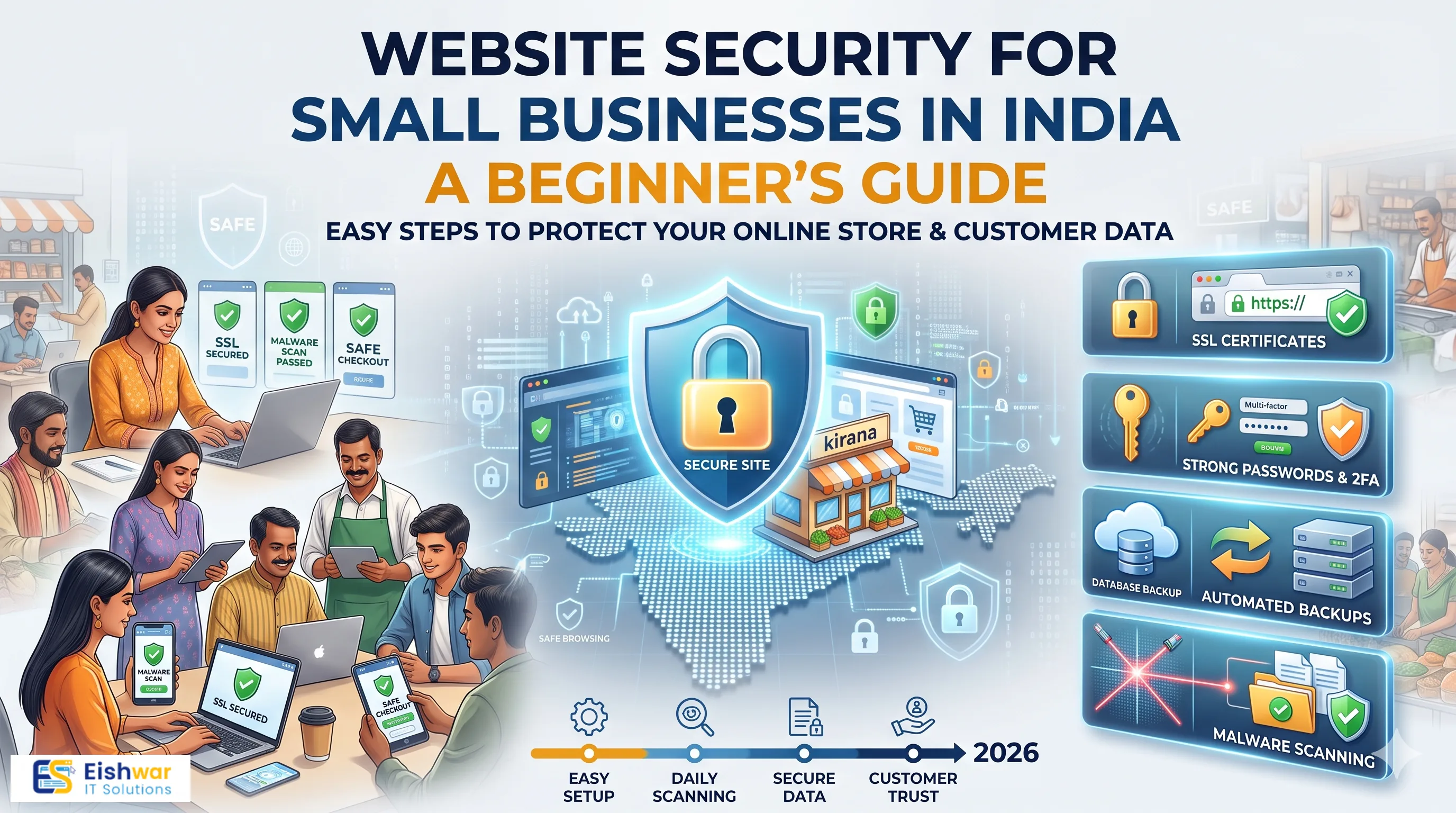
Website Security for Small Businesses in India: A Beginner's Guide
Introduction
If your business website collects enquiries, accepts payments, or simply represents your brand online, it is a target. That is not meant to alarm you. It is simply how the internet works in 2026. Automated bots scan millions of websites every day looking for weak passwords, outdated plugins, and unpatched contact forms. They do not pause to check whether the business behind the site is a large enterprise or a two-person consultancy in Pune.
For Indian small businesses, the stakes are very practical. A compromised website can mean a red warning label in Google search results, a payment gateway that suddenly stops working, leaked customer phone numbers, and weeks of lost enquiries while you scramble to fix things.
The good news is that you do not need a security team or a large budget. You need a clear, repeatable set of habits. This guide breaks website security for small businesses down into plain language, with a simple 30-day plan you can follow even if you have never touched a line of code.
Why Website Security Matters for Indian Small Businesses
Most business owners treat security as a technical chore. In reality, it is a business decision that protects revenue, reputation, and customer relationships.
Customer trust is your most valuable asset
Think about the last time you landed on a website and saw a browser warning saying the connection is not secure. You probably closed the tab within two seconds. Your customers behave exactly the same way. A missing padlock icon or a malware warning destroys trust instantly, and trust is far harder to rebuild than it is to protect.
The hidden cost of a compromised website
When a site is hacked, the visible damage is only part of the story. Consider what usually happens behind the scenes:
- Downtime: Your site goes offline, sometimes for days, while it is cleaned and restored.
- Lost leads: Every enquiry form submission that fails is a potential customer who moved on to a competitor.
- Blacklisting: Google and Chrome may flag your domain, cutting off organic traffic and paid campaigns.
- Email damage: Your business email domain can be used to send spam, landing it on client blacklists.
- Reputation: Customers who shared personal data may never trust your business again.
A single incident can cost more than several years of preventive maintenance combined.
Compliance is no longer optional
India's Digital Personal Data Protection Act, 2023 changed the conversation. If your website collects names, phone numbers, email addresses, or payment details, you are handling personal data and you are expected to protect it. Under the earlier IT Act provisions as well, businesses that handle sensitive personal data can face liability if reasonable security practices were not followed.
You do not need a legal department to get started. You need to know what data you collect, where it is stored, how long you keep it, and who can access it.
Security quietly affects SEO and ad performance
Google prioritises secure websites. HTTPS is a confirmed ranking signal, and hacked sites are removed from search results until they are cleaned. If you run Google Ads or Meta Ads, a flagged domain can pause your campaigns overnight. Security is therefore not just an IT line item. It is a marketing investment.
The Seven Layers of Website Security Every Business Needs
You can think of website security as a series of layers. Each one covers a different type of risk, and together they make your site genuinely difficult to break into.
1. SSL certificate and HTTPS
An SSL certificate encrypts the data moving between your visitor's browser and your server. Without it, anything typed into your forms travels in plain text. Most Indian hosting providers now include a free Let's Encrypt certificate. Check that your site loads with https:// and that all pages redirect from http:// automatically. Mixed content warnings, where some images or scripts still load over http, are a common and easily missed issue.
2. Secure and reputable hosting
Cheap hosting is one of the most common weak points for small business websites. Look for providers that offer server-level firewalls, automatic malware scanning, isolated accounts, daily backups, and a clear uptime record. Ask a simple question before signing up: what happens if my site is hacked? If the answer is vague, keep looking.
3. CMS, theme, and plugin hygiene
If you use WordPress, a large share of attacks target outdated plugins and themes. Follow these rules:
- Update your CMS, themes, and plugins every month, ideally every week.
- Delete plugins and themes you are not actively using. Deactivated code is still code.
- Install plugins only from official sources with recent update history.
- Test major updates on a staging copy before pushing them live.
4. Strong passwords and two-factor authentication
Weak admin credentials remain the easiest way in. Use a password manager, generate unique passwords of at least 14 characters, and enable two-factor authentication on your hosting panel, CMS admin, domain registrar, and business email. Securing your domain registrar matters more than most owners realise. If someone gains control there, they can redirect your entire website.
5. Web application firewall and malware scanning
A web application firewall filters malicious traffic before it reaches your site. It blocks common attacks such as SQL injection, cross-site scripting, and brute-force login attempts. Pair it with scheduled malware scans so that if something slips through, you hear about it from your dashboard rather than from an angry customer.
6. Backups you can actually restore
A backup is only useful if it works. Follow the 3-2-1 principle: three copies of your data, on two different types of storage, with one copy stored off-site. Most importantly, test a restore at least once a quarter. Many businesses discover their backups are corrupted only after a disaster.
7. Forms, payments, and third-party scripts
Every form on your website is an entry point. Add spam protection, validate inputs, and never store sensitive information in plain text. For payments, always route transactions through a PCI-DSS compliant gateway such as Razorpay, PayU, or Cashfree rather than collecting card details on your own server. Also audit third-party scripts, tracking pixels, and chat widgets regularly. Every script you add is another company's code running on your site.
A Practical 30-Day Website Security Plan for Beginners
You do not have to fix everything in one weekend. Work through this plan in four weekly sprints.
Week 1: Audit and inventory
- List every person who has admin access to your website, hosting, domain, and email.
- Note down where customer data is stored: forms, CRM, spreadsheets, WhatsApp Business.
- Run a security scan using your hosting dashboard or a free tool.
- Confirm your SSL certificate is valid and not expiring within 30 days.
Week 2: Harden the basics
- Reset all admin passwords using a password manager.
- Enable two-factor authentication everywhere possible.
- Update your CMS, themes, and plugins.
- Delete unused plugins, themes, and old admin accounts.
- Turn on automatic updates for minor releases.
Week 3: Protect data and payments
- Add a privacy policy that explains what data you collect and why.
- Switch to a compliant payment gateway if you are not already using one.
- Add captcha or honeypot protection to all forms.
- Limit database access and remove any test or sample data.
Week 4: Monitor, back up, and prepare a response plan
- Configure daily automated backups with off-site storage.
- Set up uptime and malware alerts that reach your phone.
- Write a one-page incident plan: who to call, how to restore, how to inform customers.
- Book a monthly 30-minute security review in your calendar.
That final calendar reminder is what separates businesses that stay secure from those that get caught out. Security is a habit, not a project.
Expert Tips
- Secure your domain registrar first. It controls everything else. Turn on registrar lock and two-factor authentication today.
- Separate your admin email. Do not use the same address that appears publicly on your contact page for CMS logins.
- Keep a change log. Note every plugin update, new script, or developer change. When something breaks, you will know exactly where to look.
- Give developers temporary access. Remove credentials the moment a project ends.
- Check your site from a customer's perspective monthly. Visit it on mobile data, click your forms, and confirm the padlock appears.
- Do not ignore email security. Set up SPF, DKIM, and DMARC records so attackers cannot spoof your domain.
Common Mistakes
- Assuming small means invisible. Automated attacks do not target businesses. They target vulnerabilities at scale.
- Sharing one password across tools. One breach then unlocks everything.
- Ignoring plugin updates for months. Outdated plugins are the single most exploited entry point on small business sites.
- Backing up to the same server. If the server fails or is wiped, so is your backup.
- Never testing a restore. An untested backup is an assumption, not a safeguard.
- Skipping the privacy policy. Collecting personal data without a clear policy creates legal and trust risks.
- Hiring the cheapest developer with no security handover. Always ask for documentation, credentials, and ownership of accounts.
Future Trends
Website security is changing quickly, and staying aware of the direction helps you plan ahead.
- AI-driven attacks and AI-driven defence. Attackers now use automation to find weak points faster, while security tools use the same technology to detect unusual patterns.
- Privacy-first compliance. As India's data protection rules mature, expect clearer consent requirements and stronger penalties for mishandled personal data.
- Managed security for small businesses. Monthly security retainers are becoming as normal as accounting retainers for growing Indian SMEs.
- Passwordless authentication. Passkeys and biometric logins will gradually replace traditional passwords on major platforms.
- Zero-trust thinking. Every user, device, and script is verified by default, even inside your own team.
- Security as a ranking and trust signal. Search engines and browsers will keep pushing hard on site safety as a core quality indicator.
FAQs
How much does website security cost for a small business in India?
A basic setup can cost very little. Many hosts include SSL and firewalls in plans starting around a few hundred rupees a month. Add a security plugin, a backup service, and occasional expert help, and most small businesses can stay protected for a modest annual amount, far less than the cost of recovery after a breach.
My website is small and gets very little traffic. Do I still need security?
Yes. Attackers use automated scanners that test thousands of sites per hour regardless of size. A small site with an outdated plugin is actually an easier target, and it may be used to send spam or host malicious redirects without you noticing for weeks.
What should I do immediately if my website is hacked?
Take the site offline or into maintenance mode, change all passwords, restore from a clean backup, and scan for remaining malicious files. Then identify how the breach happened so it does not repeat. If customer data was exposed, inform affected users and consider consulting a security professional.
Is free SSL safe enough for a business website?
For most small business websites, a free SSL certificate from a trusted provider is perfectly adequate. It encrypts data the same way paid certificates do. The important thing is that it is installed correctly, covers all pages, and renews automatically.
How often should I back up my website?
Daily automated backups are ideal for sites that collect leads or process orders. Weekly is the minimum acceptable. Regardless of frequency, always store one copy off-site and test a restore at least once a quarter.
Do I need to worry about the DPDP Act if I only collect enquiry forms?
Yes, if you collect personal data such as names, phone numbers, or email addresses, you are processing personal data. The practical steps are simple: publish a clear privacy policy, collect only what you need, secure the data, and delete it when it is no longer required.
Conclusion
Website security for small businesses is not about buying the most expensive tools. It is about closing the obvious doors. Valid SSL, updated code, strong passwords with two-factor authentication, a reliable backup, and a firewall will stop the overwhelming majority of everyday attacks aimed at Indian small business websites.
Once those basics are in place, security becomes a light monthly routine rather than a source of anxiety. You spend thirty minutes checking updates and alerts, and you get to focus the rest of your time on what actually grows your business: marketing, sales, and serving customers well.
Start with Week 1 of the plan above. Do not wait for a scare to take website security seriously.
CTA
Not sure whether your website is genuinely protected? Our team at EishwarITSolution can run a full website security audit, fix vulnerabilities, set up automated backups and monitoring, and hand you a simple maintenance plan you can actually follow.
Book your free website security check today and protect the business you have built.