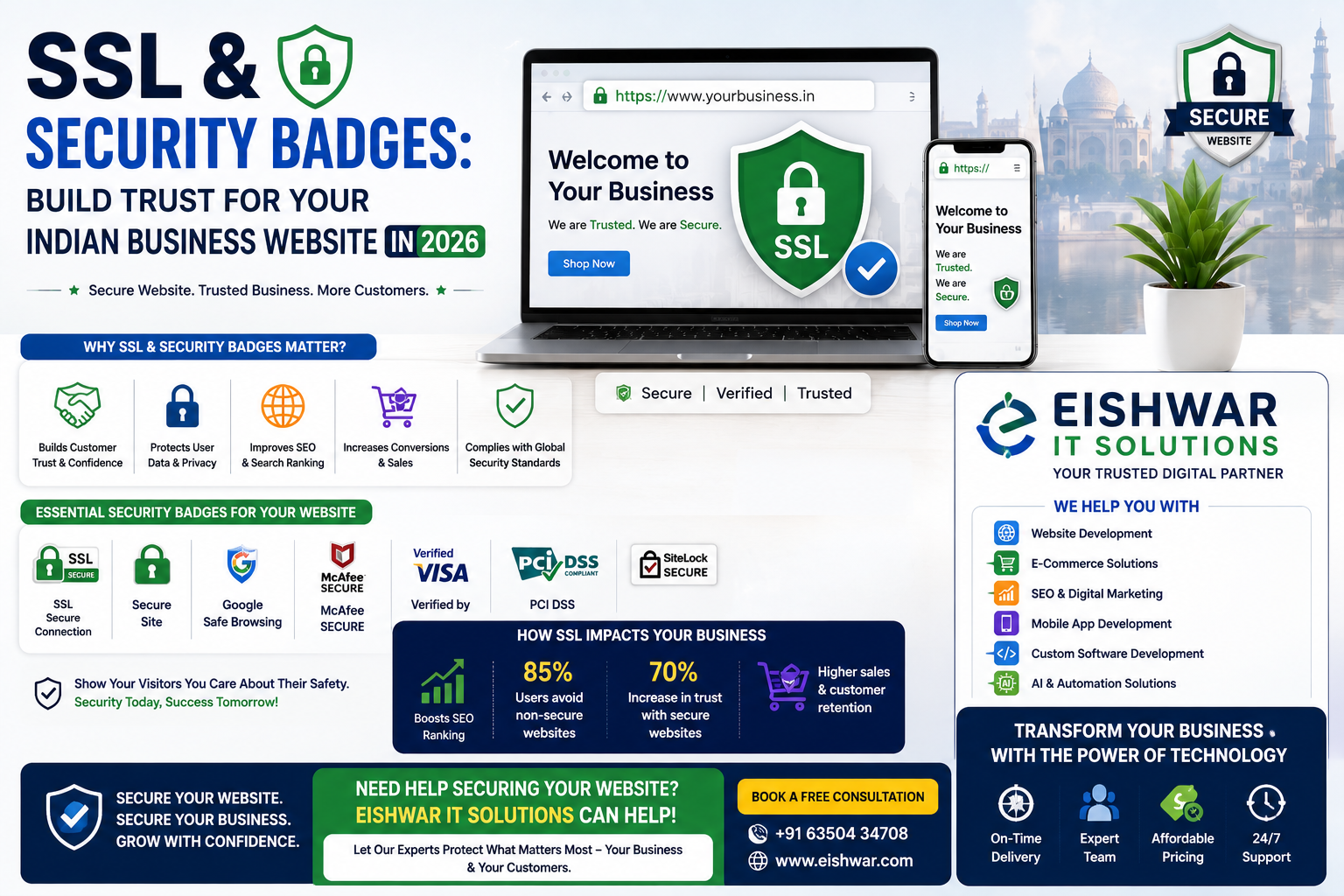
SSL & Security Badges: Build Trust for Your Indian Business Website in 2026
Introduction
Imagine landing on a website that asks for your credit card details but shows a 'Not Secure' warning in the browser bar. Would you proceed? Probably not. In 2026, Indian internet users are more savvy than ever. They know that a padlock icon and 'https://' in the address bar signal a safe connection. For business owners, marketers, and professionals, ensuring your website has SSL (Secure Sockets Layer) certificates, HTTPS, and visible security badges isn't just a technical checkbox—it's a fundamental trust-building tool that directly impacts your bottom line.
At EishwarITSolution, we've seen countless Indian businesses lose potential customers simply because their website lacked these basic security features. In this comprehensive guide, we'll explore why SSL, HTTPS, and security badges are non-negotiable in 2026, how they affect your SEO, and practical steps to implement them. Whether you run a small e-commerce store or a professional services firm, this article will help you secure your site and win customer confidence.
Why SSL and HTTPS Matter for Indian Businesses in 2026
SSL (Secure Sockets Layer) is the technology that encrypts data transferred between a user's browser and your website. When you have an SSL certificate, your website uses HTTPS (HyperText Transfer Protocol Secure) instead of HTTP. The difference is visible: a padlock icon appears in the address bar, and the URL starts with 'https://'.
Trust and Credibility: Indian consumers are increasingly cautious about online fraud. According to a 2025 survey by the Indian Cyber Crime Coordination Centre, over 60% of online shoppers check for the padlock before entering personal information. A missing padlock can immediately make your site look unprofessional or even malicious.
SEO Ranking Boost: Google has confirmed that HTTPS is a ranking signal. In 2026, with competition fiercer than ever, every SEO advantage counts. Websites with HTTPS are more likely to appear higher in search results than those without. For example, a local Mumbai bakery that switched to HTTPS saw a 15% increase in organic traffic within three months.
Data Protection: SSL encrypts sensitive data like login credentials, payment details, and personal information. Without it, hackers can intercept this data easily. In India, where digital payment adoption is skyrocketing (UPI transactions crossed 10 billion in 2025), protecting customer data is both an ethical and legal responsibility under the upcoming Digital Personal Data Protection Act.
Browser Warnings: Modern browsers like Chrome and Firefox actively mark HTTP sites as 'Not Secure'. This warning appears directly in the address bar, scaring away visitors. In 2026, this is a death knell for any business website.
Understanding Security Badges: More Than Just Icons
Security badges are visual trust signals that you display on your website, usually in the footer, checkout page, or contact form. They indicate that your site has passed certain security checks or uses verified payment gateways. Common examples include Norton Secured, McAfee Secure, SSL certificates from trusted providers (like Comodo, Let's Encrypt, or DigiCert), and payment badges (like Visa Verified or Mastercard SecureCode).
Why Security Badges Work: They leverage social proof and reduce anxiety. A study by Baymard Institute found that 18% of online shoppers abandon their cart due to security concerns. Displaying a recognizable security badge can reassure users that their transaction is safe.
Types of Security Badges:
- SSL Certificate Badges: Show that your site uses encryption. For example, 'SSL Secure' or '256-bit Encryption' badges.
- Trust Seals: Third-party verification from companies like Norton or Trustwave. These badges often link to a verification page.
- Payment Badges: Indicate accepted payment methods and their security features.
- Privacy Badges: Show compliance with privacy standards, like 'GDPR Compliant' or 'ISO 27001 Certified'.
Best Practices:
- Place badges near call-to-action buttons, especially on checkout and contact pages.
- Use real, verifiable badges. Fake badges can damage trust irreparably.
- Don't overdo it. Too many badges can look cluttered and suspicious. Choose 2-3 most relevant ones.
- Ensure badges are clickable and lead to a verification page.
How to Implement SSL, HTTPS, and Security Badges on Your Indian Business Website
Implementing these trust signals is easier than you think. Here’s a step-by-step guide tailored for Indian businesses.
Step 1: Get an SSL Certificate
- Free Option: Use Let's Encrypt, a free, automated certificate authority. Most hosting providers like Bluehost India or Hostinger offer one-click Let's Encrypt installation.
- Paid Option: For e-commerce or sites handling sensitive data, invest in a paid SSL certificate (like Comodo PositiveSSL or DigiCert). These offer higher validation levels and warranty.
- Indian Providers: Companies like GoDaddy India, BigRock, and ZNetLive offer affordable SSL certificates tailored for Indian businesses.
Step 2: Install and Configure SSL
- Most hosting control panels (cPanel, Plesk) have an SSL/TLS section. Follow your host's guide to install the certificate.
- After installation, force all traffic to HTTPS. You can do this by updating your .htaccess file or using a plugin (for WordPress sites).
- Update internal links and resources (images, scripts) to use HTTPS to avoid mixed content warnings.
Step 3: Display Security Badges
- If you use a payment gateway like Razorpay or Paytm, they provide security badges for your checkout page.
- For third-party trust seals, sign up with providers like Norton or Trustwave. They will provide a code snippet to embed on your site.
- Place badges in the footer and on key pages (home, about, contact, checkout).
Step 4: Test Your Setup
- Use online tools like SSL Labs SSL Test or Why No Padlock to check your SSL configuration.
- Manually browse your site from different devices to ensure the padlock appears consistently.
Step 5: Monitor and Renew
- SSL certificates expire (typically every 1-2 years). Set reminders to renew before expiry.
- Regularly check for security updates from your certificate provider.
Expert Tips
Tip 1: Choose the Right SSL Validation Level
- Domain Validation (DV): Fast and cheap, suitable for blogs and small sites.
- Organization Validation (OV): Verifies your business identity, ideal for small to medium businesses.
- Extended Validation (EV): Highest level, shows your company name in the address bar. Best for e-commerce and financial sites.
Tip 2: Leverage Indian Hosting Providers
Many Indian hosting companies include free SSL with their plans. For example, Hostinger India and Bluehost India offer free Let's Encrypt SSL. This can save costs while ensuring security.
Tip 3: Combine SSL with Other Trust Signals
Security badges alone aren't enough. Pair them with customer testimonials, clear privacy policies, and money-back guarantees. A holistic trust-building approach works best.
Tip 4: Educate Your Team
Ensure your web developers and content managers understand the importance of maintaining HTTPS. Avoid mixed content issues by always using relative URLs or 'https://' for external resources.
Common Mistakes
Mistake 1: Using Self-Signed Certificates
Self-signed certificates are free but not trusted by browsers. They will still show a 'Not Secure' warning. Always use a certificate from a trusted Certificate Authority (CA).
Mistake 2: Ignoring Mixed Content
After switching to HTTPS, some resources (like images or scripts) may still load over HTTP. This triggers a mixed content warning, partially breaking the padlock. Use tools like 'Why No Padlock' to identify and fix these issues.
Mistake 3: Overloading with Badges
Displaying too many badges can backfire. It looks desperate and can confuse users. Stick to 2-3 relevant, recognizable badges.
Mistake 4: Not Updating Internal Links
After SSL installation, update all internal links from HTTP to HTTPS. Also update sitemaps and submit them to Google Search Console.
Mistake 5: Letting SSL Expire
An expired SSL certificate will break your site's security and show warnings. Set up automatic renewal or calendar reminders.
Future Trends
1. Quantum-Safe SSL: With the advent of quantum computing, current encryption methods may become vulnerable. In 2026, forward-thinking businesses are exploring quantum-safe SSL certificates. India's IT ministry is already funding research in post-quantum cryptography.
2. Automated SSL Management: Tools like Certbot and hosting panels are making SSL installation and renewal fully automated. Expect even more seamless integration in the coming years.
3. Biometric Authentication Integration: Security badges may evolve to include biometric verification (fingerprint, face ID) for high-security transactions, especially in fintech.
4. Trust Score Dashboards: Future websites might display a dynamic trust score based on multiple factors (SSL, privacy policy, user reviews, uptime). This will be a powerful trust signal.
5. Regulation-Driven Security: India's Digital Personal Data Protection Act (DPDP) will mandate strict data protection measures. SSL and security badges will become legal requirements for many businesses.
FAQs
1. What is the difference between SSL and HTTPS?
SSL is the encryption technology that secures data transfer. HTTPS is the protocol that uses SSL to create a secure connection. When a website has an SSL certificate, it can use HTTPS, which is indicated by a padlock icon in the browser.
2. Do I need an SSL certificate if my website doesn't sell products?
Yes. Any website that collects user data (contact forms, newsletter signups, login pages) needs SSL. Additionally, Google uses HTTPS as a ranking signal, so even informational sites benefit from better SEO.
3. How much does an SSL certificate cost in India?
Prices vary. Free options like Let's Encrypt are available. Paid certificates range from ₹500 to ₹10,000 per year, depending on validation level and warranty. Indian providers like BigRock offer DV certificates starting at ₹999.
4. Can I use a free SSL certificate for my e-commerce site?
While technically possible, it's not recommended. Free certificates (like Let's Encrypt) provide basic encryption but lack the validation and warranty of paid certificates. For e-commerce, an OV or EV certificate is better to build customer trust.
5. How do security badges affect conversion rates?
Studies show that displaying recognized security badges can increase conversion rates by 5-15%. They reduce cart abandonment and build trust, especially for first-time visitors.
6. What happens if my SSL certificate expires?
Your website will show a security warning, and visitors will likely leave. Your site may also be blocked by some browsers. Renew your certificate before it expires to avoid disruption.
7. How do I check if my website has mixed content issues?
Use free tools like 'Why No Padlock' (whynopadlock.com) or SSL Labs SSL Test. They scan your site and highlight any resources loading over HTTP. Your browser's developer tools (Console tab) can also show mixed content warnings.
Conclusion
In 2026, trust is the currency of the digital economy. For Indian businesses, SSL, HTTPS, and security badges are no longer optional—they are essential investments in your brand's credibility and growth. They protect your customers, boost your SEO, and directly influence conversion rates. By following the practical steps outlined in this guide, you can secure your website and build lasting trust with your audience.
Remember, at EishwarITSolution, we specialize in helping Indian businesses build secure, high-performance websites. Whether you need help implementing SSL or choosing the right security badges, our team is here to support you. Don't let a missing padlock cost you customers.
Ready to Secure Your Website and Build Trust?
Contact EishwarITSolution today for a free website security audit. Our experts will assess your current setup, recommend the best SSL and security badge solutions, and help you implement them seamlessly. Get in touch now and start converting more visitors into loyal customers.
CTA
Ready to Secure Your Website and Build Trust? Contact EishwarITSolution today for a free website security audit. Our experts will assess your current setup, recommend the best SSL and security badge solutions, and help you implement them seamlessly. Get in touch now and start converting more visitors into loyal customers.