
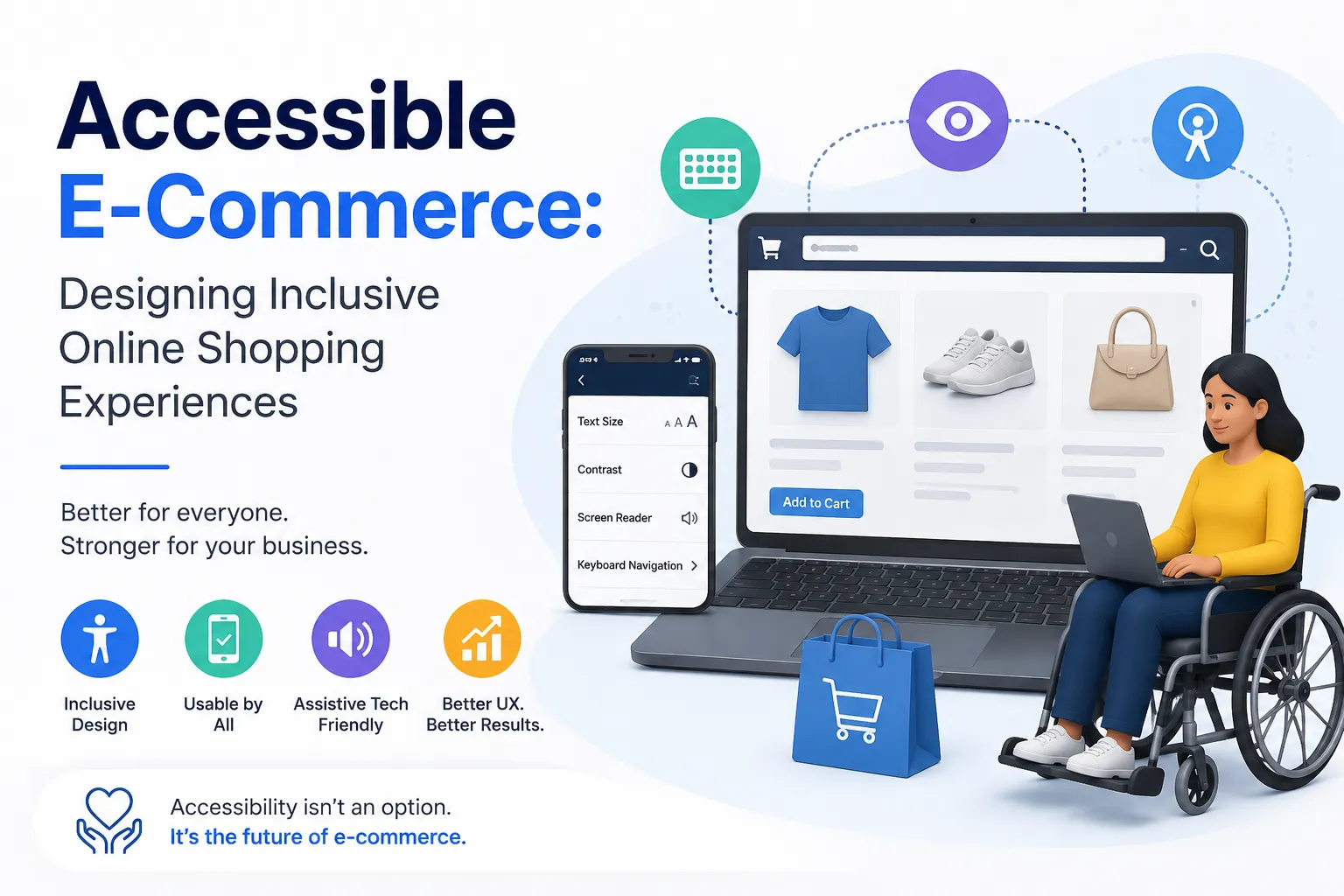
Accessible E-Commerce: Designing Inclusive Online Shopping Experiences
Published on: 18 Jun 2026
Accessible E-Commerce: Designing Inclusive Online Shopping Experiences for All Abilities
Introduction
Imagine trying to buy a gift for a loved one, but the website's buttons are too small to click, the text blurs when you zoom in, and the checkout form keeps throwing errors without telling you why. For millions of people with disabilities, this is not imagination—it's their daily reality. As e-commerce continues to dominate retail in India, businesses must realize that accessibility is not just a legal requirement but a powerful driver of growth. An accessible e-commerce site welcomes all customers, regardless of ability, and can significantly boost your bottom line.
Learn more about our Website services
In this guide, we'll walk you through practical ways to design an inclusive online shopping experience. From product pages to checkout, you'll learn how to remove barriers and create a seamless journey for every user. Whether you're a business owner, marketer, or developer, these actionable tips will help you tap into a loyal customer base and stay ahead of competitors.
Why Accessibility Matters in E-Commerce
India is home to over 2.68 crore people with disabilities (Census 2011), and that number is likely higher today. These individuals have significant purchasing power, yet many e-commerce sites are not designed with their needs in mind. Accessibility isn't just about compliance—it's about empathy and business sense.
An accessible e-commerce site improves SEO, reduces bounce rates, and enhances overall user experience for everyone. For example, clear headings and alt text help screen reader users, but they also help users on slow connections. Inclusive design means better usability for older adults, people with temporary impairments (like a broken arm), and those using mobile devices in bright sunlight.
Moreover, the Indian government has been pushing for digital inclusion through initiatives like the Rights of Persons with Disabilities Act, 2016. Businesses that align with these values build trust and brand loyalty. As a marketer, you can leverage this as a unique selling proposition—'Shop with us, we see you.'
Key Principles of Accessible E-Commerce Design
1. Perceivable: Make All Content Available to Senses
Every piece of information on your site must be presented in ways that users can perceive. This includes providing text alternatives for non-text content. For product images, write descriptive alt text that conveys the product's appearance, color, size, and any text in the image. For example, instead of 'product image', use 'Blue cotton kurta with embroidered neckline, size M, front view.'
Captions and transcripts for product videos are essential. Also, ensure that color is not the only way to convey information. For instance, if a product is out of stock, use both a red dot and the text 'Out of Stock'.
2. Operable: Ensure All Users Can Navigate and Interact
Your site must be fully operable via keyboard. Many users with motor disabilities rely on keyboard navigation. Make sure all interactive elements—links, buttons, forms—are reachable and usable with the Tab key. Provide visible focus indicators, like a highlighted outline, so users know where they are.
Checkout flows should be simple. Avoid time limits for completing purchases; if you must have them, allow users to extend the time. Also, avoid flashing animations that can trigger seizures.
👉 Don't wait for the perfect moment; turn your vision into reality today.
Free Consultation3. Understandable: Make Content and Interface Easy to Grasp
Use clear, simple language. Avoid jargon. For product descriptions, be concise and highlight key features. Ensure that navigation menus are consistent across pages. For forms, provide clear labels and error messages that explain what went wrong and how to fix it. For example, 'Please enter a valid email address (e.g., name@example.com)' is better than 'Invalid email'.
4. Robust: Maximize Compatibility with Assistive Technologies
Your site should work well with current and future assistive technologies like screen readers, voice control software, and braille displays. Use semantic HTML (e.g., <nav>, <button>) and follow WAI-ARIA best practices. Test with real assistive tools to ensure compatibility.
Practical Steps to Make Your E-Commerce Site Accessible
Product Pages
- Use descriptive alt text for all product images. Include color, size, material, and any text.
- Provide multiple images from different angles. Allow users to zoom without losing clarity.
- Use headings (H2, H3) for sections like 'Product Description', 'Specifications', 'Reviews'.
- Ensure color contrast ratio of at least 4.5:1 for text and 3:1 for large text.
- Add a 'Skip to main content' link at the top of the page.
Search and Filtering
- Make search results accessible. Use live regions to announce results to screen readers.
- Provide clear labels for filter options (e.g., 'Price: Low to High').
- Allow users to filter by accessibility-related features (e.g., 'Easy return', 'Large print labels').
Cart and Checkout
- Ensure the cart page is keyboard accessible. Users should be able to update quantities and remove items without a mouse.
- Use a single-column layout for forms to avoid confusion.
- Provide clear error messages next to the field, not just at the top of the page.
- Offer multiple payment options, including those that don't require fine motor skills (e.g., saved cards, UPI via scanning).
- Allow users to review their order before final submission.
Account and User Profiles
- Make registration forms simple. Offer social login options to reduce typing.
- Allow users to save preferences like font size, color theme, and language.
- Provide a way to request accessibility support via email or phone.
Expert Tips
1. Test with Real Users: Nothing beats feedback from people with disabilities. Partner with local disability organizations in India to conduct usability testing. Their insights will uncover issues automated tools miss.
2. Use Accessibility Overlays Wisely: Overlays can help, but they are not a silver bullet. Rely on solid foundational design first. Overlays should enhance, not replace, accessibility.
3. Train Your Team: Educate your developers, designers, and content writers on accessibility basics. Include accessibility checks in your QA process.
4. Monitor Analytics: Track how users with assistive technologies interact with your site. Tools like Google Analytics can segment by device category, but you can also use accessibility-specific analytics.
Common Mistakes
Mistake 1: Relying Only on Automated Tools. Automated checkers catch only about 30% of issues. Manual testing is essential.
Mistake 2: Using Color Alone to Convey Information. For example, using red only to indicate a required field. Always combine with text or symbols.
👉 Free Website Audit
Get Free AuditMistake 3: Ignoring Mobile Accessibility. Many users with disabilities rely on mobile devices. Ensure touch targets are at least 44x44 pixels, and pinch-to-zoom is not disabled.
Mistake 4: Complex Navigation. Avoid mega-menus with dozens of links that are hard to navigate by keyboard. Provide a clear, logical structure.
Future Trends
Voice commerce is on the rise. By 2026, more users will shop via voice assistants like Alexa, Google Assistant, and Siri. Design your e-commerce site to be voice-friendly: use structured data, provide clear product information, and ensure that voice commands can complete purchases.
Artificial intelligence will play a bigger role in personalizing accessibility. For example, AI can automatically generate alt text, adjust contrast based on user preferences, or provide sign language avatars for product descriptions.
Augmented Reality (AR) try-ons are becoming popular. Ensure AR features are accessible—provide text descriptions of the experience, and allow keyboard control.
FAQs
1. What is the WCAG standard for e-commerce?
WCAG 2.2 Level AA is the current standard. It covers principles like perceivable, operable, understandable, and robust. Compliance helps avoid legal issues and improves user experience.
2. How much does it cost to make an e-commerce site accessible?
Cost varies. For a new site, building accessibly from scratch adds minimal cost. Retrofitting an existing site can be more expensive, but the ROI from increased sales and customer loyalty often outweighs the investment.
3. Can I use an accessibility overlay plugin?
Overlays can help, but they are not a complete solution. They often fail to fix underlying code issues and can interfere with assistive technologies. Use them as a supplement, not a replacement.
4. How do I test my e-commerce site for accessibility?
Use a combination of automated tools (like WAVE, axe), manual testing with keyboard, and user testing with people who have disabilities. Also, test on different devices and browsers.
5. Do Indian laws require e-commerce accessibility?
Yes, the Rights of Persons with Disabilities Act, 2016 mandates equal access to digital services. While enforcement is growing, proactive compliance is good for business and society.
6. What are the most common accessibility issues on e-commerce sites?
Poor color contrast, missing alt text, non-keyboard-accessible menus, confusing error messages, and unlabeled form fields top the list.
7. How can I ensure my checkout process is accessible?
Focus on keyboard navigation, clear error messages, single-column layouts, and offering multiple payment options. Test with screen readers and real users to identify barriers.
Conclusion
Accessible e-commerce is not a trend—it's the future of online retail. By designing with inclusivity at the core, you not only comply with regulations but also open your business to a wider, loyal customer base. Start with small steps: review your product pages, simplify your checkout, and listen to user feedback. Every barrier you remove is a new opportunity for connection and revenue.
CTA
Ready to make your e-commerce site accessible for all? Contact EishwarITSolution today for a free accessibility audit. Our experts will help you identify barriers and create an inclusive shopping experience that drives growth. Get in touch now.
👉 Free Homepage Demo
Book Demo