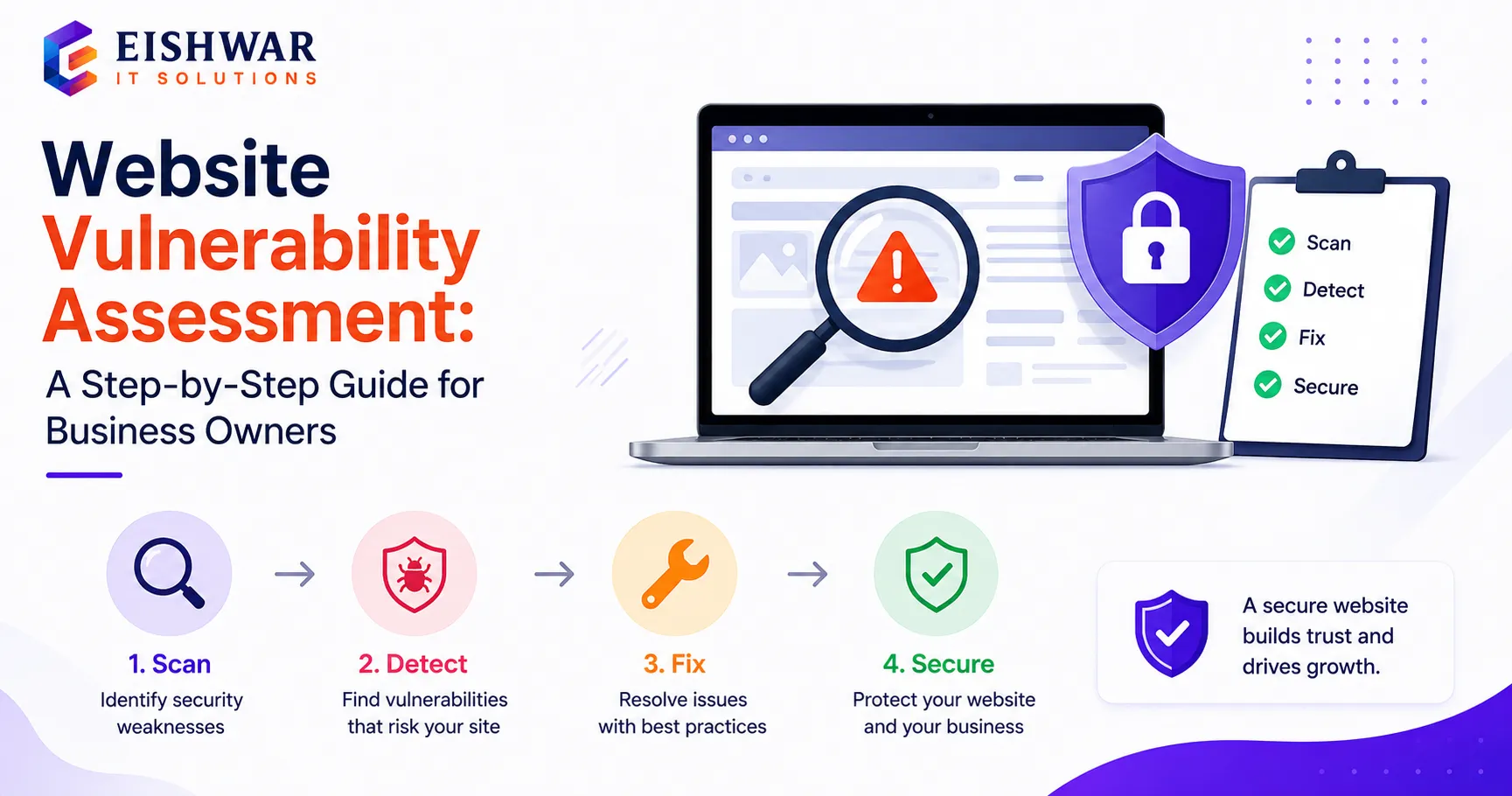
Website Vulnerability Assessment: A Step-by-Step Guide for Business Owners
Introduction
Imagine waking up one morning to find your business website defaced, customer data stolen, or your site completely down. For many business owners, this nightmare becomes reality due to overlooked security gaps. A website vulnerability assessment is your proactive defense—a systematic review that identifies weaknesses before hackers exploit them.
In this guide, we'll walk you through the entire process of conducting a vulnerability assessment for your business website. Whether you run a small e-commerce store in Mumbai or a professional services firm in Bangalore, these steps will help you secure your digital presence. Let's dive in.
Main Section 1: What Is a Website Vulnerability Assessment?
A website vulnerability assessment is a comprehensive evaluation of your website's security posture. It involves scanning, testing, and analyzing your site to uncover potential vulnerabilities—such as outdated plugins, weak passwords, misconfigured servers, or SQL injection points. Think of it as a health checkup for your website: it catches issues early before they turn into emergencies.
Unlike a full penetration test (which simulates real attacks), a vulnerability assessment is typically automated and focuses on identifying known issues. It's a critical first step for any business serious about website security. For example, an automated scanner might detect that your WordPress site is running an old version with a known exploit, while a pen test would attempt to use that exploit to gain access.
Key benefits include:
- Early detection of security flaws before they are exploited
- Reduced risk of data breaches and financial loss
- Compliance with industry standards (e.g., PCI DSS for payment sites, GDPR for customer data)
- Improved customer trust and brand reputation
- Cost savings compared to incident response and recovery
Main Section 2: Step-by-Step Guide to Conducting a Vulnerability Assessment
Follow these steps to perform an effective vulnerability assessment for your website. Each step includes practical tips to ensure thorough coverage.
Step 1: Asset Inventory
List all your digital assets: domain names, subdomains, web applications, databases, third-party integrations, and APIs. Don't forget staging or development sites—they're often overlooked but equally vulnerable. For instance, a developer's test site might have default credentials that expose your entire system. Use a spreadsheet or asset management tool to track each item, including its purpose, version, and owner.
Step 2: Choose the Right Tools
Use reputable vulnerability scanners like Nessus, OpenVAS, or online services such as Sucuri SiteCheck. For Indian businesses, consider tools that comply with local data protection regulations, such as those aligned with the Digital Personal Data Protection (DPDP) Act. Free tools are a good start, but paid versions often offer deeper scanning and better reporting. For example, Nessus Professional provides over 100,000 vulnerability checks and customizable policies.
Step 3: Run a Baseline Scan
Start with a non-intrusive scan to map your website's surface. This will identify open ports, running services, and basic vulnerabilities without causing disruption. For example, a baseline scan might reveal that port 21 (FTP) is open unnecessarily, which is a common security risk. Schedule this scan during low-traffic hours to avoid any performance impact.
Step 4: Deep Scan Configuration
Configure the scanner for a thorough assessment: enable all vulnerability checks, set aggressive scanning (if safe), and include authentication if your site has login areas. This reveals deeper issues like privilege escalation flaws. For instance, an authenticated scan can test if a regular user can access admin functions. Be cautious with aggressive settings on live sites—test on a staging environment first.
Step 5: Analyze Results
Review the scan report carefully. Prioritize vulnerabilities based on severity (Critical, High, Medium, Low). Focus on critical and high-risk issues first—these are the ones hackers target immediately. For example, a critical SQL injection vulnerability in your contact form should be fixed within hours, not days. Use the Common Vulnerability Scoring System (CVSS) to understand the risk level.
Step 6: Remediation
Fix identified vulnerabilities: update plugins, patch software, strengthen passwords, implement Web Application Firewall (WAF) rules, or reconfigure server settings. Document every change for future reference. For instance, if a plugin update is not available, consider replacing it with a secure alternative. Create a remediation plan with deadlines and assign responsibilities to team members.
Step 7: Re-scan and Verify
After remediation, run another scan to confirm fixes. Repeat until all critical and high-severity issues are resolved. For example, after updating a vulnerable plugin, a re-scan should show that the associated vulnerability is no longer present. Keep a log of all scans and fixes for compliance audits.
Main Section 3: Common Vulnerabilities Found in Indian Business Websites
Based on our experience at EishwarITSolution, here are the most frequent vulnerabilities we encounter, along with real-world examples:
- Outdated CMS and Plugins: Many businesses run old versions of WordPress, Joomla, or Drupal with known exploits. For example, a popular e-commerce site in Delhi was hacked because it used an outdated WooCommerce plugin with a critical remote code execution vulnerability.
- Weak Admin Credentials: Passwords like 'admin123' or 'password' are still common. In one case, a financial services firm had its admin panel compromised because the password was '123456'. Use strong, unique passwords and enable two-factor authentication (2FA).
- Unencrypted Data Transmission: Missing SSL/TLS certificates or improper HTTPS implementation. A healthcare provider in Bangalore exposed patient data because their site used HTTP instead of HTTPS. Always enforce HTTPS with a valid certificate.
- SQL Injection: Poorly coded contact forms or search boxes that allow database manipulation. For instance, a travel agency's booking form was exploited to extract customer credit card details. Use parameterized queries and input validation.
- Cross-Site Scripting (XSS): Unvalidated user inputs that can inject malicious scripts. A news website in Mumbai suffered an XSS attack that redirected users to phishing pages. Sanitize all user inputs and implement Content Security Policy (CSP).
- Open Ports and Services: Unused ports left open, such as FTP or Telnet. A manufacturing company's server had port 23 (Telnet) open, allowing attackers to brute-force credentials. Close all unused ports and use SSH instead.
Expert Tips
Here are actionable tips from our security team to enhance your vulnerability assessment process:
- Schedule vulnerability assessments at least quarterly, or after any major site update (e.g., new plugin, theme change, or server migration). For high-traffic sites, consider monthly scans.
- Use a combination of automated scanners and manual checks for best results. Automated tools miss logic flaws, while manual testing can uncover business logic vulnerabilities.
- Keep a vulnerability log to track issues and remediation over time. Use a tool like Jira or a simple spreadsheet to record each vulnerability, its severity, status, and fix date.
- Train your team on basic security hygiene—human error is a leading cause of breaches. Conduct regular workshops on password policies, phishing awareness, and secure coding practices.
- Consider hiring a professional for annual penetration testing to complement automated scans. A pen test provides a real-world attack simulation that automated tools cannot replicate.
- Integrate vulnerability scanning into your CI/CD pipeline for continuous security. Tools like OWASP ZAP can be automated to scan every code commit.
Common Mistakes
Avoid these pitfalls when conducting vulnerability assessments:
- Relying solely on free scanners—they often miss critical issues like business logic flaws or zero-day vulnerabilities. Invest in a comprehensive tool or service.
- Ignoring low-severity vulnerabilities—they can be chained together for larger attacks. For example, a low-severity information disclosure combined with a medium-severity XSS can lead to account takeover.
- Not documenting remediation steps—you'll forget what was fixed and why. Maintain a detailed record for audits and future reference.
- Skipping re-scanning after fixes—you need to verify that vulnerabilities are truly resolved. A fix might introduce new issues or not fully address the root cause.
- Assuming your hosting provider handles all security—shared responsibility is key. While providers secure the infrastructure, you are responsible for your application, data, and configurations.
- Scanning only the production environment—staging and development sites often have weaker security and can be entry points for attackers.
Future Trends
The landscape of website vulnerability assessment is evolving rapidly. Here's what to watch for:
- AI-Driven Scanning: Machine learning algorithms that detect zero-day vulnerabilities based on behavioral patterns. For example, AI can identify anomalous traffic that indicates a new attack vector, even without a known signature.
- Continuous Monitoring: Real-time vulnerability detection integrated with your website's infrastructure. Tools like Qualys Web Application Scanning offer continuous monitoring with alerts for new threats.
- DevSecOps Integration: Embedding security checks into the development pipeline for proactive protection. This ensures vulnerabilities are caught during development, not after deployment.
- Compliance Automation: Tools that automatically align with India's upcoming data protection laws (DPDP Act). For instance, automated scanners can check for data encryption and access controls required by the regulation.
- Cloud-Native Security: Vulnerability assessments designed specifically for cloud-hosted websites and microservices. Services like AWS Inspector and Azure Security Center provide cloud-specific scanning.
- Behavioral Analysis: Moving beyond signature-based detection to analyze user and system behavior for anomalies. This helps identify sophisticated attacks that evade traditional scanners.
FAQs
1. How often should I run a vulnerability assessment?
At least quarterly, but monthly is better for high-traffic or e-commerce sites. Also run one after any major update (e.g., new plugin, theme change, or server migration). For example, if you update your CMS, scan immediately to ensure no new vulnerabilities were introduced.
2. Can I do a vulnerability assessment myself, or should I hire a professional?
You can start with automated tools for basic scanning. However, for a thorough assessment, especially for business-critical sites, hiring a professional security firm like EishwarITSolution is recommended to interpret results and provide remediation. Professionals can also perform manual testing for logic flaws that automated tools miss.
3. What's the difference between a vulnerability assessment and a penetration test?
A vulnerability assessment identifies and lists potential weaknesses. A penetration test (pen test) actively exploits those weaknesses to determine if they can be used to gain unauthorized access. Both are important, but a vulnerability assessment is a good starting point. For example, a vulnerability scan might find a weak password, while a pen test would try to crack it and log in.
4. Will a vulnerability assessment slow down my website?
Most modern scanners are designed to be non-intrusive and should not affect performance. However, for live sites, it's best to run scans during off-peak hours to minimize any potential impact. For instance, schedule scans for 2 AM when traffic is low. If you're concerned, use a staging environment for deep scans.
5. What should I do if a critical vulnerability is found?
Immediately isolate the affected component if possible (e.g., disable a vulnerable plugin or take the site offline temporarily). Then apply the recommended fix—update, patch, or reconfigure. Re-scan to confirm the vulnerability is resolved. If you're unsure, contact a security professional right away. For example, if a critical SQL injection is found, disable the vulnerable form and apply a WAF rule as a temporary measure.
6. What tools are best for vulnerability assessment?
Popular tools include Nessus, OpenVAS, Qualys, and Sucuri SiteCheck. For Indian businesses, consider tools that comply with local regulations. Free tools like OWASP ZAP are good for basic scans, but paid tools offer more comprehensive coverage and support. Choose based on your budget, technical expertise, and compliance needs.
7. How do I prioritize vulnerabilities after a scan?
Prioritize based on severity (Critical, High, Medium, Low) using the CVSS score. Also consider the exploitability and impact on your business. For example, a critical vulnerability in a public-facing component should be fixed immediately, while a low-severity issue in an internal tool can wait. Create a remediation plan with deadlines for each severity level.
Conclusion
A website vulnerability assessment is not a one-time task—it's an ongoing commitment to protecting your business and customers. By following this step-by-step guide, you can identify and fix security gaps before they become costly incidents. Remember, in the digital world, prevention is always cheaper than recovery. Start your assessment today, and make security a regular part of your business operations.
CTA
Ready to secure your website with a professional vulnerability assessment? Contact EishwarITSolution today for a comprehensive security audit tailored to your business. Our experts will identify vulnerabilities and help you implement robust defenses. Don't wait for a breach—act now!