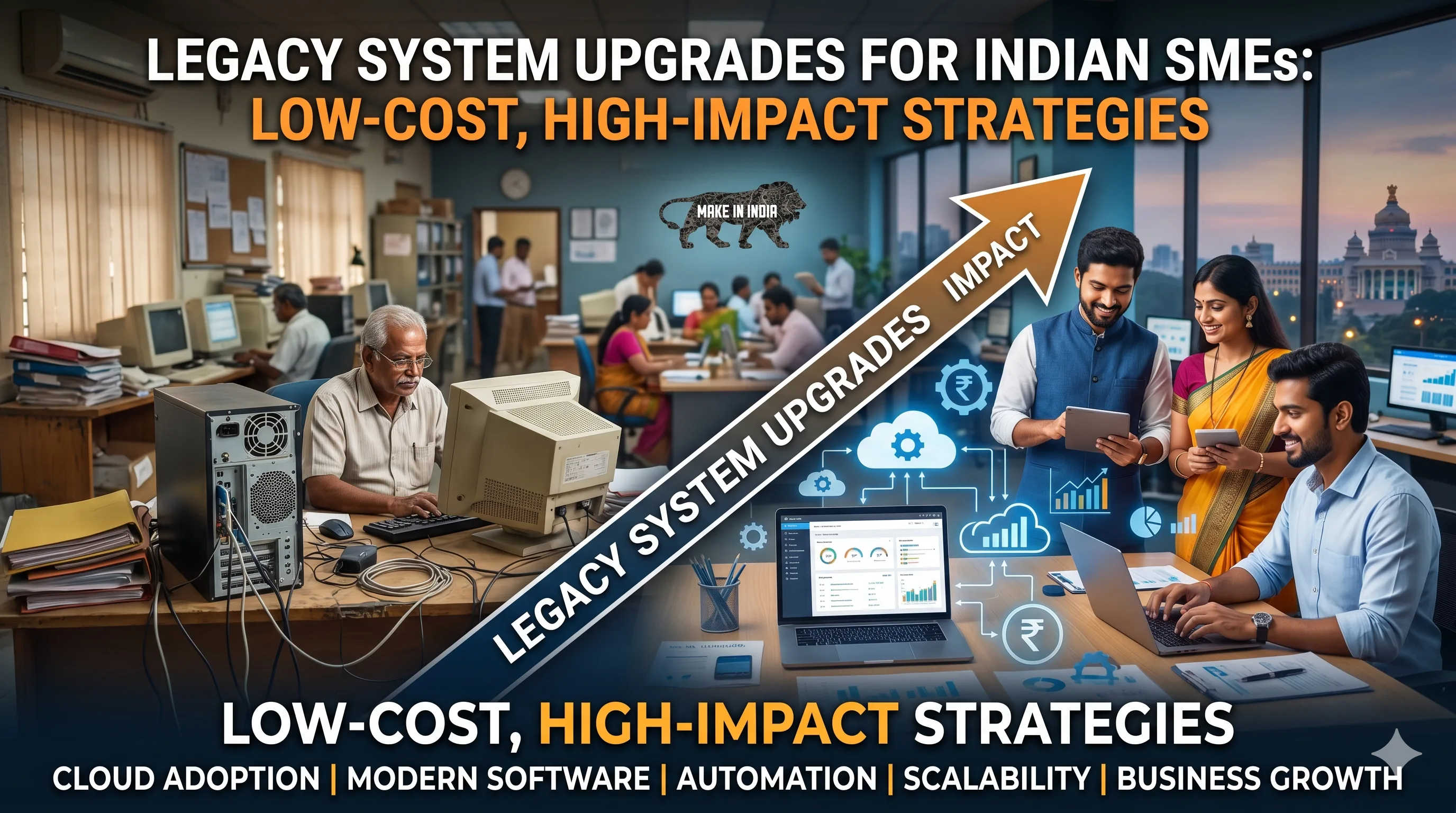
Legacy System Upgrades for Indian SMEs: Low-Cost, High-Impact Strategies
Introduction
Your legacy system is like that old, reliable car that still gets you from point A to B—but every now and then, it sputters, guzzles fuel, and leaves you stranded. For small and medium enterprises (SMEs) in India, legacy systems—whether it's an outdated ERP, a clunky CRM, or a website built on an unsupported platform—are a silent drain on productivity, security, and growth. The thought of upgrading can be paralyzing: high costs, potential downtime, and the fear of losing customers. But what if I told you that modernizing doesn't have to mean a total overhaul or a six-figure budget?
In this guide, we'll walk through practical, low-cost strategies for upgrading legacy systems that keep your business running smoothly. You'll learn how to prioritize, phase, and execute upgrades that deliver immediate value, all while avoiding common pitfalls. Whether you're a business owner in Mumbai, a marketer in Bangalore, or a tech lead in Delhi, these insights are tailored for the Indian SME ecosystem—where every rupee counts and uptime is non-negotiable.
Main Section 1: The Real Cost of Sticking with Legacy Systems
Let's bust a myth: keeping an old system is not 'free.' In fact, it's costing you far more than you think. Here's the breakdown:
- Maintenance fees: Older software often requires expensive custom support. A 2023 survey by Gartner found that 60% of IT budgets in SMEs go to maintaining legacy systems—money that could fuel innovation. For example, a Mumbai-based manufacturing firm was paying ₹1.2 lakhs annually just for a vendor to keep their 12-year-old inventory system running, with no new features or security updates.
- Lost productivity: Employees waste hours wrestling with slow, incompatible tools. For example, a Delhi-based logistics firm we worked with lost 8 hours per week per employee due to a legacy inventory system—that's over ₹9 lakhs annually for a 10-person team. Consider the cumulative effect: if your team of 20 spends just 30 minutes daily on workarounds, that's 10 hours per day lost, translating to roughly ₹15 lakhs in wasted wages per year.
- Security risks: Unsupported systems are prime targets. In India, cyberattacks on SMEs rose by 42% in 2024, with outdated software being the entry point in 70% of cases (source: CERT-In). A single ransomware attack can cost an SME ₹10-50 lakhs in recovery and lost business. For instance, a small accounting firm in Pune lost all client data due to an unpatched legacy server, leading to legal penalties and reputational damage.
- Missed opportunities: Legacy systems can't integrate with modern tools like cloud analytics, AI chatbots, or payment gateways. Your competitors who upgrade will outpace you. A Surat-based textile exporter lost a major international contract because their legacy system couldn't generate real-time compliance reports required by the buyer.
But here's the good news: you don't need a massive budget to start. Let's explore how to upgrade smartly.
Main Section 2: Low-Cost Upgrade Strategies That Work
These strategies are proven for resource-constrained Indian SMEs. They prioritize quick wins and phased improvements.
1. Audit and Prioritize
Start by mapping every system you use. Which one causes the most pain? Which is most vulnerable? Focus on the high-risk, high-impact systems first. Use a simple scoring matrix: impact (1-5) x urgency (1-5). For instance, an unsupported website that handles payments scores 25—upgrade it first. Create a spreadsheet with columns for system name, age, support status, frequency of issues, and integration needs. Rank them by total score. This exercise, which takes about 2 hours, can save you months of wasted effort.
2. Embrace Open Source & Cloud Alternatives
You don't need expensive enterprise licenses. Open-source platforms like Odoo (ERP), SuiteCRM, or WordPress (with modern themes) offer robust features at zero licensing cost. A Jaipur-based textile exporter switched from a ₹2 lakh/year proprietary ERP to Odoo, paying only ₹30,000 for customization—saving 85%. Similarly, a Nagpur-based logistics company replaced their ₹50,000/year CRM with SuiteCRM, spending just ₹15,000 on setup and training. For cloud hosting, consider Indian providers like Netmagic or DigitalOcean's Mumbai data center, which offer plans starting at ₹500/month.
3. Phased Migration with Parallel Running
Instead of a 'big bang' cutover, run the new system alongside the old one for a month. This minimizes disruption—if something fails, you fall back. For example, when upgrading a customer database, migrate records in batches and test each batch before proceeding. Start with a pilot group of 10-20 customers, validate data accuracy, then expand. One Chennai-based healthcare provider migrated their patient records in weekly batches over 6 weeks, ensuring zero downtime for appointments.
4. Automate Data Migration
Manual data entry is error-prone and slow. Use free or low-cost tools like Pentaho (ETL) or even Excel macros to clean and transfer data. One Pune-based retailer automated their product catalog migration, reducing a 3-week task to 2 days. They used a simple Python script to map old fields to new ones, saving ₹40,000 in manual labor costs. For non-technical teams, tools like Zapier (free tier) can automate data syncing between old and new systems during the transition period.
5. Train Your Team on the Go
Don't wait for a formal training week. Use short, 15-minute daily sessions. Create video walkthroughs using free tools like Loom. This reduces resistance and speeds adoption. For example, a Delhi-based e-commerce team used 10-minute daily huddles to demonstrate one new feature each day, resulting in 90% adoption within 2 weeks. Pair this with a 'buddy system' where tech-savvy employees mentor others, reducing the learning curve by 40%.
Main Section 3: Real-World Success Stories from Indian SMEs
Let's look at two examples that prove low-cost upgrades work.
Case Study 1: Healthcare Clinic in Chennai
A 5-doctor clinic used a 10-year-old patient management system that frequently crashed. They migrated to a cloud-based open-source solution (OpenEMR) with a phased approach. Cost: ₹50,000 (vs. ₹5 lakhs quoted by vendors). Downtime: zero. They now access patient data from any device, and appointment no-shows dropped by 30%. The clinic also integrated a WhatsApp reminder system using a free API, further reducing missed appointments. Within 3 months, the upgrade paid for itself through increased patient retention.
Case Study 2: E-commerce Store in Surat
An online diamond retailer had a legacy website on an unsupported platform. They migrated to a modern WooCommerce site, keeping the old site live for 2 weeks. Cost: ₹80,000 (including theme and plugins). Result: 20% faster load times, 15% increase in conversions, and seamless integration with a new payment gateway. They also added a chatbot using a free tier of Tidio, handling 40% of customer queries automatically. The migration was completed in 4 weeks, with no loss of SEO rankings due to careful 301 redirects.
Expert Tips
We asked Ravi Sharma, IT consultant with 20 years of experience in SME digital transformation, for his top advice:
- Start with a 'minimum viable upgrade' (MVU): Identify the smallest change that delivers the biggest benefit. It builds momentum. For example, if your legacy CRM is the biggest pain, start by migrating just the contact list to a free tool like HubSpot CRM (free tier) before tackling the full system.
- Involve end-users early: Ask your team what frustrates them. They'll be your best source of ideas and will champion the change. Conduct a 15-minute survey using Google Forms to gather pain points—you'll often discover issues you didn't know existed.
- Negotiate with vendors: Many Indian vendors offer 'SME packages' with flexible payment terms. Don't accept the first quote. For instance, one Bangalore-based firm negotiated a 30% discount by committing to a 2-year contract and paying upfront.
- Use government incentives: Programs like 'Digital India' and state-level IT subsidies can offset costs. For example, the Gujarat government offers up to 50% reimbursement for cloud adoption, and the Maharashtra government provides tax breaks for software upgrades. Check with your local MSME development institute for current schemes.
- Test with real data early: Don't wait until the final migration to test. Use a subset of live data in a sandbox environment to identify issues. One Kolkata-based logistics firm avoided a major data loss by catching a field mapping error during a dry run.
Common Mistakes
Avoid these pitfalls that can derail your upgrade:
- Over-customization: Trying to replicate every old feature in the new system leads to bloat and waste. Instead, adapt processes to the new system. For example, if your old system had a custom report that took 3 days to generate, consider if a simpler built-in report can meet 80% of your needs.
- Ignoring data quality: Dirty data in = dirty data out. Clean your data before migration. One Ahmedabad manufacturer lost 15% of customer records because they skipped this step. Use free tools like OpenRefine to deduplicate and standardize data before migration.
- Skipping rollback plans: Always have a backup. If the new system fails, you need to revert quickly. Test your rollback process. For instance, keep a full database backup and document step-by-step rollback instructions. One Mumbai-based retailer avoided a disaster by testing their rollback, which took only 30 minutes.
- Underestimating change management: Technology is only half the battle. Communicate the 'why' and provide continuous support to your team. Create a simple FAQ document and hold weekly check-ins during the first month. A Bangalore-based startup saw 95% adoption by assigning a 'system champion' in each department.
- Choosing the wrong timing: Avoid upgrading during peak business seasons. For a retailer, that means not migrating in Diwali month. Schedule upgrades during slow periods, and always have a contingency plan for unexpected delays.
Future Trends
What's next for legacy system upgrades in India? Keep an eye on these trends:
- AI-assisted migration: Tools that automatically map and migrate data using machine learning are emerging. They will reduce manual effort by 70% in 2-3 years. For example, startups like Hevo Data offer AI-driven pipelines that can detect schema changes and adjust mappings in real time.
- Low-code/no-code platforms: These allow non-technical staff to build and modify business applications, reducing dependency on expensive developers. Platforms like Airtable or AppSheet (Google) let you create custom workflows without coding. A small accounting firm in Jaipur built a client portal in 2 days using no-code tools, replacing a ₹1 lakh custom development project.
- Edge computing: For SMEs in remote areas, processing data locally (edge) before syncing to the cloud reduces latency and costs. For instance, a farm equipment dealer in rural Punjab uses edge devices to process inventory data locally, syncing to the cloud only once daily, saving 60% on bandwidth costs.
- Subscription-based legacy support: Some vendors now offer 'legacy as a service'—they maintain your old system while you gradually transition. This spreads cost over time. For example, a few Indian IT firms offer monthly plans starting at ₹5,000 to patch and support legacy systems, giving you breathing room to plan a full upgrade.
- Blockchain for data integrity: Emerging blockchain-based solutions can ensure data immutability during migration, particularly useful for financial and legal SMEs. While still niche, expect adoption to grow as costs decrease.
FAQs
1. How much does a typical legacy system upgrade cost for an Indian SME?
Costs vary widely. A simple website migration can be as low as ₹20,000-₹50,000, while a full ERP upgrade may range from ₹1-5 lakhs. Using open-source tools and phased approaches can cut costs by 50-80%. For example, a basic CRM migration using SuiteCRM might cost ₹30,000-₹60,000 including customization, compared to ₹2-3 lakhs for a proprietary solution. Always get multiple quotes and consider hidden costs like training and data cleaning.
2. What is the best way to minimize downtime during migration?
Use a phased migration with parallel running. Keep the old system live as a fallback. Schedule migrations during low-traffic hours (e.g., overnight or weekends). Test thoroughly before switching over. For critical systems, consider a 'blue-green' deployment where you run both systems simultaneously and switch traffic gradually. One Pune-based logistics firm achieved 99.9% uptime by using this approach, with only 15 minutes of planned downtime for final cutover.
3. Can I upgrade my legacy system without losing SEO rankings?
Absolutely. Preserve URL structures, implement 301 redirects for changed URLs, maintain meta tags, and monitor rankings during and after migration. Use tools like Google Search Console to track any drops. Create a detailed redirect map before migration, and test it using a crawler tool like Screaming Frog (free for up to 500 URLs). One Surat-based e-commerce site saw a 10% temporary dip in rankings but recovered within 3 weeks due to proper redirects and content updates.
4. What are the signs that my legacy system is too risky to keep?
Key red flags: vendor no longer provides security patches, system crashes frequently (more than once a month), employees spend excessive time on workarounds (over 2 hours per week per person), you can't integrate with modern tools (e.g., UPI, cloud storage), or you've faced a security incident in the last year. Additionally, if your system is running on Windows Server 2012 or older (which reached end-of-life in October 2023), it's a critical risk. Conduct a risk assessment using a simple checklist—if you tick 3 or more red flags, prioritize an upgrade immediately.
5. How do I choose between open-source and proprietary solutions?
Open-source is ideal if you have in-house tech skills or a budget for customization. Proprietary is better if you need dedicated support and a user-friendly interface. For most SMEs, a hybrid approach works: open-source core with paid plugins for critical features. For example, use Odoo Community Edition (free) with a paid payroll module (₹10,000/year). Evaluate based on total cost of ownership over 3 years, including training, support, and customization. A good rule of thumb: if your team can handle basic troubleshooting, go open-source; if not, invest in proprietary with vendor support.
6. What is the first step I should take today?
Conduct a quick audit. List all your systems, note their age, support status, and pain points. Identify the top 3 issues causing the most lost time or risk. Then pick one to upgrade first—start small but start now. Use a free tool like Google Sheets to create your audit, and involve one team member from each department. Set a deadline of 1 week for the audit and 1 month for the first upgrade. Remember, the goal is progress, not perfection.
7. How can I ensure data security during migration?
Encrypt data during transfer using SSL/TLS, use secure FTP for file transfers, and restrict access to authorized personnel only. For sensitive data like customer financial information, consider using a VPN and role-based access controls. Always test the migration in a sandbox environment first. One Delhi-based financial services firm used end-to-end encryption and a dedicated migration server, ensuring zero data breaches during their 3-month migration project. Also, comply with Indian data protection laws (IT Act, 2000) and consider appointing a data protection officer for the migration period.
Conclusion
Upgrading your legacy system doesn't have to be a stressful, budget-busting ordeal. By taking a strategic, low-cost approach—auditing, prioritizing, using open-source tools, and phasing your migration—you can modernize your business without disrupting operations. The examples from Indian SMEs prove that you can achieve significant gains with modest investments. The key is to start small, learn fast, and build momentum.
Remember: every day you delay, your legacy system is costing you money, security, and growth. Your competitors are already upgrading. Don't let the fear of change hold you back. Take the first step today.
CTA
Ready to upgrade your legacy system without the headache? Contact EishwarITSolution for a free 30-minute consultation. Our experts will help you create a customized, low-cost migration plan that fits your business. Don't wait—modernize smarter today.