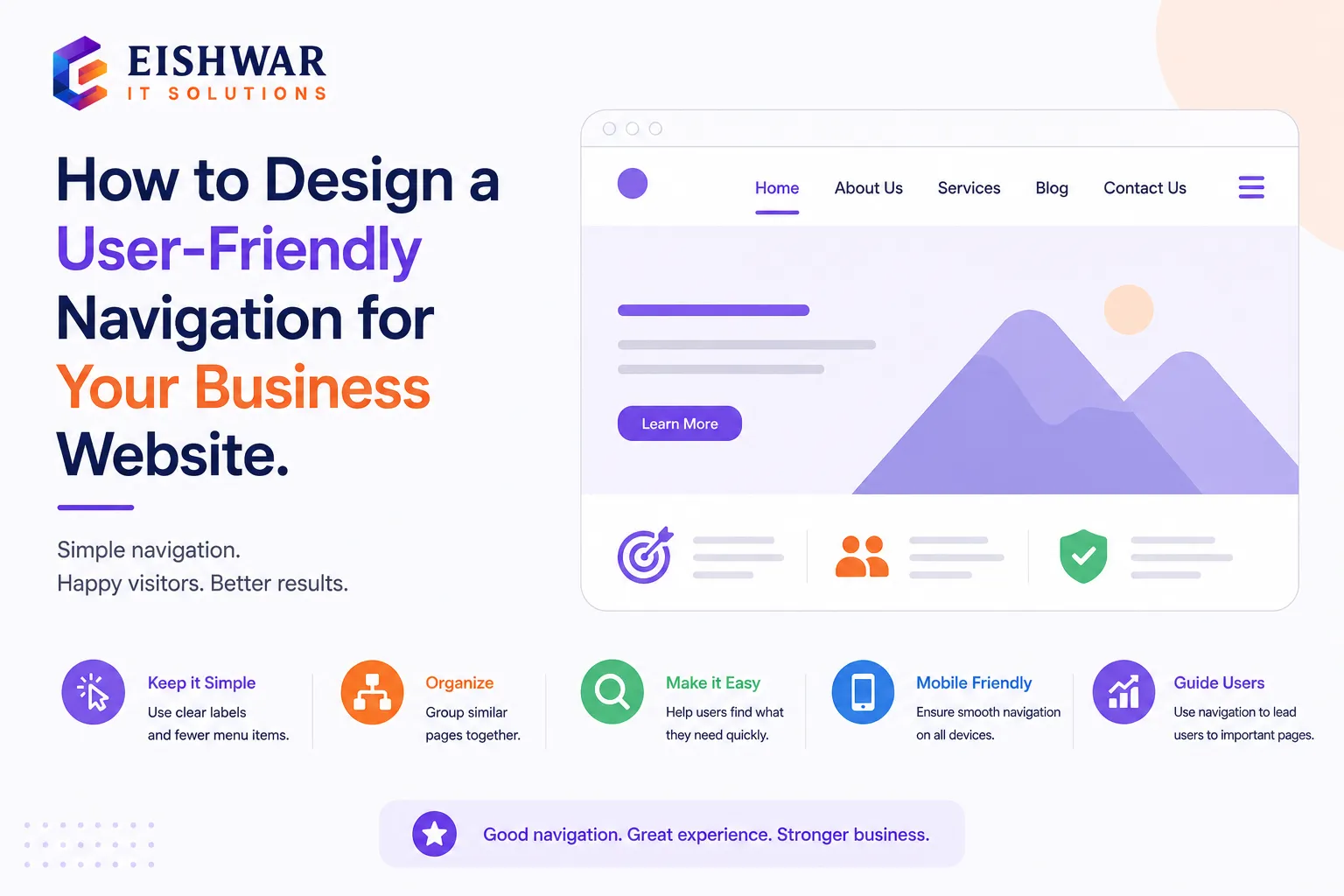
How to Design a User-Friendly Navigation for Your Business Website
Introduction
Imagine walking into a store where nothing is labeled, shelves are randomly arranged, and you can't find the exit. Frustrating, right? That's exactly how visitors feel when they land on a website with confusing navigation. For business owners in India, where users often browse on slow connections and small screens, a clean navigation system isn't just nice to have—it's essential for keeping people on your site and converting them into customers.
In this guide, we'll walk you through the principles of user-friendly navigation tailored for Indian audiences, with practical examples you can implement today. Whether you're building a new site or revamping an existing one, these tips will help you create a seamless experience that drives results. We'll cover everything from core principles to advanced techniques, ensuring your navigation works for both users and search engines.
Main Section 1: Why Navigation Matters for Your Business Website
Your website's navigation is like a roadmap. It guides visitors to the information they need—your services, contact details, pricing, or blog. If the roadmap is confusing, users leave. In fact, 38% of users will stop engaging with a website if the content or layout is unattractive (source: Adobe). For Indian businesses, where competition is fierce, a poor navigation experience can cost you leads and sales. Consider a local restaurant in Delhi: if a customer can't find the menu or reservation link within seconds, they'll likely switch to a competitor's site. This isn't just about aesthetics; it's about functionality and trust.
Good navigation also boosts SEO. Search engines use your site structure to understand what pages are important. A clear hierarchy helps Google index your site better, leading to higher rankings. For example, if your navigation includes logical categories like 'Services' and 'Blog,' search engines can easily crawl and prioritize these pages. Plus, when users find what they need quickly, they stay longer, reducing bounce rates—a signal that search engines reward. Studies show that a well-structured navigation can improve organic traffic by up to 20% over time.
Moreover, navigation impacts user psychology. A clean, intuitive menu reduces cognitive load, making visitors feel comfortable and confident. This is especially crucial for Indian audiences, who may be less tech-savvy or using older devices. By simplifying navigation, you cater to a broader demographic, including first-time internet users in rural areas. Ultimately, navigation isn't just a design element; it's a strategic tool for business growth.
Main Section 2: Core Principles of User-Friendly Navigation
Keep It Simple and Consistent
Your main navigation should have no more than 5–7 items. Too many choices overwhelm users. For example, a local bakery in Mumbai might have: Home, About Us, Menu, Order Online, Blog, Contact. That's clear and direct. Avoid adding every single page; instead, group related content. If you have multiple service pages, consider a dropdown under 'Services' rather than cluttering the top menu.
Consistency means placing your navigation in the same spot on every page—usually at the top—and using the same labels. Don't call it 'Services' on one page and 'What We Do' on another. This confuses users and harms SEO. A practical tip: create a style guide for your website that includes navigation standards. For instance, use title case for all menu items (e.g., 'About Us' not 'about us') and maintain the same font size across pages.
Use Clear, Descriptive Labels
Avoid jargon or clever terms. 'Our Offerings' might sound fancy, but 'Services' is instantly understood. Think like your customer: if they're looking for pricing, they'll click 'Pricing' not 'Investment.' For a local clinic, labels like 'Appointments,' 'Treatments,' and 'Contact Us' are straightforward. Test your labels with a small group of users to ensure they match expectations. Remember, the goal is to minimize clicks and confusion.
Prioritize Mobile-First Design
Over 70% of Indian internet users access the web via mobile. Your navigation must work on small screens. Use a hamburger menu (three horizontal lines) for mobile, but ensure key items like 'Contact' or 'Call Now' are always visible. Test your site on a 5-inch screen to see how it feels. For example, a sticky 'Call Now' button at the bottom of the screen can significantly increase inquiries for service-based businesses. Also, consider touch-friendly targets: menu items should be at least 48x48 pixels to prevent misclicks.
Include a Search Bar
For content-heavy sites like blogs or e-commerce, a search bar is a lifesaver. Place it prominently at the top right. This helps users skip the menu if they know exactly what they want. For instance, a user looking for 'red saree' on a clothing site can type it directly instead of browsing categories. Ensure the search bar supports auto-suggestions and handles typos gracefully. This feature alone can reduce bounce rates by up to 15%.
Main Section 3: Practical Steps to Design Your Navigation
Step 1: Map Out Your Content Hierarchy
List all pages you need. Group related pages under broader categories. For example, a digital marketing agency might have: Services (SEO, Social Media, PPC), About, Portfolio, Blog, Contact. This becomes your main menu. Use a spreadsheet or mind map to visualize the structure. Prioritize pages that drive conversions, like 'Get a Quote' or 'Book Now.' Avoid deep hierarchies; ideally, any page should be reachable within three clicks from the homepage.
Step 2: Use Dropdowns Wisely
Dropdown menus can save space, but too many levels confuse users. Stick to one level of dropdown if possible. For instance, under 'Services' you can list sub-services, but avoid nested sub-menus. If you have many sub-items, consider a mega menu (a large dropdown with columns) for e-commerce sites. For example, a fashion retailer can display categories like 'Men,' 'Women,' 'Kids' with images and links. However, test dropdowns on mobile—they often require precise tapping, which can be frustrating.
Step 3: Add Breadcrumbs
Breadcrumbs show users where they are (e.g., Home > Services > SEO). They improve navigation and reduce bounce rates. They also help search engines understand your site structure. Implement breadcrumbs on all inner pages, especially for content-heavy sites. Use the '>' symbol for separation, and make the current page non-clickable. This small addition can enhance user experience significantly, especially for first-time visitors.
Step 4: Test with Real Users
Before launching, ask a friend or colleague to find specific information on your site. Watch where they click. If they hesitate, your navigation needs work. Tools like Hotjar can record user sessions for deeper insights. Conduct A/B testing with different navigation layouts. For example, test a horizontal menu vs. a sidebar menu to see which performs better. Use heatmaps to identify where users click most. Iterate based on data, not assumptions.
Expert Tips
- Sticky Navigation: Keep your menu fixed at the top as users scroll. This is especially useful for long pages. For example, a blog post with sticky navigation allows readers to jump to other sections without scrolling back up. Ensure it doesn't cover too much screen space on mobile.
- Visual Cues: Highlight the active page in the menu (e.g., bold or different color) so users know where they are. Use a subtle underline or background color change. This reduces disorientation and improves usability.
- Footer Navigation: Include a secondary navigation in the footer with links to important pages like Privacy Policy, Terms, and Sitemap. This helps with SEO and provides a fallback for users who scroll to the bottom. For e-commerce, add links to 'Shipping Info' and 'Returns.'
- Call-to-Action Button: Make your primary goal (e.g., 'Get a Free Quote' or 'Book Now') stand out as a button in the navigation bar. Use a contrasting color like orange or green. This button should be the most prominent element, guiding users toward conversion.
- Use Icons Sparingly: Icons can enhance navigation but only if they are universally understood. For example, a magnifying glass for search or a phone icon for contact. Avoid abstract icons that may confuse users. Always pair icons with text labels for clarity.
Common Mistakes
- Too Many Menu Items: Cluttering your menu with every page you have. Stick to essentials. For example, a small business doesn't need a separate 'Gallery' and 'Portfolio' page—combine them.
- Hidden Contact Info: Don't bury your phone number or email. Make it easy to reach you. Place contact details in the header or as a sticky element. For Indian users, a 'WhatsApp' button can be highly effective.
- Inconsistent Labels: Changing menu names across pages confuses users and search engines. Use a consistent naming convention. For instance, if you use 'FAQ' on one page, don't switch to 'Questions' on another.
- Ignoring Mobile: A desktop navigation that works but fails on mobile is a deal-breaker for Indian users. Test on multiple devices and browsers. Use responsive design techniques like collapsible menus.
- Overusing Animations: Fancy dropdown animations can slow down your site and distract users. Keep transitions simple and fast. Users value speed over visual flair.
Future Trends
Voice search and AI are changing navigation. More users will ask their phones to 'find services near me' instead of clicking menus. Optimize your site for voice search by using natural language in your content and headings. For example, include phrases like 'best bakery in Mumbai' in your page titles. Also, consider mega menus for large e-commerce sites—they display multiple columns of links in a dropdown, helping users scan quickly. Another trend is personalized navigation, where menus adapt based on user behavior. For instance, an e-commerce site might show recently viewed items in the menu. While advanced, this can boost engagement. Finally, integrate chatbot navigation: a simple AI assistant can guide users to the right page, reducing reliance on traditional menus.
FAQs
1. How many items should be in my main navigation menu?
Aim for 5–7 items. This is the sweet spot for usability. If you have more pages, use dropdowns or a mega menu. For example, a news site might have categories like 'Politics,' 'Business,' 'Tech,' 'Sports,' 'Entertainment,' and 'Opinion.' Test with users to ensure they can find key pages quickly.
2. Should I use a hamburger menu on desktop?
Generally, no. Hamburger menus work well on mobile but can hide important links on desktop. Use a visible horizontal menu for desktop users. However, if your site has many pages (e.g., a large e-commerce store), a hamburger menu with a mega menu can be acceptable. Always prioritize discoverability.
3. How do I optimize navigation for SEO?
Use descriptive anchor text, create a logical URL structure, and include internal links. Breadcrumbs also help search engines understand your site hierarchy. For example, use URLs like 'yourdomain.com/services/seo' instead of 'yourdomain.com/page?id=123.' Additionally, submit an XML sitemap to Google Search Console.
4. What is the best placement for a search bar?
Top right corner of the header. It's a common pattern users expect. Make it visible without clicking anything. For mobile, place it in the header or as a prominent icon. Ensure it has a placeholder text like 'Search products...' to guide users.
5. Can I change my navigation after launch?
Yes, but do it carefully. Monitor user behavior before and after changes. A/B test new navigation against the old one to ensure improvement. Use tools like Google Analytics to track metrics like bounce rate and page views. Gradual changes are safer than a complete overhaul.
6. How do I handle navigation for a multilingual site?
Use a language switcher in the navigation, typically as a dropdown or flag icons. Ensure the menu items themselves are translated. For example, if your site supports Hindi and English, provide clear labels like 'होम' and 'Home.' Also, use hreflang tags for SEO.
7. What is the role of navigation in accessibility?
Navigation should be keyboard-friendly and screen-reader compatible. Use ARIA labels for menus and ensure focus indicators are visible. For example, a user tabbing through the menu should see a clear outline. This helps users with disabilities and improves overall usability.
Conclusion
A user-friendly navigation is the backbone of a successful business website. It helps visitors find what they need, improves your SEO, and ultimately drives more conversions. By keeping it simple, consistent, and mobile-optimized, you'll create a positive experience that makes your business stand out. Start by auditing your current navigation and applying the principles we've discussed—your users (and your bottom line) will thank you. Remember, navigation is not a one-time task; it requires ongoing testing and refinement. With the right approach, you can turn your website into a powerful tool for growth.
CTA
Ready to build a website that your customers will love? Contact EishwarITSolution today for a free consultation. Let's create a navigation strategy that drives results for your Indian business. Our team specializes in user-centric design and SEO-friendly structures. Don't let poor navigation cost you customers—reach out now!