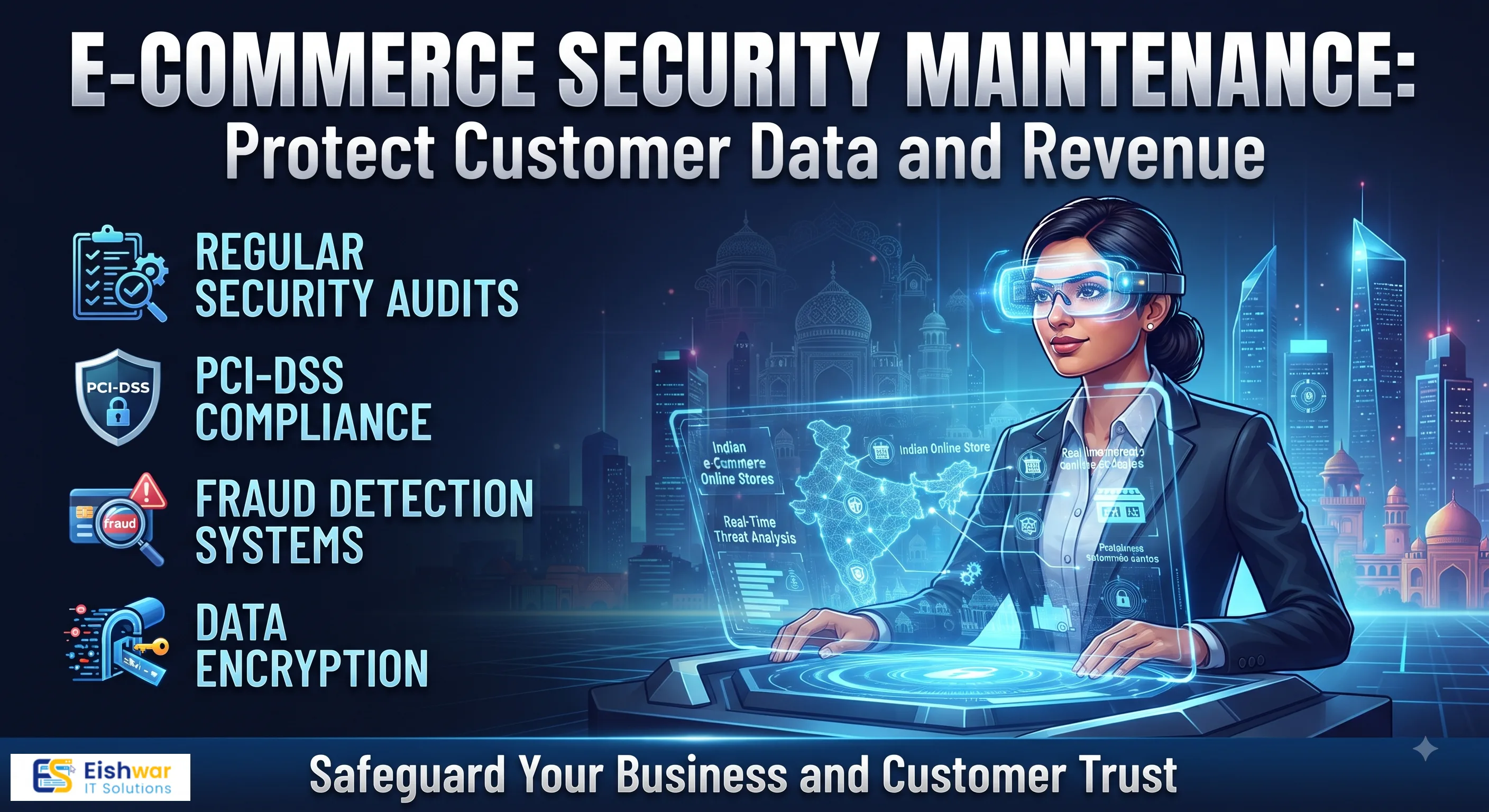
E-Commerce Security Maintenance: Protect Customer Data and Revenue
Introduction
If you run an online store, you know that trust is everything. A single security breach can cost you not just money, but your reputation. For Indian e-commerce businesses, the stakes are even higher. With the rapid growth of digital payments and online shopping, cybercriminals are targeting small and medium-sized stores more than ever. In fact, a 2023 report by the Indian Computer Emergency Response Team (CERT-In) noted a 45% increase in cyberattacks on e-commerce platforms, with many incidents involving stolen payment data or customer credentials.
At EishwarITSolution, we help business owners like you secure their digital assets. We've seen firsthand how a proactive approach to security can save not only revenue but also years of hard-earned reputation. In this comprehensive guide, we'll walk you through practical, actionable steps to maintain your e-commerce website's security, protect customer data, and keep your revenue safe. Whether you're a startup or an established store, these strategies are designed to fit your budget and technical expertise.
Main Section 1: Why E-Commerce Security Maintenance Matters
E-commerce sites are prime targets because they handle sensitive information—credit card numbers, addresses, and personal details. A breach can lead to legal penalties, loss of customer trust, and even business closure. Consider the case of a small Indian clothing store that suffered a data breach in 2022: they lost over ₹50 lakh in direct theft and another ₹20 lakh in legal fees and customer compensation. The store never fully recovered.
According to a report by IBM, the average cost of a data breach in India is ₹17.6 crore. For small businesses, this can be devastating. Regular security maintenance is not optional; it's a necessity. Think of maintenance as an ongoing process, not a one-time fix. Just like you update your store's inventory, you must update your security measures. This includes patching vulnerabilities, updating software, and monitoring for threats. For example, a WooCommerce store that neglected to update its plugin for six months was hit by a known exploit that stole 10,000 customer records. A simple update would have prevented it.
Moreover, security maintenance builds customer confidence. When shoppers see an SSL certificate, a clear privacy policy, and secure checkout, they're more likely to complete a purchase. A study by Baymard Institute found that 17% of online shoppers abandon carts due to security concerns. By investing in maintenance, you're directly protecting your revenue stream.
Main Section 2: Key Maintenance Tasks for E-Commerce Security
2.1 Keep Your Platforms and Plugins Updated
Whether you use Shopify, WooCommerce, Magento, or a custom platform, updates are critical. They often include security patches that fix known vulnerabilities. For instance, in 2023, a critical vulnerability in a popular WooCommerce plugin allowed attackers to inject malicious code. Stores that updated within 24 hours were safe; those that delayed were compromised. Set up automatic updates where possible, but always test in a staging environment first. For example, if you run a Magento store, enable automatic patches for minor versions but manually test major updates on a clone of your site before going live. Schedule a weekly check for plugin updates, especially for payment gateways and user management tools.
2.2 Implement Strong Access Controls
Use multi-factor authentication (MFA) for all admin accounts. This adds a layer of security beyond passwords. For example, require a one-time code sent to a phone or generated by an app like Google Authenticator. Limit user permissions to only what's necessary. A content writer doesn't need access to payment settings or customer databases. Regularly review and revoke unused accounts. A common mistake is leaving former employee accounts active—this is how many breaches start. Use a tool like LastPass or a built-in role management system to enforce least privilege. For instance, in Shopify, you can assign staff accounts with specific permissions like 'Orders' or 'Products' without granting full admin access.
2.3 Secure Payment Gateways
Ensure your payment gateway is PCI-DSS compliant. Use tokenization to avoid storing raw card data. For example, when a customer enters their credit card number, the gateway replaces it with a token that you store. Even if your database is hacked, the token is useless without the gateway's decryption key. Consider using third-party payment processors like Razorpay or Paytm to reduce risk—they handle compliance and security for you. Additionally, implement address verification (AVS) and card verification values (CVV) checks to prevent fraud. For Indian stores, integrating with UPI-based payments can also reduce card data exposure.
2.4 Regular Backups
Automate daily backups of your website and database. Store backups in a secure, off-site location—ideally encrypted and on a separate server or cloud service like AWS S3. Test restoration procedures at least once a month. This ensures you can recover quickly from attacks or failures. For example, a ransomware attack that encrypts your files can be mitigated if you have a clean backup from the previous day. Use tools like UpdraftPlus for WordPress or built-in backup features in Shopify. Keep at least 30 days of backups to allow for point-in-time recovery. Document the restoration process so your team can act fast during a crisis.
2.5 Monitor for Suspicious Activity
Use security plugins or services to monitor login attempts, file changes, and traffic patterns. Set up alerts for unusual behavior, such as multiple failed logins from the same IP, sudden spikes in traffic that could indicate a DDoS attack, or unauthorized file modifications. For example, a plugin like Wordfence for WordPress can send you an email alert if someone tries to brute-force your admin login. For custom sites, consider using a SIEM (Security Information and Event Management) tool like Splunk or a managed service. Review logs weekly to spot patterns, like repeated attempts from a specific country where you don't do business.
Main Section 3: Protecting Customer Data
Customer data is your most valuable asset—and your biggest liability. Here's how to protect it:
- Encrypt data in transit and at rest: Use SSL/TLS certificates (HTTPS) for all pages, not just checkout. This ensures that data traveling between the customer's browser and your server is encrypted. For stored data, use AES-256 encryption. For example, if you store customer addresses in a database, encrypt that column. Many hosting providers offer free SSL certificates via Let's Encrypt.
- Minimize data collection: Only collect what you need. Don't store credit card numbers unless absolutely necessary—use tokenization instead. Avoid storing sensitive data like passport numbers or bank account details unless required. This reduces your liability in case of a breach. For instance, if you only need a customer's email for order confirmation, don't ask for their phone number.
- Comply with regulations: India's Digital Personal Data Protection Act (DPDP) requires businesses to handle data responsibly. Ensure you have a clear privacy policy that explains what data you collect, how you use it, and how customers can request deletion. Obtain explicit consent before collecting data, especially for marketing. For example, add a checkbox on your signup form that says 'I agree to the privacy policy' rather than assuming consent.
- Educate your team: Train employees on phishing scams, password hygiene, and safe browsing. Human error is a leading cause of breaches. Conduct quarterly training sessions and simulate phishing attacks to test awareness. For example, send a fake email asking for login credentials and see who clicks. Reward those who report it. Also, enforce strong password policies—use a password manager and require 12-character passwords with special characters.
Expert Tips
Here are practical recommendations from our security team at EishwarITSolution:
- Use a Web Application Firewall (WAF): A WAF filters out malicious traffic before it reaches your site. Cloudflare and Sucuri offer affordable options starting at ₹500 per month. For example, Cloudflare's WAF can block SQL injection attempts and cross-site scripting (XSS) attacks automatically.
- Conduct regular vulnerability scans: Use tools like Qualys or Nessus to identify weaknesses. Schedule scans weekly, especially after major updates. For small stores, free tools like OWASP ZAP can be effective. Fix critical vulnerabilities within 24 hours.
- Implement a bug bounty program: Invite ethical hackers to find vulnerabilities. Platforms like Bugcrowd or HackerOne allow you to set bounties starting at ₹5,000 per finding. This can be cost-effective for growing businesses, as you only pay for valid reports.
- Review third-party integrations: Each plugin or service you connect is a potential entry point. Remove unused integrations and vet new ones carefully. Check their security practices—do they encrypt data? Do they have a history of breaches? For example, a shipping plugin that stores customer addresses should be audited annually.
- Use a Content Security Policy (CSP): This HTTP header prevents XSS attacks by specifying which scripts can run on your site. For instance, you can allow only scripts from your own domain and trusted CDNs. Implement it via your web server or a plugin.
Common Mistakes
Even well-intentioned store owners make mistakes. Avoid these:
- Ignoring security alerts: Many breaches start with a warning that was ignored. Set up a system to respond to alerts promptly. For example, if your monitoring tool flags a suspicious login, investigate within an hour, not a week.
- Using default credentials: Change all default usernames and passwords immediately. Attackers know them. For instance, change the default 'admin' username on your CMS and use a unique password.
- Neglecting mobile security: E-commerce traffic from mobile devices is huge—over 70% in India. Ensure your mobile site or app is secure. Use HTTPS, secure APIs, and avoid storing sensitive data locally on the device.
- Skipping security audits: An annual audit can catch issues you missed. Make it a priority. Hire a professional or use automated tools. For example, an audit might reveal that your backup server is not encrypted, leaving you vulnerable.
- Overlooking physical security: If you have on-premise servers, ensure they are in a locked room with access controls. Even cloud servers need secure access—use VPNs for admin connections.
Future Trends
The security landscape is evolving. Here's what to watch for:
- AI-powered threat detection: Machine learning can identify anomalies faster than humans. Expect more tools to integrate AI for real-time threat hunting. For example, AI can detect a botnet attack pattern before it overwhelms your site.
- Zero-trust architecture: Assume no user or device is trustworthy. Verify every access request, even from inside your network. Implement micro-segmentation and continuous authentication.
- Biometric authentication: Fingerprint and facial recognition are becoming standard for admin access. This reduces reliance on passwords, which are often weak.
- Blockchain for transactions: Some platforms are exploring blockchain to secure payment data. While still niche, it offers tamper-proof transaction records.
- Quantum-safe encryption: As quantum computing advances, current encryption methods may become obsolete. Start researching post-quantum cryptography standards.
FAQs
1. How often should I update my e-commerce platform?
At least once a month, but ideally as soon as security patches are released. Enable automatic updates for minor versions. For major updates, test in a staging environment first to avoid compatibility issues. For example, if WooCommerce releases a security patch, apply it within 48 hours.
2. What is PCI-DSS compliance and do I need it?
PCI-DSS is a set of security standards for handling credit card data. If you accept card payments, you need to comply. Most payment gateways like Razorpay handle this for you, but you must ensure your site doesn't store card data. Check with your provider for a compliance checklist.
3. How can I tell if my site has been hacked?
Signs include unexpected changes in content, slow performance, strange redirects (e.g., to phishing sites), or customer complaints about phishing emails from your domain. Use security tools like Sucuri SiteCheck to scan for malware. Also, check your server logs for unusual IP addresses or file modifications.
4. Is it safe to use open-source e-commerce platforms?
Yes, if you keep them updated and secure. Platforms like WooCommerce and Magento are widely used but require regular maintenance. For example, WooCommerce has a large community that releases patches quickly. However, you must also secure the underlying server and database.
5. What should I do if a breach occurs?
Immediately isolate the affected systems (e.g., take the site offline), change all passwords, notify your payment processor, and inform affected customers. Consider hiring a cybersecurity firm for investigation. Also, report the incident to CERT-In as required by Indian law. Document everything for legal purposes.
6. How much does e-commerce security maintenance cost?
Costs vary. Basic measures like SSL certificates and backups can be free or low-cost (₹500-₹2,000 per month). Advanced tools like WAF and vulnerability scanners range from ₹5,000 to ₹20,000 per month. Hiring a managed security service provider like EishwarITSolution can cost ₹15,000-₹50,000 per month, depending on the store's size.
7. Can I handle security maintenance myself?
Yes, if you have technical expertise. But for most business owners, it's better to outsource to a professional. Security requires constant attention, and a mistake can be costly. Consider a hybrid approach: handle basic tasks like updates and backups, and hire experts for audits and incident response.
Conclusion
Securing your e-commerce store is an ongoing journey, not a destination. By implementing regular maintenance tasks, protecting customer data, and staying informed about threats, you can build a resilient online business. Remember, every update, every backup, and every training session is an investment in your store's future. At EishwarITSolution, we're here to help you every step of the way, from initial assessments to ongoing monitoring.
CTA
Ready to secure your e-commerce store? Contact EishwarITSolution for a free security assessment. Let's protect what you've built.