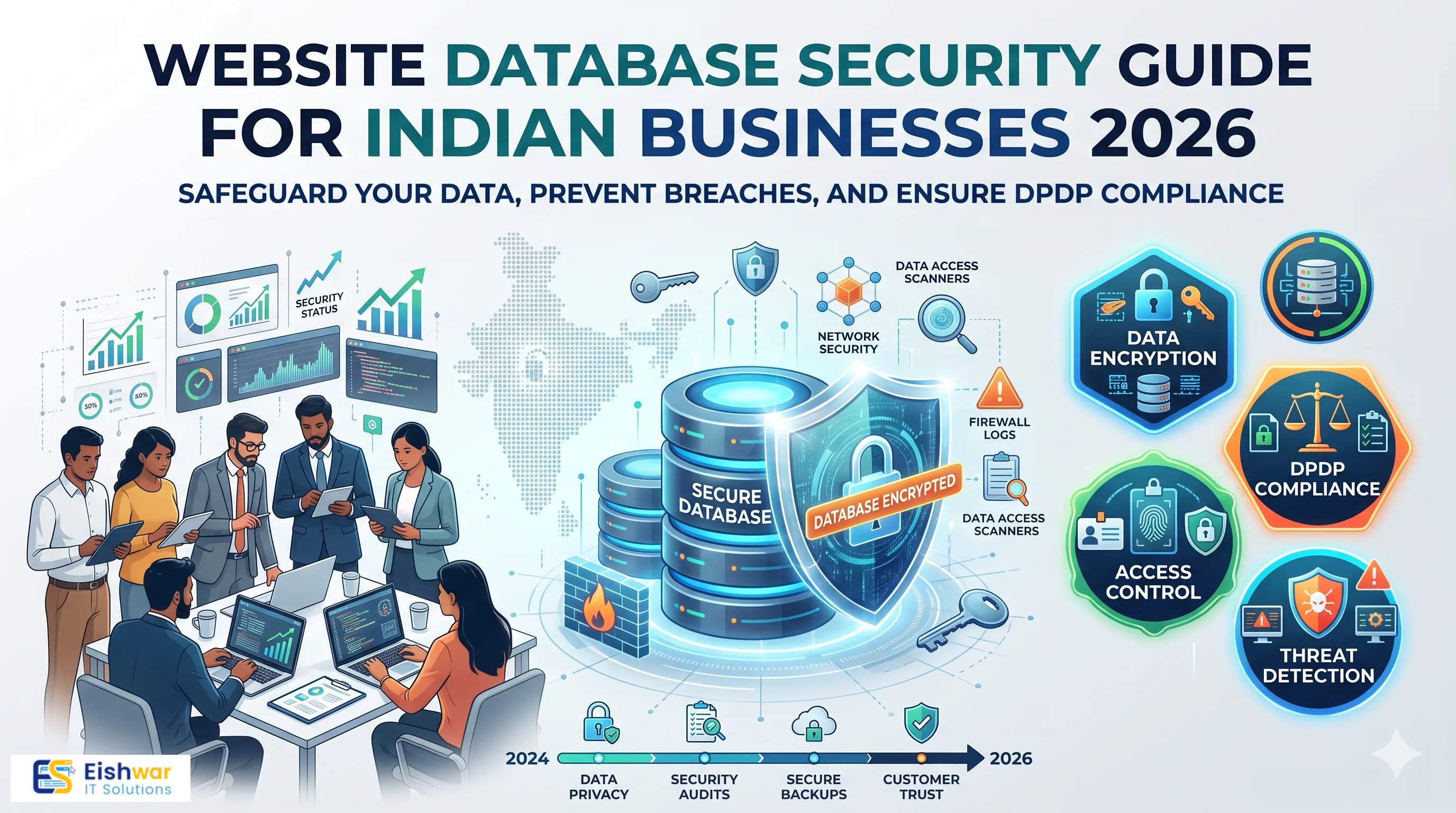
Website Database Security Guide for Indian Businesses 2026
Introduction
Your website database is where your business keeps its most valuable digital assets: customer records, orders, login details, payment references, inventory, and proprietary business data. For Indian businesses in 2026, a website is no longer just a digital brochure. It is a revenue channel, a support desk, and a compliance record. That makes database security a board-level concern, not just a developer task.
Attackers know this. They often ignore the front door and go straight for the database through vulnerable forms, outdated plugins, weak access rules, or exposed configuration files. A single data leak can trigger customer distrust, regulatory scrutiny under India's data protection rules, and operational downtime that costs real money.
This guide explains website database security in plain business language. You will learn the most common threats, practical controls, routine maintenance habits, and mistakes to avoid. Whether you run a WordPress site, a custom web application, or an e-commerce store, these steps will help you protect your data without turning your team into full-time security engineers.
Main Section 1: Why Website Database Security Matters for Indian Businesses in 2026
India's digital economy is growing fast. More customers are paying online, more employees are working remotely, and more business processes depend on web applications. At the same time, automated attack tools have become cheaper and easier to use. A small business website is no longer too small to attack.
Your database is a high-value target because it centralises information. If an attacker gains access, they can copy customer data, alter orders, delete records, inject malicious content, or hold your data for ransom. Even a brief exposure can lead to legal notices, refund demands, chargebacks, and reputation damage that takes years to repair.
Common database threats to watch
- SQL injection: Attackers insert malicious database commands through login forms, search boxes, contact forms, or URL parameters.
- Weak access controls: The website application uses a database account with full administrative rights, so one bug becomes a full breach.
- Misconfigured servers: Databases exposed to the public internet, default ports left open, or test databases forgotten on live servers.
- Outdated software: Old database engines, CMS versions, plugins, and libraries with known vulnerabilities.
- Exposed secrets: Database passwords stored in code repositories, JavaScript files, or public cloud storage.
- Insider misuse: Employees, contractors, or former vendors with unnecessary access.
- Poor monitoring: No alerts when someone exports thousands of records at 2 AM.
For Indian businesses, compliance adds another layer. The Digital Personal Data Protection Act and CERT-In guidelines push organisations to protect personal data, report incidents, and maintain reasonable security practices. Database security is a direct part of that responsibility.
Main Section 2: Core Database Security Controls Every Website Needs
You do not need an enterprise budget to secure your website database. You need consistent controls that close the most likely gaps. Here are the essentials.
1. Use parameterised queries and stored procedures
SQL injection remains one of the most common website attack methods. The best defence is to never build database queries by joining user input directly into SQL strings. Use parameterised queries, prepared statements, or stored procedures. This ensures user input is treated as data, not executable code.
If you use WordPress, Drupal, Magento, or another established CMS, the core code already follows this practice. The risk usually comes from custom plugins, themes, or third-party modules. Ask your developer to review any custom database queries before deployment.
2. Apply least-privilege database access
Your website application should connect to the database with only the permissions it actually needs. For most sites, that means read and write access to specific tables, not full administrative rights. Separate accounts should exist for the application, reporting, backups, and maintenance.
Disable remote root access. Remove unused accounts. Avoid sharing database credentials between staging, testing, and production environments. If an attacker compromises the website, least privilege limits how much damage they can do.
3. Encrypt data in transit and at rest
Encryption in transit means database connections should use TLS/SSL. This prevents attackers from capturing credentials or data as it moves between your web server and database server. Encryption at rest protects the database files and backups if someone gains access to the underlying storage.
For Indian businesses handling personal data, encryption is not optional. It also helps with compliance and customer trust. Store encryption keys separately from the database, and rotate them according to your risk policy.
4. Harden the database server
Hardening means reducing the attack surface. Use a dedicated database server or managed database service where possible. Close unused ports. Restrict access by IP address or private network. Remove sample databases and default accounts. Change default ports only if it supports a broader security strategy, not as a substitute for real access controls.
Keep the database engine patched. Apply security updates promptly, but test them in staging first. For cloud databases, enable the provider's security controls, such as private networking, automated patching, and audit logs.
5. Monitor and log database activity
You cannot secure what you do not see. Enable database audit logs and monitor for unusual activity: large data exports, failed login spikes, changes to user permissions, or queries outside normal business hours. Set alerts for critical events.
Centralise logs so they cannot be deleted by an attacker. Review them regularly. Even a simple alert when a new database user is created can reveal an intrusion early.
6. Protect database snapshots and exports
Database snapshots, exports, and reports often contain the same sensitive data as the live database. Encrypt them. Store them in a secure location with access controls. Delete old exports when they are no longer needed. Avoid emailing database dumps as attachments.
7. Keep CMS, plugins, and database software updated
Most website database breaches start with a known vulnerability that already has a patch. Create a monthly update routine for your CMS, plugins, themes, and database engine. Remove plugins and themes you no longer use. Subscribe to security advisories for your technology stack.
Main Section 3: Building a Practical Database Security Routine for Indian Teams
Security is not a one-time project. It is a routine. Here is a simple rhythm that works for small and mid-sized Indian businesses.
Weekly tasks
- Check database error logs and failed login attempts.
- Review alerts for unusual data exports or permission changes.
- Confirm that automated backups completed and are encrypted.
- Update critical security patches after testing.
Monthly tasks
- Review database user accounts and remove inactive users.
- Check for unused plugins, themes, or integrations that touch the database.
- Run a vulnerability scan on the website and web application.
- Test one database restore in a safe environment.
- Rotate database passwords if your policy requires it.
Quarterly tasks
- Conduct a database access review with your developer or hosting provider.
- Review encryption key management and storage.
- Audit third-party vendors and contractors with database access.
- Update your incident response plan with database-specific scenarios.
- Train staff on phishing, password hygiene, and data handling.
If you do not have an in-house security team, work with a trusted IT partner. The goal is not to build a security operations centre overnight. The goal is to make sure no basic control is missing for months at a time.
Document everything. A simple spreadsheet or project management board can track who has access, when patches were applied, and what was found in the last review. Documentation also helps during compliance audits and customer due diligence.
Expert Tips
- Separate the web server from the database server. If one is compromised, the other is not automatically exposed.
- Use a secrets manager. Never hardcode database passwords in source code or configuration files that end up in Git.
- Disable detailed database errors on live sites. Error messages can reveal table names, column names, and database versions to attackers.
- Adopt a WAF as an extra layer. A web application firewall can block common injection patterns, but it does not replace secure code and least privilege.
- Test restores, not just backups. A backup you cannot restore is not a backup.
- Limit data collection. If you do not need a customer's personal information, do not store it in the first place.
- Review third-party scripts and integrations. They can introduce database queries you did not write.
Common Mistakes
- Using the same database account for everything. One compromised plugin then becomes a full database takeover.
- Assuming your hosting provider secures everything. Shared responsibility means you still own application, access, and data security.
- Ignoring staging and test environments. They often contain copies of real customer data with weaker protections.
- Logging sensitive data. Do not write passwords, card numbers, or personal data into application logs.
- Forgetting former employees and vendors. Their access should be removed immediately when they leave.
- Delaying patches because the site is busy. Attackers do not wait for a convenient maintenance window.
- Relying only on a WAF. A WAF helps, but it cannot fix insecure code or excessive permissions.
Future Trends
Database security is changing quickly. Here are trends Indian businesses should watch.
- AI-assisted anomaly detection: Security tools are getting better at spotting unusual database behaviour, such as sudden exports or strange query patterns.
- Just-in-time access: Instead of permanent database rights, developers receive temporary access only when needed.
- Automated security posture management: Cloud platforms are adding tools that continuously check database configurations and flag risky settings.
- Stronger data protection enforcement: Indian regulators are likely to increase scrutiny on how businesses store and protect personal data.
- Zero trust architecture: Every request to the database is verified, even if it comes from inside the network.
- Serverless and managed databases: More businesses will move to managed services that handle patching and infrastructure hardening, while still requiring application-level security.
FAQs
What is website database security?
Website database security is the practice of protecting the database that powers your website from unauthorised access, theft, alteration, or deletion. It includes secure code, access controls, encryption, monitoring, patching, and backup protection.
How can Indian businesses prevent SQL injection?
Use parameterised queries and prepared statements. Avoid building SQL with user input. Keep your CMS, plugins, and database software updated. Run regular vulnerability scans and use a WAF as an additional layer.
Is my website database at risk if I use WordPress?
WordPress core is generally secure when updated. The biggest risks come from outdated plugins, weak themes, poor hosting configurations, and weak passwords. Regular maintenance and least-privilege database access significantly reduce risk.
How often should we review database access?
Review access at least monthly for active accounts and quarterly for broader permissions. Immediately remove access when an employee or vendor leaves. Keep a record of who has access and why.
Do we need encryption if our hosting provider is secure?
Yes. Hosting security protects the infrastructure, but encryption protects the data itself. Encryption in transit and at rest is important for compliance and for limiting damage if storage or backups are exposed.
What are the signs of a database breach?
Warning signs include unexpected data exports, new admin users, unusual login times, slow database performance, changed website content, extortion messages, and customer complaints about spam or fraud. Investigate immediately.
Can a WAF fully protect my database?
No. A WAF can block many common attacks, but it cannot fix insecure application code, excessive database permissions, or exposed credentials. Treat it as one layer in a broader security strategy.
Conclusion
Website database security is not just a technical checkbox. It is how you protect customer trust, business continuity, and regulatory compliance. For Indian businesses in 2026, the risk is real: attackers automate their efforts, data protection expectations are rising, and downtime is expensive.
The good news is that most database breaches can be prevented with disciplined basics. Use secure coding practices. Limit database permissions. Encrypt sensitive data. Monitor activity. Patch quickly. Review access regularly. These steps do not require a massive budget, but they do require consistency.
Start with the highest-risk gaps. If you are unsure where to begin, get a professional website security assessment. A small investment in prevention is almost always cheaper than a data breach, regulatory penalty, or lost customer.
CTA
Want to know if your website database is exposed? Contact EishwarITSolution for a practical database security review and website maintenance plan built for Indian businesses. Visit eishwar.com to get started.