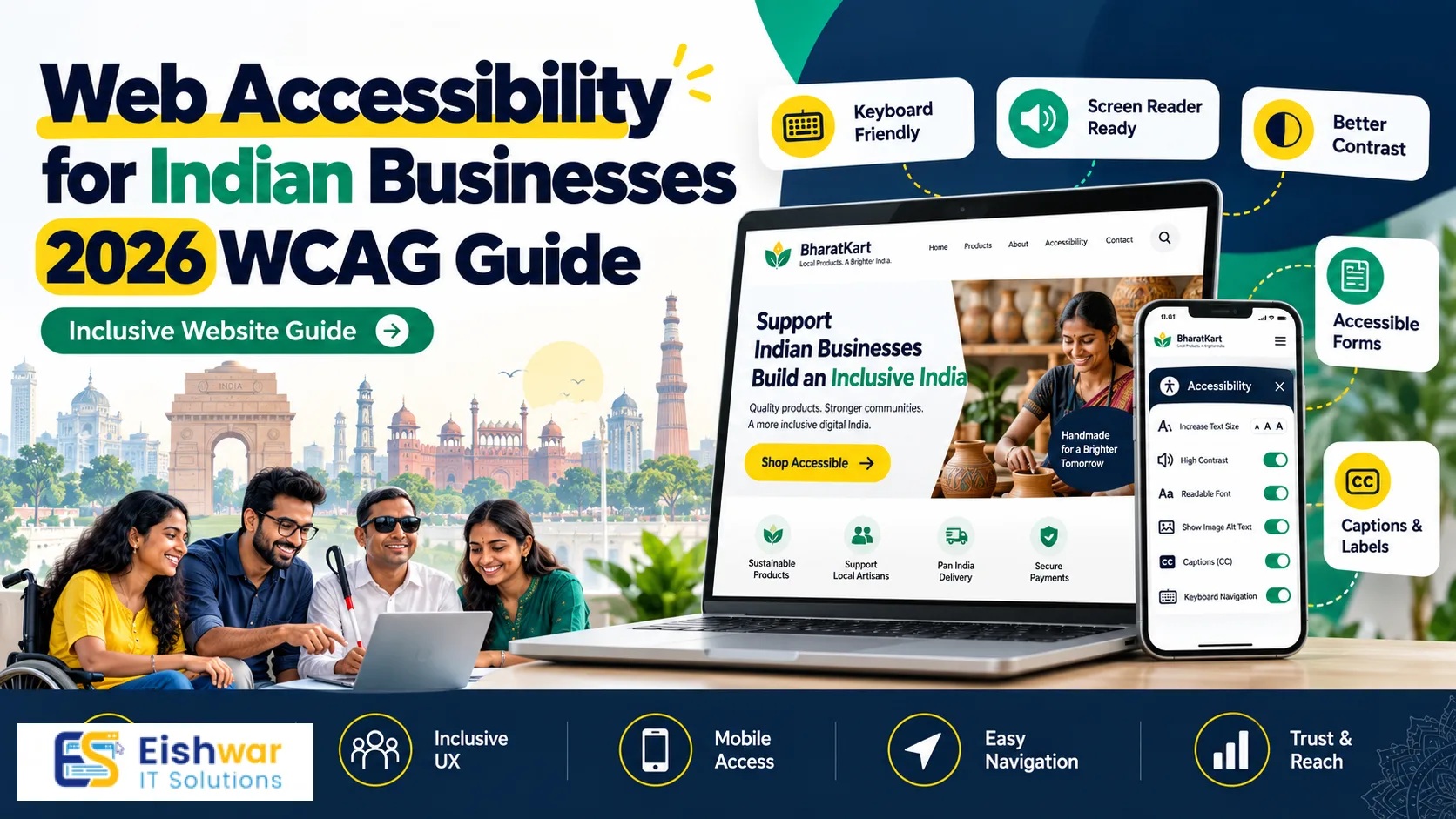
Web Accessibility for Indian Businesses: 2026 WCAG Guide
Introduction
India is one of the world's fastest-growing digital markets. Millions of people use smartphones to shop, pay bills, book services, learn, and access government schemes. But a large section of users still faces barriers online. People with visual, hearing, motor, and cognitive disabilities often struggle with websites that are not designed for them.
For Indian business owners, marketers, and professionals, web accessibility is no longer a niche social cause. It is a practical growth strategy. An accessible website reaches more customers, improves SEO, reduces legal risk, and creates a better experience for everyone.
In 2026, the standard to follow is WCAG 2.2 Level AA. The Web Content Accessibility Guidelines are published by W3C and used worldwide. India's RPwD Act, 2016 and government guidelines also push for inclusive digital services. Whether you run an e-commerce store, a SaaS platform, a coaching institute, or a local service website, WCAG compliance should be part of your web development plan.
This guide explains what web accessibility means for Indian businesses, how to audit your website, and how to build accessibility into your development workflow without slowing down growth.
Main Section 1: What WCAG Compliance Means for Indian Websites
WCAG is built on four core principles, often remembered as POUR. Your website should be Perceivable, Operable, Understandable, and Robust. If any of these principles fail, some users may not be able to complete basic tasks like reading your menu, filling a form, or paying online.
Perceivable: Content Must Be Available to the Senses
Users should be able to perceive your content. For a blind user with a screen reader, images need alternative text. Videos need captions and transcripts. Text needs enough color contrast against the background. Audio content should have a text version.
In India, many users browse in Hindi, Tamil, Bengali, Marathi, and other regional languages. Perceivable design also means using readable fonts, proper language attributes, and clear headings so screen readers pronounce content correctly.
Operable: Everyone Should Be Able to Navigate
Some users cannot use a mouse. They rely on keyboards, switches, or voice commands. Your website should allow full navigation using only a keyboard. Focus indicators must be visible. Menus, pop-ups, sliders, and forms should work without a mouse.
Touch targets matter on mobile. If buttons are too small or too close, users with motor impairments will struggle. Indian businesses get most traffic from mobile, so tap-friendly design is both an accessibility and usability win.
Understandable: Clear Content and Predictable Interfaces
Users should understand how your website works. Error messages should explain what went wrong and how to fix it. Forms should have clear labels. Navigation should be consistent. Avoid jargon where simple language works better.
For Indian audiences, understandable also means avoiding unnecessary English when your users prefer regional languages. Provide language options where it makes business sense. Use plain language in checkout, registration, and support pages.
Robust: Works with Different Devices and Assistive Technologies
Your website should work across modern browsers, mobile devices, and assistive tools. Clean semantic HTML is the foundation. ARIA attributes can help, but only when used correctly. Broken HTML often confuses screen readers and automation tools.
WCAG Levels: Which One Should Indian Businesses Target?
WCAG has three levels: A, AA, and AAA. Level A covers basic requirements. Level AA is the global standard for most organizations and is recommended for Indian businesses. Level AAA is more advanced and often not practical for every page.
For 2026, target WCAG 2.2 Level AA. It includes practical success criteria such as focus appearance, dragging movements, target size, consistent help, and accessible authentication. These are directly relevant to Indian e-commerce, banking, healthcare, education, and government-facing websites.
Accessibility is not just about compliance. Search engines reward many of the same things: semantic HTML, alt text, clear headings, fast mobile pages, and good user experience. When you design for accessibility, you often improve SEO and conversion at the same time.
Main Section 2: How to Audit and Fix Accessibility Issues
An accessibility audit helps you find barriers before your customers do. You can start with automated tools, but manual testing is essential. Here is a practical process for Indian businesses.
Step 1: Run Automated Accessibility Tests
Use tools like Google Lighthouse, axe DevTools, WAVE, and Pa11y. They can catch missing alt text, low contrast, empty buttons, missing form labels, and heading structure issues. These tools are fast, but they only find around 30 to 40 percent of problems.
Run audits on key pages: home, product, category, cart, checkout, contact, blog, and service pages. Also test in both desktop and mobile views.
Step 2: Test with a Keyboard Only
Put your mouse aside. Press Tab, Shift+Tab, Enter, Space, and arrow keys. Can you reach every link, button, and form field? Can you see where the focus is? Can you close pop-ups? Can you complete a purchase?
Common failures include hidden focus outlines, keyboard traps in modals, and menus that only open on hover. These issues frustrate users and often hurt SEO because crawlers also rely on accessible structure.
Step 3: Test with Screen Readers
On Windows, use NVDA or JAWS. On mobile, use TalkBack for Android and VoiceOver for iOS. Test your most important user journeys. Listen to how headings, links, images, and form fields are announced.
For Indian language websites, check whether the screen reader pronounces content correctly. Set the lang attribute for the page and for language changes within the content. This small technical detail makes a big difference.
Step 4: Review Content and Visual Design
Check color contrast using tools like WebAIM Contrast Checker. Ensure text is not conveyed only through color. Add captions and transcripts for videos. Write descriptive link text instead of 'click here'. Use clear headings and short paragraphs.
For Indian audiences, test with real users if possible. Include people with disabilities in usability testing. Their feedback will reveal issues that no automated tool can find.
Step 5: Prioritise and Fix
Not every issue needs to be fixed on day one. Prioritise problems that block core tasks: login, search, product selection, payment, and support. Fix high-impact issues first, then improve the rest over time.
Create an accessibility backlog with severity levels. Track progress in your project management tool. Assign owners for design, development, content, and QA. Accessibility works best when it is part of the process, not a one-time project.
Common Fixes for Indian Business Websites
- Images: Add meaningful alt text. Decorative images should have empty alt attributes.
- Forms: Use visible labels, clear error messages, and proper input types.
- Contrast: Maintain at least 4.5:1 for normal text and 3:1 for large text.
- Navigation: Add a skip-to-content link and ensure keyboard access.
- Videos: Add captions in the language of the video and provide transcripts.
- PDFs: Make important PDFs accessible or convert them to HTML pages.
- CAPTCHA: Offer accessible alternatives such as audio or email verification.
- Carousels: Add pause controls and keyboard-accessible navigation.
Main Section 3: Building Accessibility into Your Web Development Workflow
The best way to achieve WCAG compliance is to build it into your workflow from the start. Retrofitting accessibility later is expensive and frustrating. Here is how Indian businesses can make accessibility a natural part of web development.
Start with an Accessible Design System
Create reusable components that meet accessibility standards: buttons, forms, modals, tabs, accordions, and navigation menus. Document color contrast, focus states, font sizes, and touch target sizes. When designers and developers use the same accessible components, quality improves and speed increases.
Use Semantic HTML First
Use proper headings, lists, tables, buttons, and form elements. Semantic HTML gives screen readers and search engines a clear structure. Use ARIA only when native HTML cannot solve the problem. Incorrect ARIA is often worse than no ARIA.
Design for Keyboard and Touch
Ensure every interactive element is keyboard accessible. Add visible focus styles. Make sure modals trap focus correctly and return focus when closed. On mobile, use large enough touch targets and avoid interactions that depend only on dragging.
Write Accessible Content
Content teams play a huge role. Use descriptive page titles, clear headings, and short paragraphs. Write link text that makes sense out of context. Add alt text for images. Provide transcripts for podcasts and captions for videos. Avoid using images of text.
Make Accessibility Part of QA
Add accessibility checks to your definition of done. Test new features with keyboard and screen readers before release. Use automated tests in your CI/CD pipeline where possible. Track accessibility bugs alongside performance and security bugs.
Train Your Team
Accessibility is a team sport. Designers, developers, content writers, marketers, and project managers all need basic training. A short workshop can prevent many common mistakes. Encourage everyone to think about real users, not just compliance checklists.
Choose the Right CMS and Tools
If you use WordPress, Drupal, or a headless CMS, check how easily editors can add alt text, captions, and accessible tables. Some themes and plugins are more accessible than others. Test before you commit. For custom web apps, build accessibility requirements into the project brief.
Indian businesses often work with limited budgets and tight timelines. The good news is that many accessibility improvements are low-cost. Semantic HTML, alt text, contrast fixes, and keyboard support require discipline more than huge investment. Partnering with an experienced web development team can help you avoid costly rework.
Expert Tips
- Treat WCAG 2.2 AA as your 2026 baseline, not an optional extra.
- Test with real users with disabilities. Their experience is the ultimate benchmark.
- Fix accessibility issues in your checkout and lead forms first. These directly affect revenue.
- Use an accessibility statement to explain your commitment and provide contact details for feedback.
- Make accessibility part of design reviews, code reviews, and content publishing checklists.
- Do not rely on accessibility overlay widgets. They do not fix underlying code issues.
- Check color contrast before finalising your brand palette on web pages.
- Add captions to product videos and explainer videos. Many users watch without sound.
- Ensure your website works on slow networks and older devices common in smaller Indian towns.
- Review accessibility after every major redesign, CMS update, or new feature launch.
Common Mistakes
- Running only automated tests: Tools miss keyboard traps, confusing screen reader output, and poor content structure.
- Using ARIA everywhere: Bad ARIA breaks accessibility. Use native HTML first.
- Removing focus outlines: Focus indicators help keyboard users. Style them instead of hiding them.
- Ignoring mobile accessibility: Most Indian users are on mobile. Test touch targets, zoom, and screen readers.
- Forgetting Indian languages: Set correct language attributes and test regional fonts and pronunciations.
- Treating accessibility as a one-time project: New content and features create new barriers. Make it continuous.
- Using color alone: Do not use red or green text alone to show errors or status.
- Publishing inaccessible PDFs: Convert important documents to accessible HTML where possible.
- Buying an overlay and assuming compliance: Overlays do not guarantee WCAG compliance and can create new problems.
- No accessibility owner: Without clear responsibility, accessibility gets ignored under deadline pressure.
Future Trends
Accessibility will become more integrated with mainstream web development in 2026 and beyond. Here are trends Indian businesses should watch.
- AI-assisted accessibility testing: AI tools will help find issues faster, but human review will remain essential.
- WCAG 3.0 development: The next generation of guidelines will focus on outcomes and broader user needs. Keep an eye on W3C updates.
- Regulation and procurement: More Indian organisations may require accessibility compliance from vendors and partners.
- Inclusive personalisation: Websites will adapt font sizes, contrast, motion, and language based on user preferences.
- Voice and conversational interfaces: As voice search grows in India, accessible structure will help both users and search engines.
- Accessible Indian language AI: Better speech and screen reader support for regional languages will expand inclusive digital services.
- Mobile-first accessibility: With smartphone penetration rising, mobile accessibility will be a core business requirement.
FAQs
Is web accessibility mandatory for Indian businesses?
For many government and public sector websites, accessibility requirements are clear under India's RPwD Act and related guidelines. Private businesses are not always legally forced, but accessibility is increasingly expected by customers, partners, and procurement teams. It also reduces legal and reputational risk.
What WCAG level should an Indian business website target?
Target WCAG 2.2 Level AA. It is the most widely accepted standard globally and covers practical requirements for websites, mobile apps, and digital services. Level A is too basic for most businesses, while Level AAA is often difficult to achieve across every page.
Does web accessibility improve SEO?
Yes. Many accessibility best practices overlap with SEO: semantic HTML, descriptive alt text, clear headings, mobile-friendly design, and fast loading. Accessible websites are easier for search engines to crawl and understand, which can improve rankings and visibility.
How much does an accessibility audit cost in India?
Costs vary based on website size, complexity, and the number of user journeys. A basic audit for a small business website may be affordable, while large e-commerce or web application audits require more time. Think of it as an investment in reach, usability, and risk reduction.
Can I use an accessibility overlay widget to become compliant?
No. Overlays can sometimes help with minor adjustments, but they do not fix underlying code, content, or design problems. Most accessibility experts recommend fixing the website itself rather than relying on an overlay. Overlays can also create new barriers for screen reader users.
How often should we test website accessibility?
Test after every major redesign, new feature release, or CMS update. For ongoing websites, run automated checks monthly and conduct a full manual audit at least once a year. If you publish content frequently, add accessibility checks to your publishing workflow.
Conclusion
Web accessibility is a business advantage for Indian companies in 2026. It expands your audience, improves SEO, strengthens brand trust, and prepares you for evolving regulations. WCAG 2.2 Level AA gives you a practical framework to follow.
Start with a clear audit. Fix high-impact issues in navigation, forms, checkout, and content. Train your team. Build accessibility into design, development, and QA. You do not need to fix everything overnight. Consistent progress is better than a one-time patch.
When you make your website easier to use for people with disabilities, you make it easier for everyone. That is good for customers, good for business, and good for India's digital future.
CTA
Ready to make your website WCAG-compliant and more customer-friendly? EishwarITSolution helps Indian businesses with accessibility audits, inclusive web design, and ongoing web development support. Visit eishwar.com to discuss your accessibility goals and get a practical action plan for 2026.