
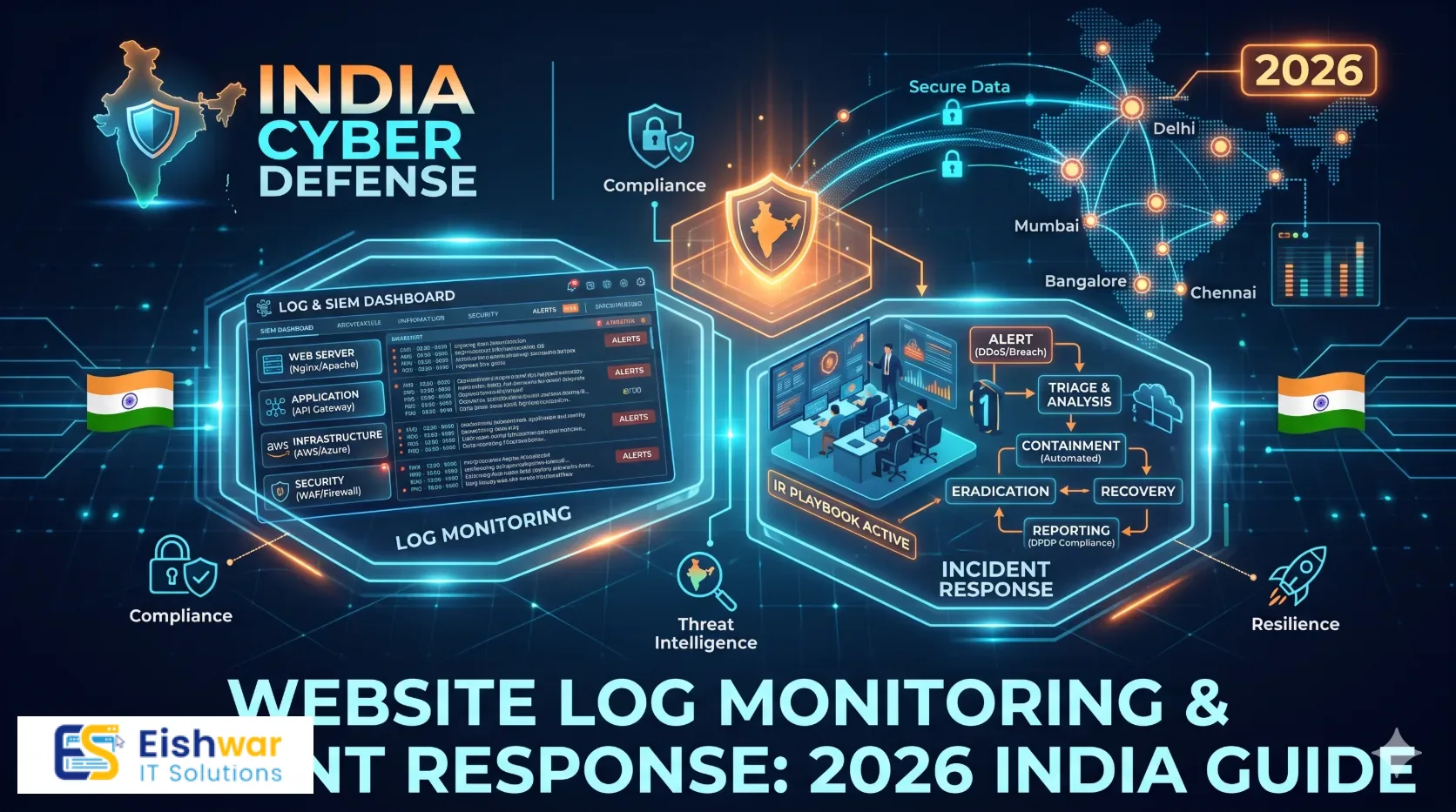
Website Log Monitoring & Incident Response: 2026 India Guide
Published on: 19 Oct 2026
Website Log Monitoring & Incident Response: 2026 India Guide
Introduction
For many Indian business owners, a website is not just a brochure. It is the digital front desk, the sales counter, the support channel, and sometimes the payment window. Yet when it comes to security, most attention goes to firewalls, plugins, and passwords. The logs that quietly record every visitor, error, login attempt, and file change often sit ignored in a hosting panel.
Learn more about our Website services
That is a missed opportunity. In 2026, attackers are not only targeting large enterprises. Indian SMBs, e-commerce stores, professional services firms, clinics, schools, and SaaS startups are all in scope because they hold customer data, payment links, and reputations. A website incident can begin with a small signal: a burst of failed admin logins, a strange file appearing in a plugin folder, or a sudden spike in outbound traffic. If nobody is watching the logs, that signal is wasted.
This guide explains website security log monitoring and incident response in practical Indian business terms. You do not need an enterprise security operations centre. You need a clear view of the right logs, sensible alerts, a simple runbook, and a monthly rhythm that keeps the process alive.
Main Section 1: Why Website Logs Are Your Early Warning System
Logs are time-stamped records of what happened on your website. They answer questions such as who visited, which page was requested, which login failed, which file changed, which plugin threw an error, and whether a firewall blocked a request. On their own, logs can feel technical. Used well, they become a business early warning system.
Consider a Mumbai-based e-commerce store that sees a sudden rise in 404 errors on product pages. That could be a broken link. It could also be an automated scraper mapping the catalogue or a bot probing for vulnerable URLs. Without log review, the store may only notice when the hosting bill rises or the site slows down. With basic monitoring, the team can block the offending traffic before it becomes a bigger problem.
The website logs Indian businesses should monitor
- Web server access logs: Requests to your site, response codes, user agents, referrers, and IP addresses. These help spot scraping, brute force attempts, odd traffic patterns, and broken pages.
- Web server error logs: PHP, application, and server errors. Repeated 500 errors can signal a broken update, resource exhaustion, or an active exploit.
- CMS and plugin logs: If you use WordPress, Drupal, Joomla, or a custom CMS, capture login activity, user changes, plugin updates, and file edits.
- WAF and CDN logs: Blocked requests, bot scores, rate-limit triggers, and geographic anomalies. These are often your first view of automated attacks.
- Authentication logs: Admin logins, password resets, new user creation, and privilege changes. Pay special attention to logins outside normal business hours or from unexpected locations.
- Application and API logs: Payment callbacks, form submissions, order events, API authentication failures, and unusual data access patterns.
- DNS, SSL, and uptime logs: Certificate expiry warnings, DNS changes, and downtime events. These are maintenance signals as much as security signals.
Signals worth alerting on
You do not need to review every line. Focus on high-signal events that usually deserve attention:
👉 Don't wait for the perfect moment; turn your vision into reality today.
Free Consultation- More than 20 failed admin login attempts from one IP or subnet within 10 minutes.
- A new administrator account being created, especially outside working hours.
- File changes in core CMS folders, upload directories, or configuration files.
- A sudden spike in 404 or 403 responses from a single country or user agent.
- Server error rates above 5 percent for more than five minutes.
- Unexpected outbound traffic from the web server to an unknown destination.
- WAF blocks increasing sharply without a matching marketing campaign or traffic spike.
- SSL certificate expiry inside 14 days or a DNS record change you did not authorise.
Set up centralised logging without complexity
Start with what you already have. Your hosting control panel, CDN, WAF, and CMS usually provide logs or activity feeds. Export or forward them to a central place so they are not lost when a server is rebuilt or a hosting plan is upgraded.
For Indian SMBs, a practical setup is a mix of hosting logs, CDN security events, uptime monitoring, and a lightweight log tool. Keep at least 90 days of searchable logs and consider cold storage for 12 months if you handle payments or sensitive customer data. Mask or minimise personal information where possible, because log data can contain IP addresses, email addresses, and form details. Under India's DPDP Act 2023, data minimisation and purpose limitation matter, so involve legal or compliance advice for your specific context.
Two small details make a big difference. First, synchronise server time. Use IST for business reporting but keep UTC in raw logs if your tools prefer it, and document the convention. Second, test that your logs actually arrive. A broken log pipeline is worse than no pipeline because it creates false confidence.
Main Section 2: Build a Lightweight Incident Response Plan
Incident response is not a 50-page document for a 20-person business. It is a short, tested plan that tells people what to do in the first hour. The goal is to reduce panic, preserve evidence, contain damage, and communicate clearly.
Define severity levels
Use simple severity levels so everyone knows when to act and when to watch:
- Critical: Website defacement, payment data exposure, ransomware, active malware, or admin account takeover. Respond within 15 to 30 minutes.
- High: Repeated brute force attempts, suspicious admin login, file integrity alerts, or a WAF block spike targeting checkout. Respond within 1 to 2 hours.
- Medium: Unusual traffic, minor plugin vulnerability alert, repeated 500 errors, or certificate expiry. Respond within one business day.
- Low: Routine 404 spikes, isolated failed logins, or informational alerts. Review in the weekly digest.
Use a six-step runbook
- Detect and verify: Confirm the alert is real. Check logs, dashboards, and recent changes. Assign one incident owner.
- Contain: Block the offending IP, disable a compromised admin account, enable maintenance mode if needed, or tighten WAF rules. Avoid shutting down everything unless the risk justifies it.
- Preserve evidence: Export relevant logs, take screenshots, record timestamps, and save file hashes before cleaning up. Do not reboot or wipe the server before capturing evidence.
- Eradicate: Remove malware, patch the vulnerable component, reset credentials, and close the entry point.
- Recover: Restore from a clean backup if needed, monitor closely for reinfection, and confirm that forms, payments, and logins work.
- Review: Within 7 days, document what happened, what worked, what failed, and what changes are needed. Update the runbook.
Preserve evidence carefully. A Pune-based consultancy once found a suspicious admin user and immediately deleted the account. That stopped the immediate risk, but it also destroyed useful clues about how the attacker got in. A better approach is to disable the account, export the logs, then remove it after evidence is secured.
👉 Free Website Audit
Get Free AuditCommunication and compliance
Indian businesses should treat communication as part of incident response, not an afterthought. Prepare short templates for internal updates and customer notices. Do not speculate about data exposure until you have verified facts. If customer data may be affected, involve legal counsel early.
India's CERT-In directions require specified cyber incidents to be reported within six hours of noticing them. The DPDP Act 2023 also introduces breach notification obligations for personal data. Requirements depend on your business, sector, and the nature of the incident, so keep a legal and compliance contact ready before you need one.
Example tabletop scenario
A Delhi professional services firm notices an admin login from an unusual country at 2 am. The account owner is asleep. The on-call manager checks the login logs, sees five failed attempts followed by a successful login, and disables the account. The team exports logs, resets all admin passwords, reviews file changes, and finds a new plugin installed. They remove it, patch the CMS, and send a factual internal update. The next quarterly review adds an alert for new plugin installs. That is incident response in action: simple, documented, and repeatable.
Main Section 3: Tools, Alerts, and Maintenance Rhythm
You do not need an enterprise SIEM to monitor website logs. You need reliable collection, sensible alerts, and a rhythm that prevents alert fatigue. Build a stack in layers and add complexity only when the business case is clear.
Low-cost stack for Indian SMBs
- Hosting logs and activity feeds: Your first source. Enable access, error, and audit logs where available.
- CDN and WAF: Cloudflare, Sucuri, or your hosting provider's firewall can provide security events, bot scores, and rate-limit data.
- Uptime and SSL monitoring: UptimeRobot, Better Stack, or similar tools can alert you to downtime and certificate issues.
- CMS or application middleware: Security plugins or custom middleware can log admin activity, file changes, and suspicious requests.
- Central log tool: Use a lightweight service such as Better Stack, Papertrail, Loggly, or cloud-native logging if your site runs on AWS, Azure, or GCP.
- Alert routing: Send critical alerts to email, Slack, Microsoft Teams, or a WhatsApp Business integration. Make sure someone is actually on call.
Alert design that avoids fatigue
Start with high-signal alerts and a weekly digest. If you send every 404 to a busy founder, the alerts will be ignored within a week. Good starting rules include:
👉 Free Homepage Demo
Book Demo- 20 failed admin logins in 10 minutes from one IP or subnet.
- New administrator user created.
- File change in core CMS or configuration files.
- WAF block rate triples within 15 minutes.
- 5xx error rate above 5 percent for five minutes.
- Outbound traffic from the web server exceeds a baseline you define.
- SSL certificate expires in 14 days.
Review alerts monthly. Remove noisy rules, adjust thresholds, and document why each rule exists. The best alert is one that leads to a clear action.
Monthly and quarterly rhythm
- Daily: Check critical alerts and the on-call inbox. Confirm that log collection is working.
- Weekly: Review the digest for failed logins, 404 spikes, new users, file changes, and WAF trends.
- Monthly: Tune alert rules, review admin access, patch systems, and check backup logs.
- Quarterly: Run a tabletop incident exercise, test a restore, audit log retention, and update the contact list.
Track a few practical KPIs: mean time to detect critical issues, mean time to respond, false positive rate, and percentage of alerts reviewed within one business day. For most Indian SMBs, a realistic goal is to detect critical incidents within one hour and contain them within four hours.
Expert Tips
- Log the business events, not just the technical ones. Payment failures, password resets, order cancellations, and admin changes often tell a clearer story than raw traffic counts.
- Keep an incident contact card. List your hosting provider, developer, legal advisor, payment gateway, and communications lead. Print it and store it offline.
- Use a change log. Most website incidents follow a change: a new plugin, a DNS update, a firewall rule, or a rushed Friday deployment. Record changes and compare them with alerts.
- Test your alerts. Trigger a test failed-login alert or a test downtime alert once a quarter. An alert that nobody receives is not monitoring.
- Separate security logs from marketing analytics. Analytics tools sample and aggregate data. Security decisions need raw, complete logs.
- Document decisions during an incident. A simple timeline with timestamps, actions, and owners is invaluable for the review and for any regulatory or insurance process.
Common Mistakes
- Collecting logs but never reviewing them. Storage is not monitoring. Assign a weekly review owner.
- Alerting on everything. Too many low-value alerts train the team to ignore real threats.
- Deleting evidence during cleanup. Disable, isolate, and export first. Clean later.
- Ignoring shared hosting limits. If your host does not provide adequate logs, export them regularly or move to a plan that supports your risk level.
- Forgetting time zones. Confusing IST and UTC can turn a clear timeline into a puzzle.
- No named incident owner. When everyone is responsible, nobody responds. Name a primary and backup owner.
Future Trends
Website log monitoring is becoming more accessible and more intelligent. In 2026 and beyond, expect AI-assisted log summaries to help small teams spot anomalies faster, although human review will remain essential. Edge logging from CDNs and WAFs will give businesses better visibility before traffic reaches the origin server.
API and payment callback logs will matter more as Indian businesses digitise checkout and customer workflows. Identity-centric monitoring will grow as attackers focus on admin accounts, third-party integrations, and OAuth tokens. Compliance-driven logging will also mature under the DPDP Act, with clearer expectations around retention, minimisation, and breach evidence. The practical winners will not be the businesses with the most tools. They will be the ones with clean data, simple alerts, and a tested response rhythm.
FAQs
1. How much does website log monitoring cost for an Indian SMB?
You can start with hosting logs, a CDN or WAF, and basic uptime monitoring at little or no extra cost. A lightweight central logging tool may cost a few thousand rupees per month depending on volume. The bigger investment is usually staff time for weekly review and quarterly testing.
2. How long should we keep website logs in India?
Keep at least 90 days of searchable logs for day-to-day security work. For payment, customer data, or regulated workflows, consider 12 months of cold storage. Check your legal and contractual obligations, especially under the DPDP Act 2023, and avoid storing unnecessary personal data.
3. Do small businesses really need incident response plans?
Yes, but keep it short. A one-page plan with severity levels, a six-step runbook, contact details, and a communication template is enough to start. The plan is valuable because it reduces confusion during a stressful event.
4. What is the difference between log monitoring and a security audit?
An audit is a point-in-time review of your security posture. Log monitoring is ongoing visibility into what is happening. They complement each other: audits find gaps, while monitoring tells you when something is being exploited or is failing.
5. Can we use WhatsApp for security alerts?
Yes, for non-sensitive notifications. Use email, Slack, Teams, or a proper on-call tool for detailed alerts and evidence. Avoid sending passwords or sensitive customer data over chat.
6. What should we do first if we suspect a website compromise?
Do not panic-delete everything. Disable suspicious accounts, block the offending traffic if possible, export logs, take screenshots, and contact your developer or security partner. Preserve evidence before cleaning up, then patch, restore, and review.
Conclusion
Website logs are one of the most underused security assets for Indian businesses. They can warn you about brute force attempts, malware, scraping, configuration errors, and downtime before customers notice. Pair that visibility with a lightweight incident response plan and a monthly review rhythm, and your website becomes more resilient without requiring an enterprise budget.
The goal is not perfect security. It is faster detection, calmer response, and fewer surprises. Start with the logs you already have, add high-signal alerts, name an incident owner, and test the plan once a quarter. That is a practical 2026 security habit for any Indian business that depends on its website.
CTA
Need help setting up website log monitoring, alert rules, or a simple incident response runbook for your Indian business? Contact EishwarITSolution for a practical website security and maintenance review. We can help you identify what to log, what to alert on, and how to respond without adding unnecessary complexity.