
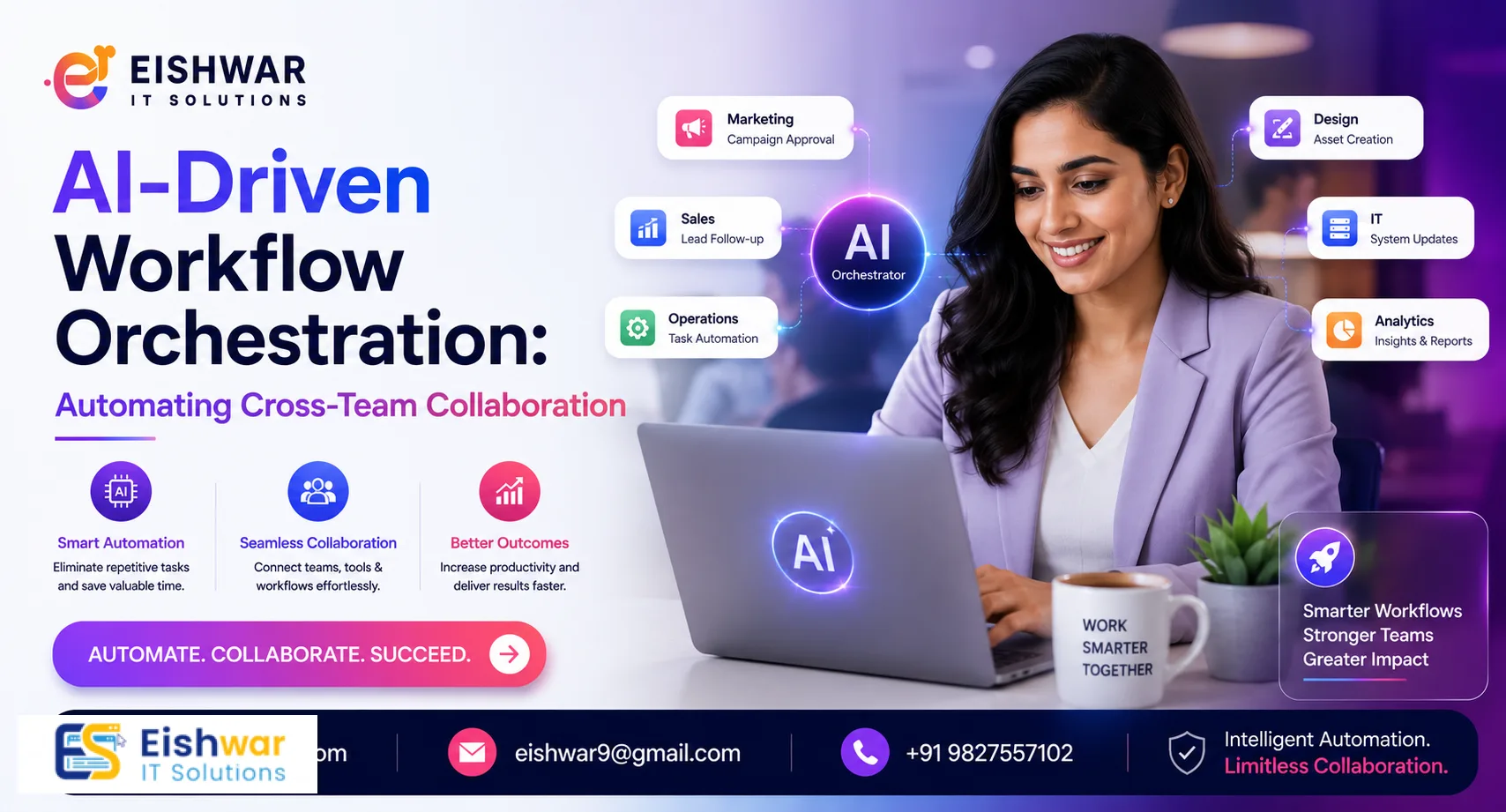
AI-Driven Workflow Orchestration: Automating Cross-Team Collaboration
Published on: 18 Jul 2026
AI-Driven Workflow Orchestration: Automating Cross-Team Collaboration for Faster Web & App Delivery
Introduction
In the fast-paced world of web and app development, cross-team collaboration is often the bottleneck that slows down delivery. Designers, developers, QA testers, and marketers work in silos, leading to miscommunication, delays, and rework. But what if AI could orchestrate these workflows seamlessly? Welcome to AI-driven workflow orchestration—a game-changer for Indian businesses looking to accelerate development cycles without compromising quality. In this article, we explore how AI automates cross-team collaboration, reduces friction, and delivers faster results. We'll dive into practical examples, implementation strategies, and expert insights to help you leverage this technology effectively.
Learn more about our Website services
Main Section 1: What is AI-Driven Workflow Orchestration?
AI-driven workflow orchestration is the use of artificial intelligence to automate, coordinate, and optimize the sequence of tasks across multiple teams. Unlike traditional project management tools that rely on manual updates, AI orchestration tools analyze real-time data, predict bottlenecks, and dynamically assign resources. For example, an AI orchestrator can automatically notify the development team when a design is approved, trigger code reviews, and even assign testing tasks based on team availability. This creates a frictionless pipeline where each handoff is automated, reducing idle time and ensuring everyone stays aligned.
To understand this better, consider a typical scenario: a designer uploads a final mockup to a shared platform like Figma. An AI orchestration tool like Monday.com with AI or Zapier AI can detect the upload, automatically create a task in Jira for the development team, send a Slack notification to the lead developer, and update the project timeline. Meanwhile, the QA team receives a notification to prepare test cases based on the design changes. This eliminates the need for manual emails, status meetings, and follow-ups, saving hours each week.
AI orchestration goes beyond simple automation by incorporating machine learning to learn from past projects. For instance, if the system notices that design-to-development handoffs often take longer on Mondays due to team meetings, it can automatically adjust deadlines or suggest rescheduling tasks to avoid delays. This predictive capability is what sets orchestration apart from basic automation.
Main Section 2: Key Benefits for Indian Businesses
Indian businesses, especially those in competitive markets like e-commerce, fintech, and SaaS, can reap significant benefits from AI workflow orchestration. First, it reduces time-to-market by eliminating manual handoffs. Second, it improves accountability—AI tracks every task and provides visibility to stakeholders. Third, it lowers costs by minimizing rework and optimizing resource utilization. For instance, a Mumbai-based startup used AI orchestration to cut their app development cycle from 6 months to 4 months, saving over ₹15 lakhs in operational costs.
Let's break down these benefits with concrete examples:
- Reduced Time-to-Market: A Bangalore-based SaaS company integrated AI orchestration into their CI/CD pipeline. When a developer pushes code to GitHub, the AI automatically triggers unit tests, assigns code reviewers based on expertise, and deploys to a staging environment. This reduced their release cycle from two weeks to three days.
- Improved Accountability: AI tools provide dashboards that show real-time progress. For example, a Delhi e-commerce platform used orchestration to track every task from design to deployment. Stakeholders could see exactly where a feature was stuck, reducing blame games and improving team morale.
- Cost Savings: By automating repetitive tasks like status updates and meeting scheduling, a Chennai-based fintech startup saved 20 hours per week across teams, translating to annual savings of ₹8 lakhs in productivity costs.
Additionally, AI orchestration helps Indian businesses comply with regulatory requirements. For instance, in the fintech sector, where data privacy is critical, AI can automatically flag tasks that involve sensitive data and enforce compliance checks before proceeding.
👉 Don't wait for the perfect moment; turn your vision into reality today.
Free ConsultationMain Section 3: How to Implement AI Workflow Orchestration in Your Development Process
Implementing AI workflow orchestration doesn't require a complete overhaul. Start by mapping your current workflows and identifying repetitive tasks. Choose an AI orchestration tool like Zapier AI, Monday.com with AI, or custom solutions built on platforms like UiPath. Integrate it with your existing tools (Jira, Slack, GitHub) to automate notifications, status updates, and task assignments. Train your team on the new system and monitor KPIs like cycle time, handoff delays, and team satisfaction. For example, a Delhi-based web agency integrated AI orchestration into their WordPress development pipeline, reducing client revision cycles by 40%.
Here's a step-by-step guide to implementation:
- Audit Your Workflows: Use process mining tools to visualize your current workflows. Identify bottlenecks, such as handoffs between design and development that take more than 24 hours.
- Select the Right Tool: For small teams, Zapier AI offers affordable automation with over 5,000 integrations. For larger enterprises, consider UiPath or Microsoft Power Automate with AI capabilities. Evaluate tools based on scalability, security, and ease of use.
- Integrate with Existing Systems: Connect your orchestration tool to Jira for task management, Slack for communication, GitHub for code repositories, and Figma for design files. Use APIs to ensure seamless data flow.
- Define Automation Rules: Set triggers for common handoffs. For example, when a Jira ticket status changes to "In Review," automatically assign a QA tester and send a Slack notification with the ticket link.
- Train Your Team: Conduct workshops to explain how AI orchestration works and its benefits. Address concerns about job displacement by emphasizing that AI handles mundane tasks, freeing teams for creative work.
- Monitor and Optimize: Track metrics like cycle time reduction, error rates, and team satisfaction. Use AI analytics to identify new bottlenecks and refine your rules.
For example, a Pune-based mobile app development company used UiPath to automate their testing workflow. When a developer commits code, the AI triggers automated unit tests, assigns a senior developer for code review, and updates the project dashboard—all without manual intervention. This reduced their testing phase by 30%.
Expert Tips
- Start small: Pilot AI orchestration on a single project before scaling. Choose a project with clear handoffs and measurable outcomes, like a feature release.
- Focus on high-friction areas: Identify where handoffs cause the most delay (e.g., design to development, development to QA). Use data from your audit to prioritize.
- Use AI for predictive insights: Let the system forecast bottlenecks and suggest resource reallocation. For instance, if AI predicts a QA bottleneck due to high workload, it can automatically reassign tasks to available testers.
- Involve all teams: Get buy-in from design, development, QA, and marketing to ensure smooth adoption. Hold cross-team workshops to align on goals and address concerns.
- Measure ROI: Track metrics like delivery speed, error rates, and team productivity to justify investment. Use tools like Tableau or Power BI to visualize your data.
- Iterate continuously: AI orchestration is not a one-time setup. Regularly review your automation rules and update them based on team feedback and changing project requirements.
Common Mistakes
- Over-automation: Automating every single step can lead to rigidity. Leave room for human judgment, especially in creative tasks like design or strategic decisions.
- Ignoring team culture: AI orchestration works best when teams trust the system. Communicate the benefits clearly and involve team members in the design of automation rules.
- Neglecting data privacy: Ensure your AI tools comply with Indian data protection laws (e.g., DPDP Act 2023). Use tools that offer data encryption and access controls.
- Choosing the wrong tool: Not all orchestration tools fit every workflow. Test before committing—use free trials or pilot projects to evaluate suitability.
- Skipping training: Teams need proper training to leverage AI effectively. Invest in upskilling and provide ongoing support to address questions.
- Ignoring feedback loops: AI orchestration should evolve based on team input. Regularly collect feedback and adjust automation rules to improve efficiency.
Future Trends
By 2028, AI workflow orchestration will evolve to include autonomous decision-making, where AI not only automates tasks but also makes strategic decisions about resource allocation and priority. We'll see tighter integration with AI agents that can negotiate deadlines and dependencies across teams. For Indian businesses, this means even faster delivery cycles and the ability to scale development without linearly increasing costs. Early adopters will gain a significant competitive advantage.
👉 Free Website Audit
Get Free AuditEmerging trends include:
- AI-Powered Resource Management: AI will predict team capacity and automatically assign tasks based on skills and availability, reducing burnout.
- Natural Language Interfaces: Teams will interact with orchestration tools using voice or text commands, making it easier to update workflows on the fly.
- Cross-Platform Orchestration: AI will coordinate workflows across multiple platforms, such as integrating CRM, ERP, and development tools for end-to-end automation.
- Self-Healing Workflows: AI will detect failures and automatically reroute tasks to alternative resources, minimizing downtime.
For example, a Bangalore-based startup is already experimenting with AI agents that negotiate deadlines between development and marketing teams. If the marketing team needs a feature by a certain date, the AI agent checks developer availability and suggests a realistic timeline, reducing conflicts.
FAQs
1. What is the difference between workflow automation and workflow orchestration?
Workflow automation focuses on automating individual tasks, like sending an email when a form is submitted. Orchestration, on the other hand, coordinates multiple automated tasks across different teams and systems, ensuring seamless handoffs. For example, automation might trigger a notification, while orchestration ensures that notification leads to the next task being assigned and tracked.
👉 Free Homepage Demo
Book Demo2. Can small businesses afford AI workflow orchestration?
Yes, many affordable tools like Zapier and Monday.com offer AI features starting at ₹1,500 per month. Custom solutions are also scalable based on budget. For small businesses, starting with a pilot project on a single workflow can keep costs low while demonstrating value.
3. How does AI workflow orchestration improve collaboration?
It automates notifications, task assignments, and status updates, reducing miscommunication and ensuring everyone is on the same page in real time. For example, when a designer completes a mockup, the AI automatically notifies the developer and assigns them the task, eliminating the need for manual handoffs.
4. What industries benefit most from AI workflow orchestration?
Industries with complex multi-team projects like software development, e-commerce, healthcare, and fintech see the biggest gains. For instance, in healthcare, AI orchestration can coordinate tasks between researchers, clinicians, and IT teams to accelerate app development for patient portals.
5. Is AI workflow orchestration secure for sensitive data?
Reputable tools offer end-to-end encryption and compliance with data protection regulations. Always check for certifications like ISO 27001 and SOC 2. Additionally, ensure that the tool allows you to control data access and audit logs to meet Indian DPDP Act requirements.
6. How long does it take to implement AI workflow orchestration?
Implementation can take anywhere from 2 weeks to 2 months, depending on the complexity of your workflows and the tool chosen. For a simple workflow with a single handoff, it might take a few days. For enterprise-wide orchestration with multiple integrations, expect 6-8 weeks.
7. What are the key metrics to track after implementing AI orchestration?
Key metrics include cycle time (time from task start to completion), handoff delay (time between task completion and next task start), error rates, team satisfaction scores, and cost savings. Use these metrics to continuously optimize your workflows.
Conclusion
AI-driven workflow orchestration is not just a luxury—it's a necessity for businesses aiming to stay competitive in 2026. By automating cross-team collaboration, you can reduce delays, cut costs, and deliver high-quality web and app solutions faster than ever. For Indian businesses, this means more efficient operations and happier clients. Ready to transform your development workflow? Start small, measure results, and scale. The future of development is orchestrated, and the time to act is now.
CTA
Ready to streamline your development process with AI-driven workflow orchestration? Contact EishwarITSolution today for a free consultation and discover how we can help you automate collaboration and accelerate delivery. Our experts will work with you to identify bottlenecks, choose the right tools, and implement a tailored orchestration solution that fits your team's needs.